Templates
Workflow templates.
Deploy with one click.
Pick a ready-made automation and turn it on. Each one handles a real job your team does every week, right inside the tools you already use. Customize anything.


CyFrame Automatic Line Downtime Alerts
Every few minutes, WebRun checks CyFrame's real-time line monitoring for any line that has stopped, logs the stop with a reason code and duration to a Google Sheet, and keeps the log running until the line restarts.


Tekla PowerFab Automatic Project Margin Reports
Every Monday, WebRun compares estimated cost against actual labor and material cost in Tekla PowerFab, checks invoiced amounts in QuickBooks Online, and posts a Slack digest ranking every active job by margin.

FactoryLogix Automatic NPI Schedule Reminders
Every Monday, WebRun checks FactoryLogix for NPI milestones due this week, logs each program's status to a Google Sheet, and posts your NPI channel a reminder of what is due and who owns it.
TSTracker Automated Tool History Card Updates
Every night, WebRun compiles the day's repairs, PM, engineering changes, and rework logged in TSTracker for each tool and appends it to a running Google Sheet backup of that tool's full history card.

Odyssey ERP Automatic Metal Surcharge Notices
When Odyssey ERP's metal and energy surcharge tables change, WebRun logs the old and new rates in Google Sheets and drafts a surcharge notice for each affected customer in Outlook, ready for your review before it goes out.
EFI Automatic Quality Hold Alerts
Every hour, WebRun checks EFI for any job or lot newly placed on quality hold, logs it to a Google Sheet for your QC record, and posts an alert in Slack so shipping doesn't release it.

Cabinet Vision Automatic Install Schedule Alerts
WebRun checks Cabinet Vision for jobs staged for install, confirms the date and crew on Google Calendar, drafts a confirmation email to the customer or GC for review, and gives the install crew a Slack heads up.

JobBOSS Automatic Outside Process PO Tracking
WebRun reads open outside process purchase orders in JobBOSS, flags any due back from the vendor within two days or already late, drafts a follow-up email to the vendor, and logs the outstanding list to a Google Sheet.

Automated SigmaNEST Press Brake Schedule Reminders
Every morning, WebRun checks SigmaNEST for jobs scheduled to form on the press brake that day and posts a Slack reminder to operators with bend counts and tooling needed for each job.

DELMIAWorks Automatic OEE Shift Reporting
Every night, WebRun pulls availability, performance, and quality data per press from DELMIAWorks real time machine monitoring, calculates OEE for the shift, and logs a scorecard to a Google Sheet with a summary emailed to the plant manager.

ProShop Automatic Nonconformance Alerts
WebRun watches ProShop ERP for new nonconformance reports, pings quality and production leads on Telegram right away, and posts the details to Slack so containment starts immediately.
Automated CGM APRIMA Hospital ED Admission Alerts
WebRun watches CGM APRIMA for hospital or ED admission notifications on your homebound patients, posts an alert to Slack right away, and drafts a heads up email to the assigned provider for review before it's sent.
Automated Driver Schedule Recurring Ride Reminders
Each evening, WebRun checks Driver Schedule and Google Calendar for tomorrow's standing rides, like dialysis or therapy runs, and drafts a reminder text for each family contact, ready for your coordinator to review and send.
Automated Alora Family Satisfaction Follow-ups
After each respite stay ends, WebRun checks Alora for the completed booking, drafts a satisfaction follow-up email in Gmail to the family, and schedules a callback on Google Calendar for a coordinator when it's the family's first stay or a past rating was low.
Automated MedVision Level of Care Recert Reminders
Every Monday, WebRun checks MedVision QuickCap for participants whose level of care recertification is due within 60 days, logs the schedule to a Google Sheet, and drafts a recertification packet request in Outlook for each participant's physician.
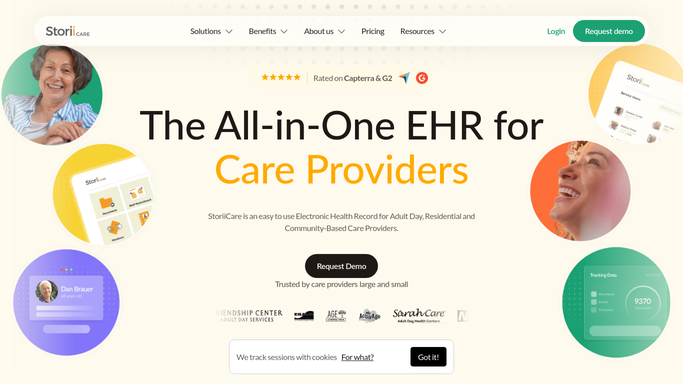
Automated StoriiCare Family Photo Update Drafts
Every Friday, WebRun finds new photos and moments logged in StoriiCare, drafts a warm family update email for each resident, and leaves it in Gmail for a staff member to review before sending.
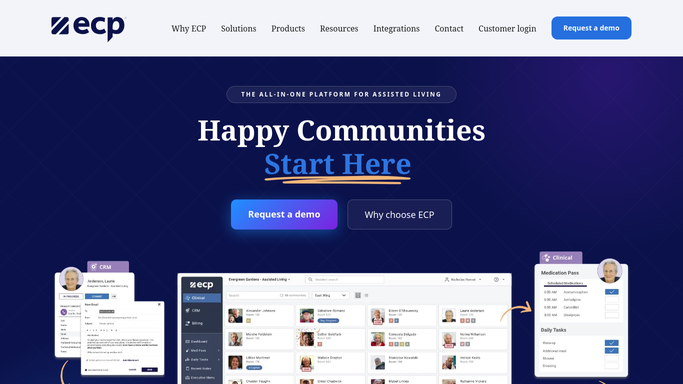
Automated ECP Care Level Billing Reconciliation
Every Monday, WebRun opens ECP, compares each resident's current assessed care level against what they were actually billed, logs every mismatch in a Google Sheet, and emails your business office the discrepancies to correct, never changing a resident's bill itself.
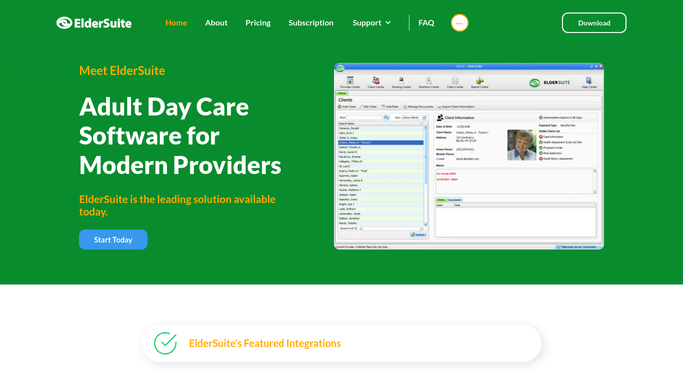

Automated ElderSuite Pickup Notification Drafts
Every afternoon before closing, WebRun opens ElderSuite, checks which participants are wrapping up their day, and drafts a short pickup-ready text for each family, holding every message unsent for your front desk to review and send.

Automated Therap ISP Goal Progress Reports
Every month, WebRun reads each individual's goal data in Therap, drafts a clear progress summary for the case manager, and lets your team review every draft in Gmail before it goes out.

Automated Sigmund Level of Care Review Reminders
WebRun checks every patient's next level of care review date in Sigmund Software each week, logs the schedule to a tracker sheet, and posts a Slack reminder to the clinical team before each review call with the payer.

Automated Zoobook Missed Dose Callback List
WebRun checks Zoobook Systems each morning for patients who missed their scheduled dosing window, drafts a callback text through Twilio for staff to review, and emails the nursing station a ranked callback worklist in Outlook.
Automated Sobriety Hub Infraction Logging
Whenever staff log a house rule violation in Sobriety Hub, WebRun records it in Google Sheets with the resident, rule, and consequence, and posts a nightly summary to Slack.
Automated LongevityEHR Renewal Reminder Drafts
Every Monday, WebRun opens LongevityEHR, finds members whose membership tier renews in the next 14 days, drafts a personalized renewal reminder in Gmail for each, and posts the team a Slack list of who is up for renewal, leaving every email unsent for staff review.
Automated Vein Ultrasound Intake Summaries
Each morning, WebRun reviews new patients' Doppler ultrasound findings in 1st Providers Choice, summarizes the reflux and diameter results per leg, logs the summary to Google Sheets, and emails the treating physician a ready-to-read intake briefing before the consult.
Don't see your workflow?
Show WebRun any process once and we'll turn it into an agent that runs it on schedule.