Overdue invoices rarely get chased on purpose. They get chased when someone finally has a quiet hour, which in a small business means almost never. The list sits in QuickBooks, everybody knows it is there, and the reminder that should have gone out last week is still the one you mean to write.
Plenty of businesses are in the same spot. In a January 2025 survey of 2,487 US small businesses, QuickBooks found that 56% were owed money on unpaid invoices, $17.5K each on average, and that 47% had invoices more than 30 days overdue. Xero's numbers for the September 2024 quarter put the average US small business at 28.7 days to get paid, 9.1 of them late.
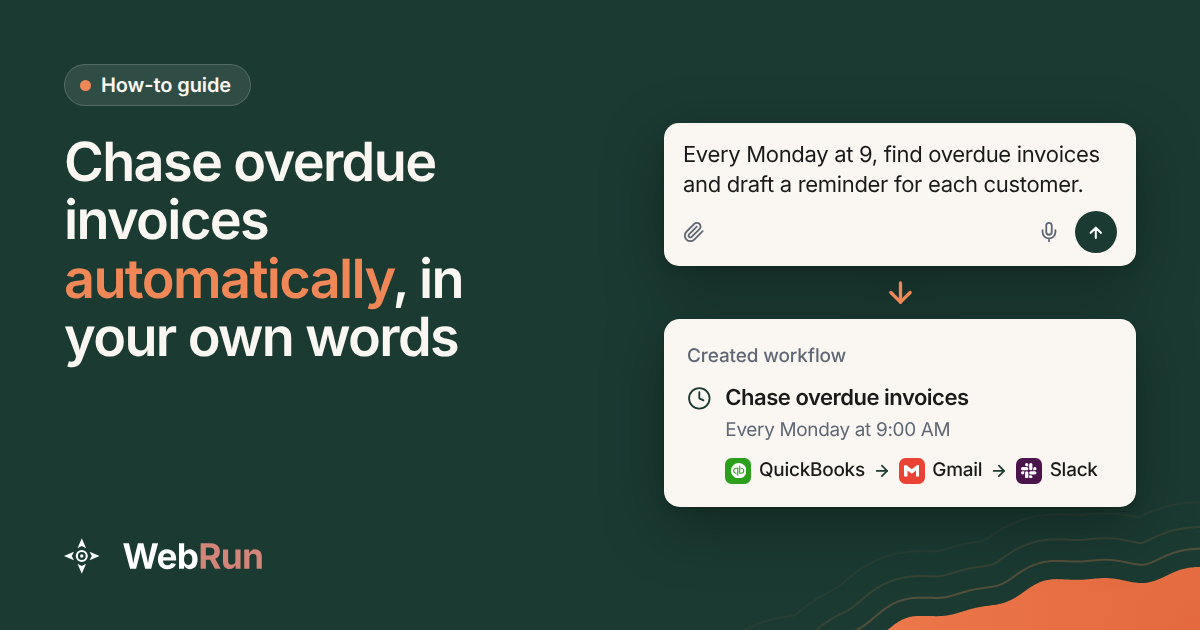
This guide shows how to hand the chasing to an agent. It runs every Monday morning, writes in a voice close to yours, and sends nothing without your yes.
Why chasing slips, and why a schedule fixes it
No single reminder is hard to write. The trouble is everything around it: opening the accounting tool, finding the invoice, checking it was not paid yesterday, and finding words that are polite without being soft. Do that for every late customer and it becomes the job nobody starts.
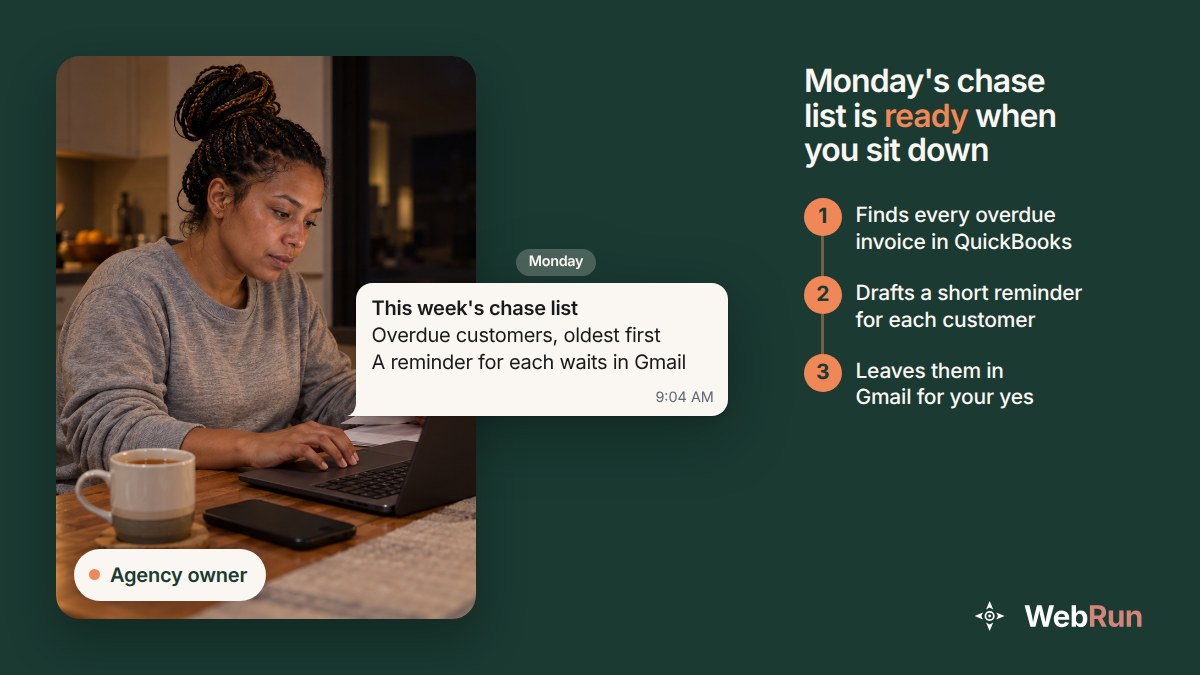
A schedule changes the question. Instead of asking whether you have time to chase today, you sit down on Monday and the work is already done. The list is sorted, the notes are written, and the only decision left is which ones to send.
What the agent does every Monday at 9:00 AM
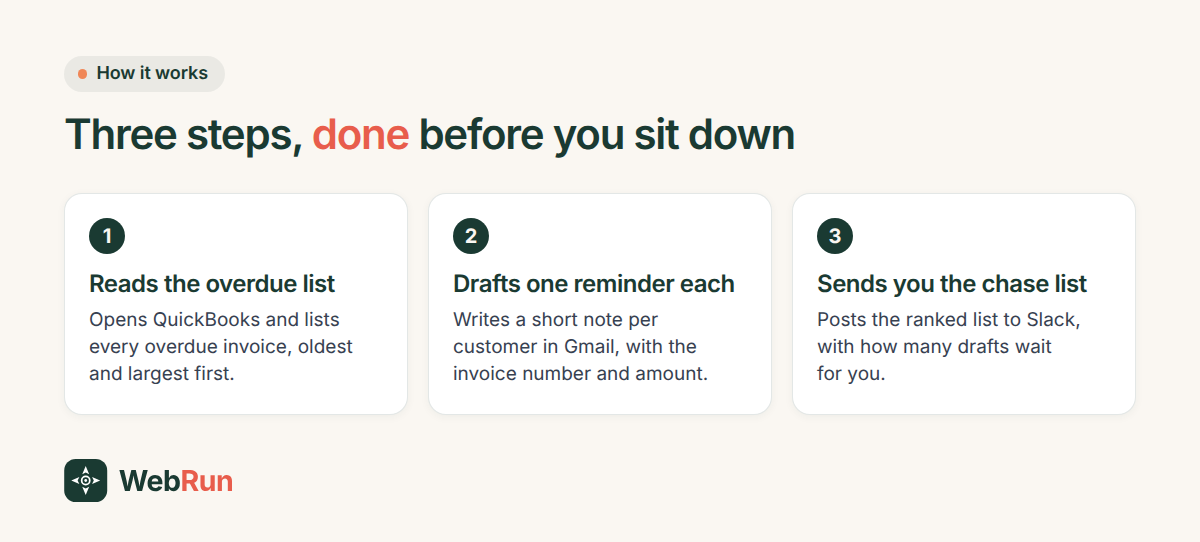
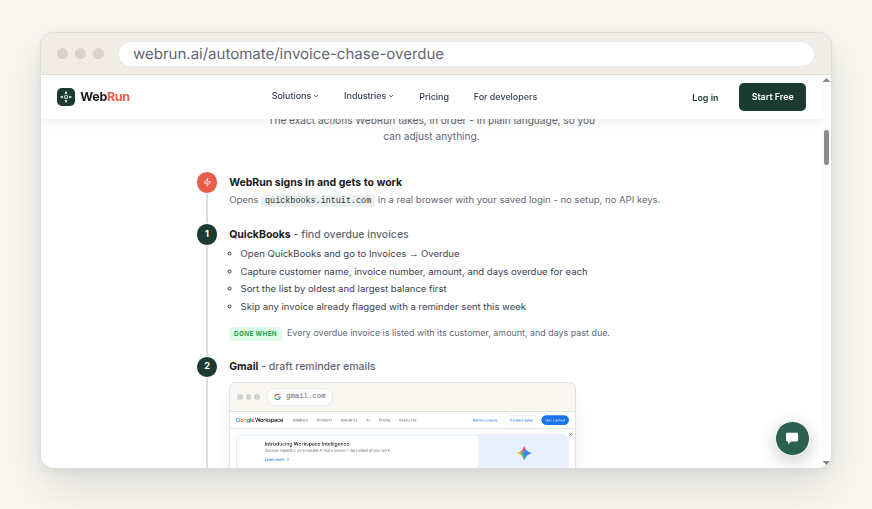
The invoice chase template on webrun.ai sets out each run in three steps:
- QuickBooks. It opens Invoices, then Overdue, and notes each customer, invoice number, amount and days overdue. It sorts the list oldest and largest first and skips anything already reminded that week.
- Gmail. It drafts a short reminder for each customer that names the invoice number and the amount, under a subject line that starts with "Friendly reminder". Every draft stays in your Drafts folder.
- Slack. It posts the ranked list to you, with the amounts, the days outstanding and how many drafts are waiting.
What you need before you start
- QuickBooks, with your invoices in it.
- Gmail, where the drafts will wait for you.
- Slack for the weekly chase list. If your team lives somewhere else, change that step. The template is written in plain words so that you can adjust anything.
- Time to read the first batch of drafts properly. The first run is where you find out whether the tone is right.
Set it up in four steps
- Open the invoice chase template and start the workflow from it.
- Check the schedule. It runs every Monday at 9:00 AM. If Monday morning is your busiest hour, move it.
- Give it your voice. Paste a reminder you have sent before, or a few lines on how you like to sound. The template's own questions and answers say it can follow a sample or a tone guide.
- Let the first run happen, then read every draft before you send any of them.
Writing reminders that get paid
The drafts are only as good as the brief behind them. A few habits make a reminder easier to act on:
- Put the invoice number, the amount and the date it was due in the first two lines.
- Ask for one thing: payment, or a date when payment will come. Not both, and not a paragraph about cash flow.
- If your invoices carry a payment link, put it in the note.
- Write it as a reminder, not a warning. The first note assumes it slipped someone's mind, and you can always write the firmer one yourself.
The snags you will meet
A customer paid on Sunday night. The agent reads QuickBooks at the moment it runs, so an invoice paid before Monday's run drops off the list by itself.
The drafts sound stiff. Give it a better sample. One real reminder you were happy with teaches more than a description of your tone.
Someone replies to a reminder. That conversation is yours. The agent drafts reminders and posts the list; it does not answer your customers for you.
Why the drafts stay drafts
Nothing in this template emails a customer without you. Every reminder waits in Gmail until you press send, and that is deliberate: a reminder that reaches someone who paid by bank transfer this morning costs more goodwill than one that goes out a day late. Reading a batch of drafts takes a few minutes, where writing them used to take the morning.
Try it on your own list
Start with the invoice chase template, or look through the template library for the other jobs that pile up at the end of a month. If your process looks different, with another accounting tool or a weekly email instead of Slack, you can describe your own version in a chat in plain words, the way you would brief a new assistant.