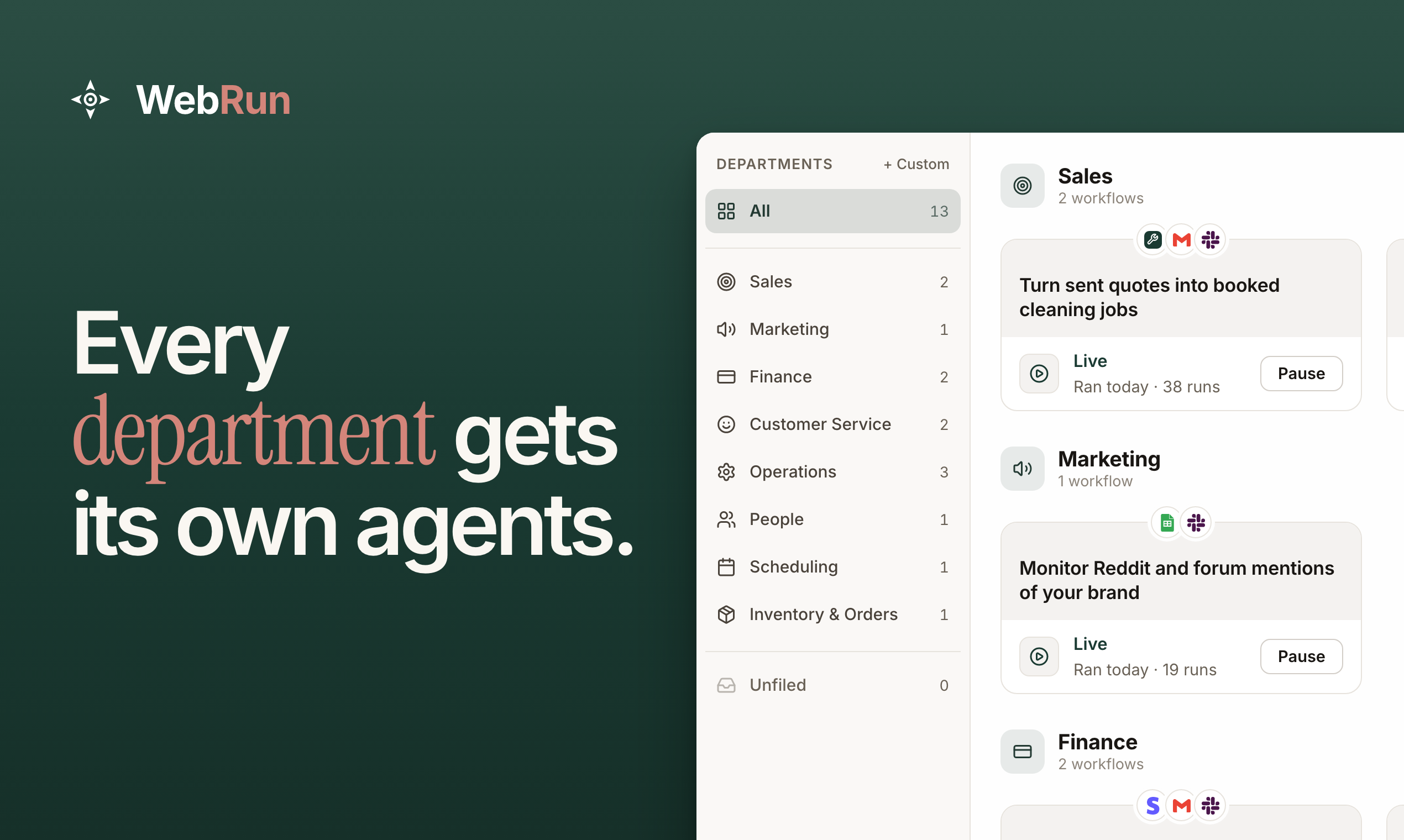
WebRun (webrun.ai) is an AI business automation platform for business owners, startup founders and small teams. Its AI agents automate the repetitive work a team does every week, from answering customer emails to chasing overdue invoices. They work inside the tools the business already uses, on a schedule it sets. Developers get the same browser automation infrastructure through the WebRun API and MCP server.
We launched WebRun's AI agents for business operations on 10 October 2026. A business owner should be able to delegate a job, set the boundaries and know what happened. We built WebRun so a small team can automate its recurring work across the tools it already has.
Describe the job, and an agent runs it on schedule
There are three ways to set up an agent: describe the job in plain language, record your screen while you do it once, or start from one of more than 14,000 ready-made workflow templates.
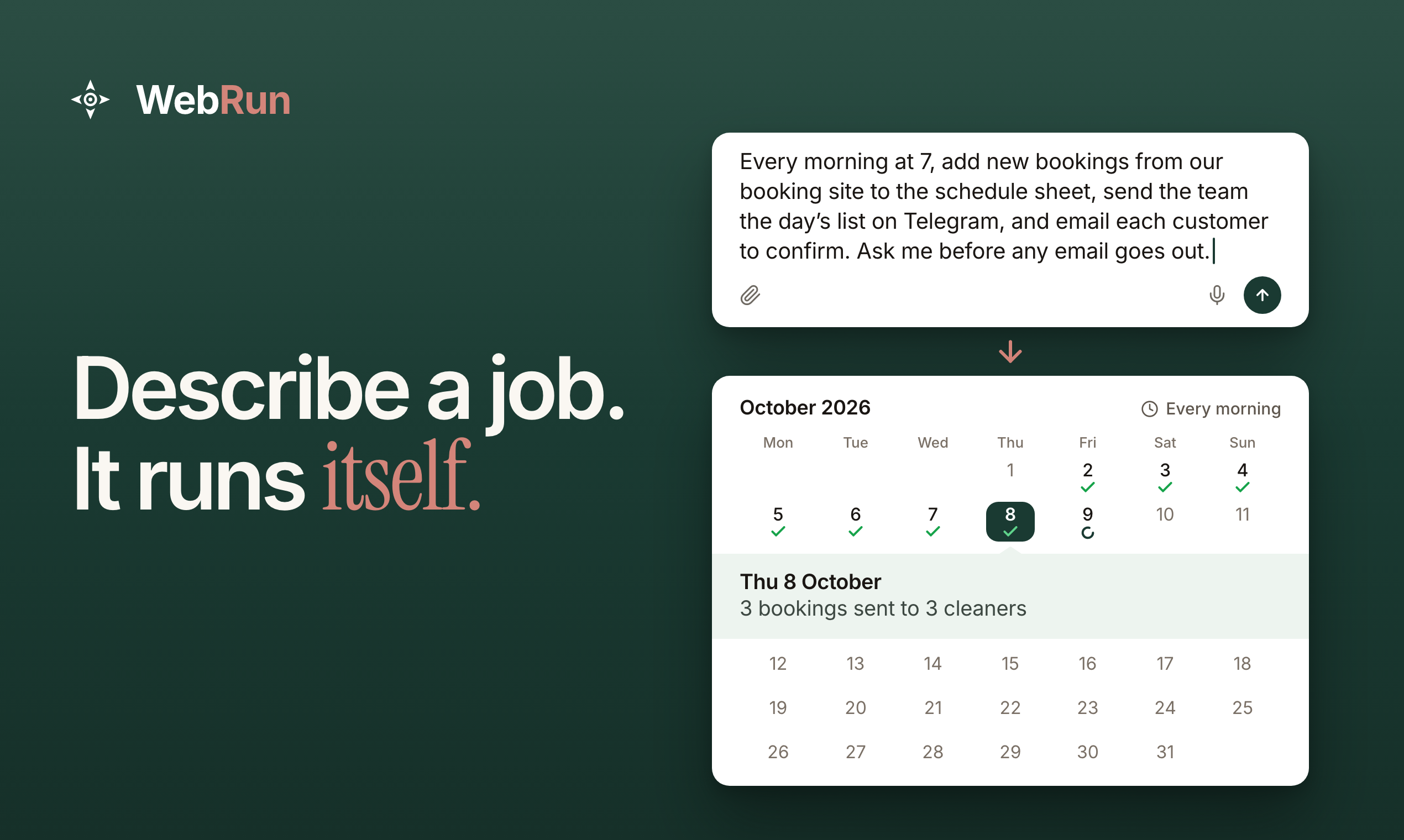
The agent then does the work in a real browser, clicking and typing inside tools such as Gmail, HubSpot, Salesforce, QuickBooks and Xero. It uses each tool the way a person does, so there are no APIs to connect and no code to write. Jobs run in the cloud on the schedule you set, so your own computer does not need to stay on.
Guides for more than 500 apps show what each app automates on its own and what is left for an agent.
What teams hand to their agents
Each agent takes on one recurring job. Teams start with work like this:
- Customer service: answering customer emails, routing support tickets and replying to Google reviews.
- Sales: responding to new leads and following up on outstanding quotes.
- Finance: chasing overdue invoices, reconciling vendor bills and preparing recurring reports.
- Operations: booking appointments, sending reminders, copying new bookings into the schedule and turning work-order emails into jobs.
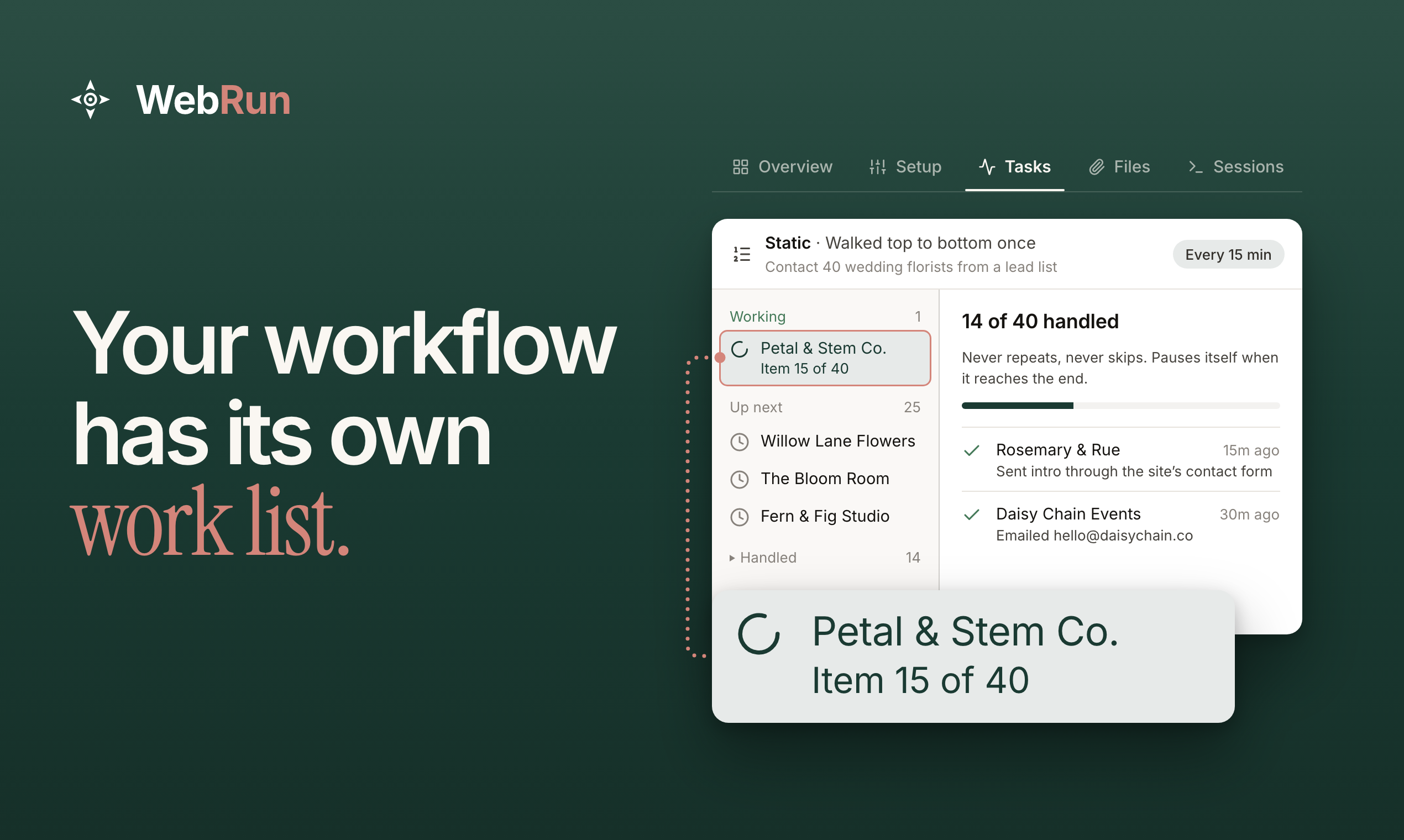
Longer jobs get a worklist
For longer jobs, give an agent a worklist, such as 40 leads to follow up with. It works through the list one item at a time and keeps track of what is complete, what comes next and anything it skipped, with the reason.
You set the rules
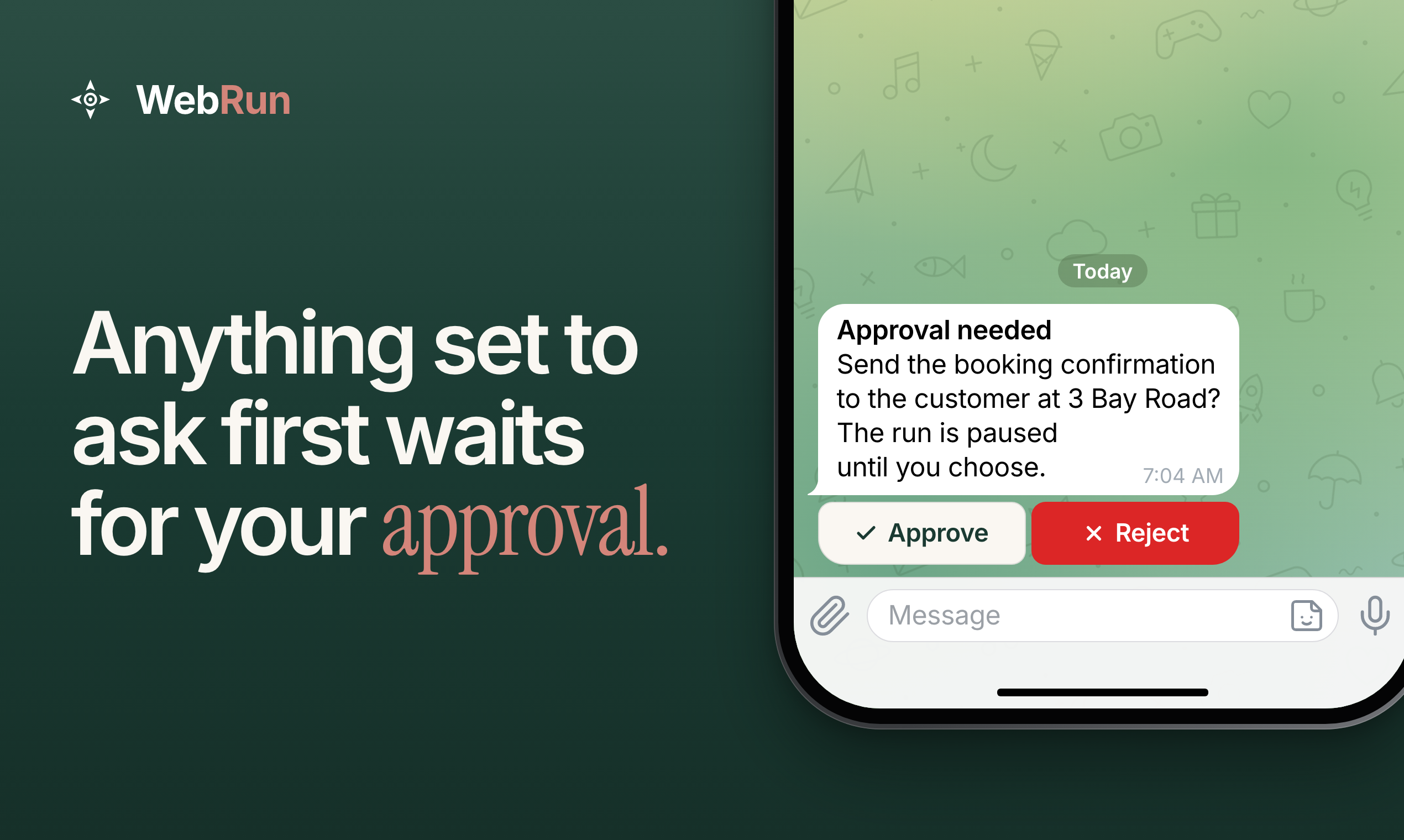
You decide which websites an agent can visit and which actions it may take. Automation Policies check each proposed click, keystroke and page visit before it happens, then allow it, block it or pause for your approval. An allowlist can keep an agent to the domains you name, and the Strict Lockdown preset also blocks shell commands and file uploads.
The check runs on the action itself, so a blocked action stays blocked even if text in an email or on a web page tries to talk the agent into it. When an action is set to require approval, the run pauses and asks you in Telegram or WhatsApp. Every run is recorded, so you can review what happened. The policy documentation lists every rule type.
The same infrastructure, for developers
Everything above runs on infrastructure that developers can use directly, through our REST API and MCP server. You can create persistent cloud environments with saved browser logins, file storage, memory and scheduled tasks, and apply policies that control what agents may do.
The MCP server is listed in the official MCP Registry as ai.webrun/webrun. Use it to add web automation to your own product or workflows, while we manage the browser and desktop environments.
Pricing and availability
WebRun is available now at webrun.ai. Monthly plans are $20 for Starter, $100 for Pro and $200 for Business. Starter comes with a 7-day free trial, and API access is included in every plan.
Developer documentation is at docs.webrun.ai.
Start your free trial and hand your first job to an agent today.