Templates
Workflow templates.
Deploy with one click.
Pick a ready-made automation and turn it on. Each one handles a real job your team does every week, right inside the tools you already use. Customize anything.


Automated Sigmund Relapse Risk Flags
WebRun scans new progress notes and behavioral logs in Sigmund Software throughout the day, watches for documented relapse risk signals like meal refusal, purging behavior, or compulsive exercise, and posts an immediate Slack alert to the clinical team.


Automated Zoobook Program Fee Reminders
WebRun checks Zoobook Systems each week for patients behind on their program fee, logs the balance to Google Sheets, and drafts a payment reminder text through Twilio for staff to review before it goes out.
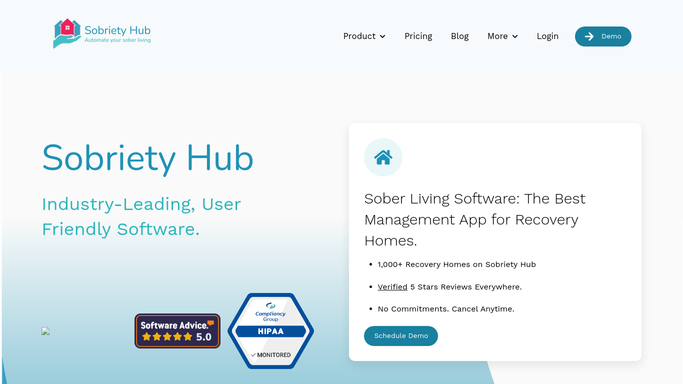
Automated Sobriety Hub Pass Request Tracking
Whenever a resident submits an overnight pass request in Sobriety Hub, WebRun flags it for the house manager, and drafts a confirmation text once a decision is logged.

Automated LongevityEHR Peptide Refill Reminders
Every morning, WebRun opens LongevityEHR, finds members whose peptide supply runs out within 7 days based on their last fill and dose, logs each to a Google Sheets refill queue, and drafts a personalized Twilio text reminder for each, left unsent for your team to approve and send.


Automated Referring Physician Update Drafts
Weekly, WebRun checks 1st Providers Choice for patients seen this week who came from a referring physician, and drafts a short case status update letter in Outlook for the treating physician to review, approve, and send back to the referrer.

Automated Cerbo Referral Partner Report
On the first of every month, WebRun tallies each new patient's referral source from Cerbo, and compiles a ranked report in Google Sheets showing which referring providers and partners send the most patients, and how many of them stay.
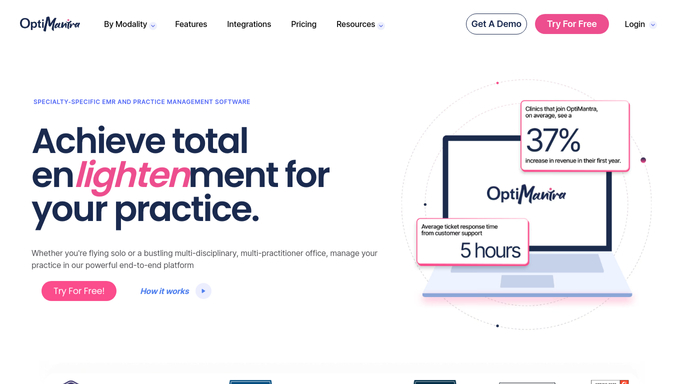
Automated OptiMantra PHQ-9 Score Trend Alerts
WebRun checks each patient's PHQ-9 and GAD-7 scores in OptiMantra every morning, flags anyone whose depression or anxiety score is rising instead of improving, and alerts your clinical team the same day so a provider can follow up.

Automated Intellicure HBOT Claim Status Alerts
Every morning, WebRun opens Intellicure, checks the status of every submitted reimbursement claim, logs aging and denied claims to a shared tracker, and drafts an appeal for your billing team to review before it's resubmitted.
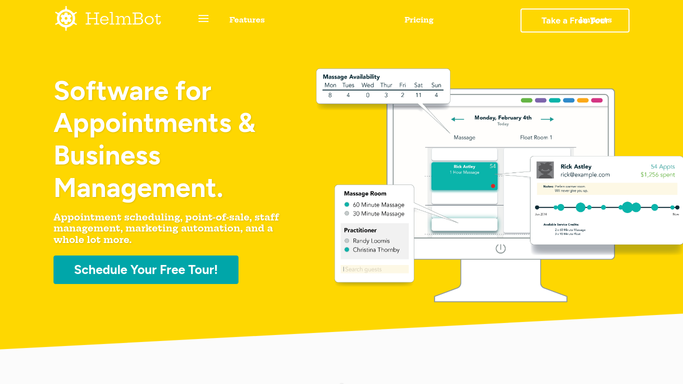
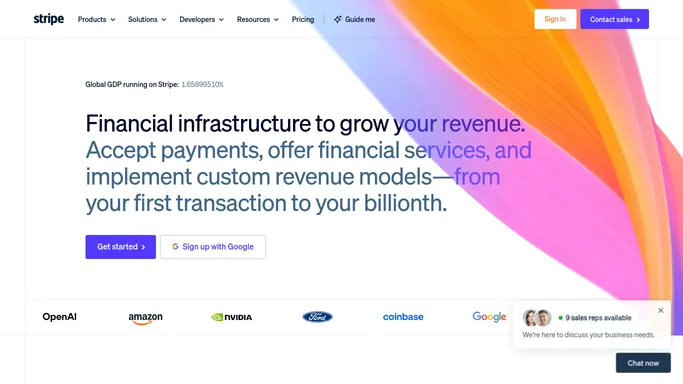
Automated HelmBot Cryotherapy Membership Renewals
Every morning, WebRun opens HelmBot to find unlimited plan members renewing in the next few days, checks the card on file in Stripe, and drafts a renewal reminder in Mailchimp for your team to review before it sends.
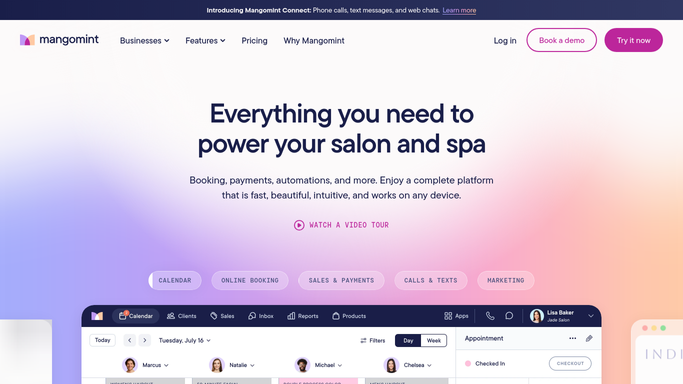

Automated Mangomint Referral Thank You Drafts
Every morning, WebRun finds new clients in Mangomint who named an existing client as their referral source, drafts a thank you message with their reward for the referring client, and drafts a welcome email for the new client.

Automated HRT Control Provider Utilization Reports
On the first of each month, WebRun compares booked visits in HRT Control against open slots on Google Calendar for each provider, and logs a utilization report to a Google Sheet.

Automated PatientNow Program Completion Follow-Ups
WebRun checks PatientNow each morning for patients finishing their GLP-1 program, logs each completion to a Google Sheet, and drafts a Mailchimp email congratulating them and offering a maintenance plan, left unsent for your team to review and send.
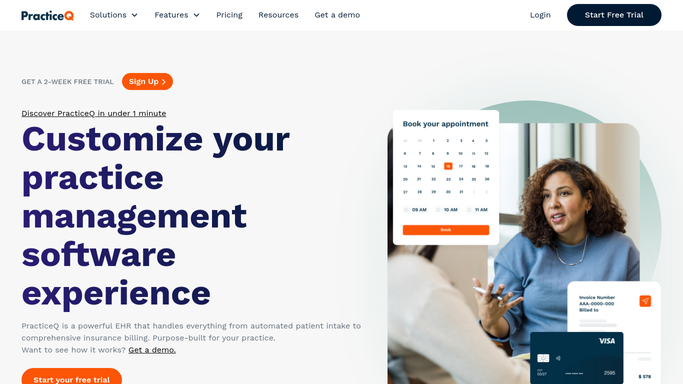
Automated PracticeQ Vitamin Additive Expiry Alerts
Every morning, WebRun checks each vitamin additive and injectable's expiry date against your inventory sheet, cross-checks what PracticeQ has booked to use them, and texts your lead nurse a heads-up when something is about to expire.
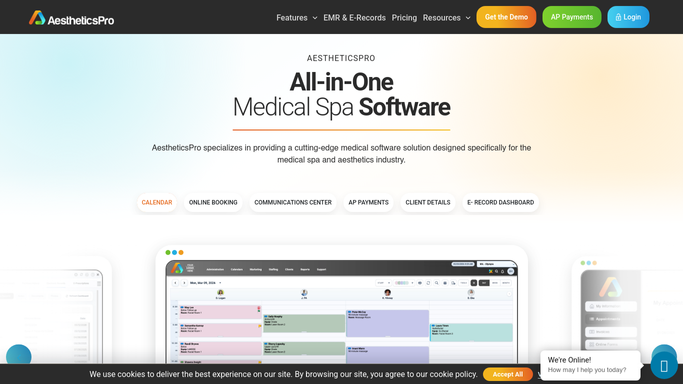
Automated AestheticsPro Commission Payout Recap
Every Monday, WebRun tallies each provider's commissionable treatments in AestheticsPro, logs the running commission totals to Google Sheets, and drafts the payout entry in QuickBooks for your bookkeeper to review before posting.
Healthie Automatic Superbill Generation
WebRun finds yesterday's completed billable visits in Healthie, confirms payment was collected in Stripe, assembles each superbill with the right diagnosis and procedure codes, and drafts it for your review before it goes to the client.
Automated Sickle Cell Crisis Follow Up
WebRun finds patients recently seen for a sickle cell pain crisis in Cellma, books a follow-up slot in Google Calendar within days, and drafts a check-in text in Twilio for your nurse to review before sending.

Glooko Automated Insulin Pump Supply Reminders
Every Monday, WebRun checks Glooko for insulin pump patients running low on infusion sets or reservoirs based on usage data, checks Edgepark for their reorder eligibility, and posts a refill worklist to Slack for staff to confirm and place the order.

Automated FRAX Fracture Risk Reporting
WebRun pulls each completed scan's T-score from Hologic Horizon DXA, calculates the FRAX 10-year fracture risk, logs it to a Google Sheet for the clinical team, and drafts a summary email to the referring physician for your clinician to review before sending.
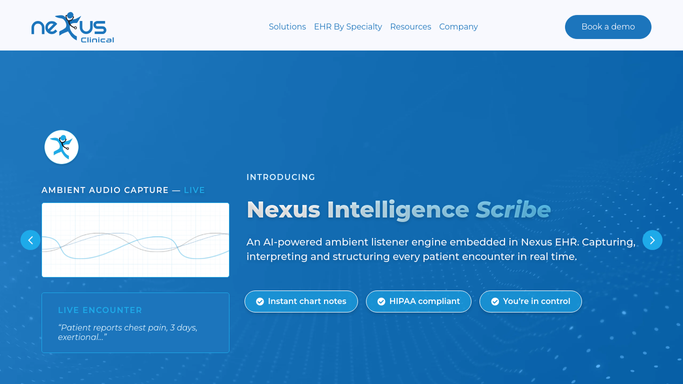

Automated PDMP Check Reminders
WebRun finds upcoming visits in Nexus Clinical where a controlled substance refill is likely, checks how long it has been since the prescriber's last PDMP review in Bamboo Health, and posts a Microsoft Teams reminder before the visit so the check never gets skipped.

Automatic Genetic Counseling Follow Up Scheduling
Every morning, WebRun checks Progeny Clinical for patients who received a result but have no follow up counseling session booked, checks open slots in Google Calendar, and drafts a Twilio text offering times for staff to send.

Automatic Urodynamics Rescheduling Outreach
WebRun watches the shared Google Calendar for a canceled urodynamics slot, matches it against the Laborie waitlist of patients needing testing, and drafts an offer text in Twilio for staff to review before it reaches anyone.


Automatic Pre-Op Pulmonary Clearance Letters
Every morning, WebRun checks ModuleMD for new pre-operative pulmonary clearance requests, routes the completed clearance letter to the pulmonologist for e-signature in DocuSign, and drafts the email to the surgical office for staff to review and send.


Automatic Paracentesis Appointment Reminders
WebRun checks gGastro (ModMed) each week for patients with recurring paracentesis appointments, drafts a Gmail reminder for each visit, and posts the week's paracentesis schedule to Slack for the nursing team.

Automatic OPAT Antibiotic Scheduling
Every morning, WebRun checks CureMD for patients active on OPAT IV antibiotic therapy, builds the day's infusion and lab schedule in Google Sheets, and drafts a reminder text for each patient that your nurse reviews before it sends.
Don't see your workflow?
Show WebRun any process once and we'll turn it into an agent that runs it on schedule.