Templates
Workflow templates.
Deploy with one click.
Pick a ready-made automation and turn it on. Each one handles a real job your team does every week, right inside the tools you already use. Customize anything.

Automated Refrigerant Cylinder Tracking Log
WebRun logs every refrigerant cylinder received and dispensed in Savance Enterprise (Klipboard), tracks net weight by type, and pings your compliance channel when a cylinder count looks off.


Automated DistributionPlus Rebate Enrollment Tracking
Every week, WebRun checks CP Tech DistributionPlus for contractors buying rebate eligible products who aren't enrolled in the matching program, drafts an enrollment invitation for each in Outlook for review, and sends your rebate coordinator a Telegram summary so no eligible contractor is missed.


Automated Eclipse Slow-Moving Inventory Report
WebRun finds items in Epicor Eclipse with little to no sales activity, checks the carrying cost impact in QuickBooks, and posts your purchasing team a Slack report ranked by dollars tied up so they know what to return, mark down, or stop reordering.

Streamtime Automatic Quote Follow-Up Drafts
Every morning, WebRun checks Streamtime for quotes sent to prospects more than 5 days ago with no response, drafts a friendly follow-up email for each in Gmail, and posts your team a Slack list of which quotes are going cold.
Sprout Social Automated Deliverable Tracking
Every morning, WebRun compares each influencer's contracted posts against what has actually gone live in Sprout Social, updates the deliverable tracker in Airtable, and alerts Slack when a creator is falling behind schedule.
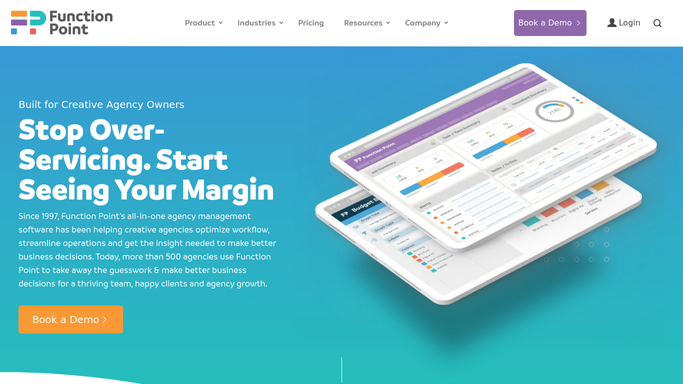
Function Point Automated Budget Variance Reports
Every Monday, WebRun compares each active project's budgeted hours and fee in Function Point against actual costs in QuickBooks, and posts your project leads a variance report so overruns get caught early.


Syngency Automated Talent Onboarding Checklist
When a new talent profile is created in Syngency, WebRun builds a document checklist in Google Drive, drafts a welcome email in Gmail with next steps, and flags which documents are still missing.
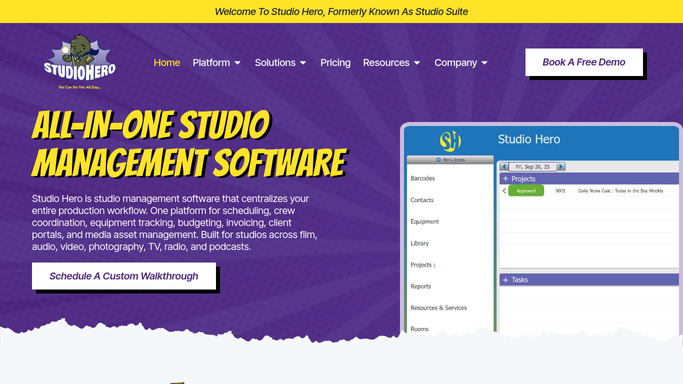

Studio Hero Automated Session Booking Confirmations
When a new session is booked in Studio Hero, WebRun holds the room and gear on Google Calendar and drafts a confirmation email in Gmail for your front desk to review and send.

Studio Ninja Automated Retainer Expiration Alerts
Every Monday, WebRun checks the retainer ledger in Google Sheets against client records in Studio Ninja for prepaid packages expiring soon, and sends you a Telegram alert so you can reach out personally before the credit is lost.

Total Party Planner Automated Catering Quote Drafts
WebRun reads every new catering inquiry, builds a quote in Total Party Planner from your standard pricing, and drafts the email for you to review so prospects get a fast reply without a rushed price.
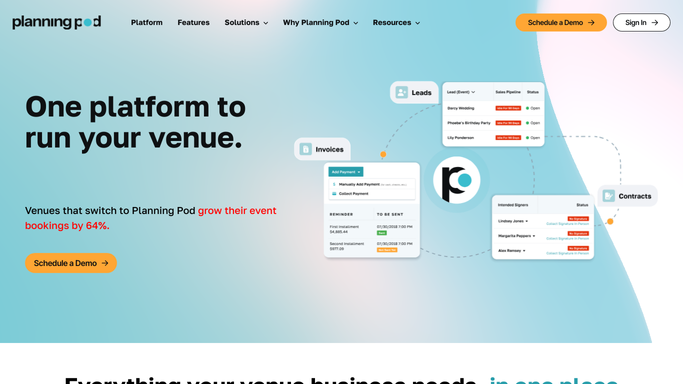
Planning Pod Automated Sponsor Deliverable Tracking
WebRun checks Planning Pod every Monday for sponsor commitments coming due, logs the status of each deliverable to Google Sheets, and drafts a status update email in Outlook for any sponsor whose items are complete.

Aisle Planner Automated Milestone Check-In Drafts
WebRun checks Aisle Planner and your calendar each week for couples hitting a planning milestone, drafts a personalized check-in email listing what's due next, and posts the queue to Slack for your review.
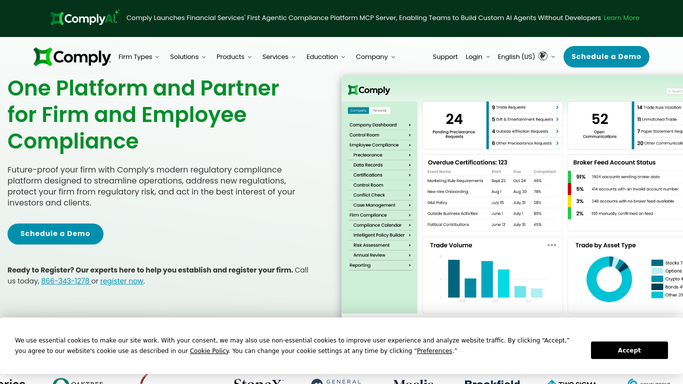
Automated RIA Client Onboarding Checklists
When a new client is added to ComplySci, WebRun checks their compliance program setup, tracks the onboarding checklist in Google Sheets, and checks DocuSign for the signed engagement agreement.

Automatic Equipment Inspection Scheduling
WebRun checks Rouse Services for engagements needing an on site inspection, finds open slots on your Google Calendar, and drafts a confirmation text for each equipment owner in Twilio for your review before it sends.
Automated Franchise Tax Due Date Alerts
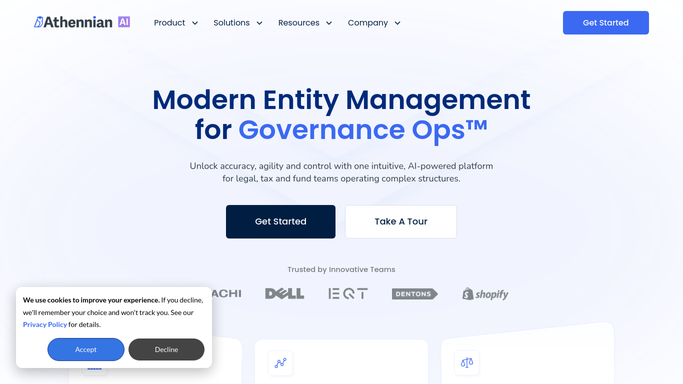
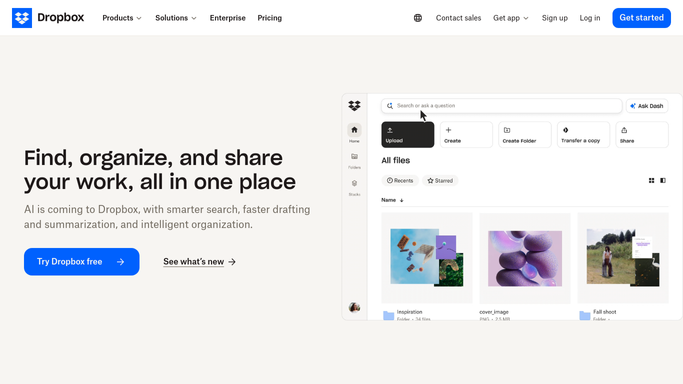
WebRun finds client entities with a franchise tax payment due soon in Athennian, files the state notice in Dropbox, and posts your billing team a Slack list of who's due and how much.

Automated Payroll Relief Approval Reminders
Every morning, WebRun opens Payroll Relief, finds every client batch still waiting on approval, flags the ones closing in on their submission cutoff, drafts a Gmail reminder to each client contact, and posts your processing team a Slack list of who still has not approved.

Automated Buyer NDA Signature Reminders
WebRun checks BizBuySell inquiries against DocuSign to find buyers who still haven't signed their NDA, then drafts a polite reminder in Gmail so you can nudge them without lifting a finger.

Automatic Fraud Red Flag Escalation
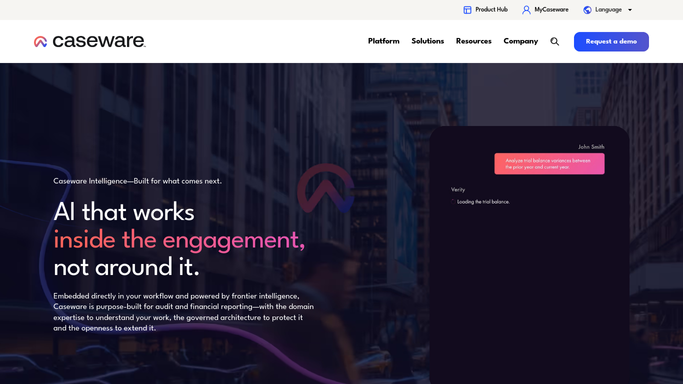
Every hour, WebRun checks CaseWare IDEA for red flags that cross a high-severity threshold, pings you on Telegram right away, and drafts an escalation memo in Gmail, left unsent, so a partner reviews it before anyone outside the firm hears a word.

Automated Rate Filing Status Tracking
WebRun checks your rate filings against AXIS pricing output, logs each filing's status, pending, objection, or approved, to a Smartsheet, drafts a response outline when a state raises an objection, and posts a Microsoft Teams update.
Automated Applied Epic Loss Run Follow Up
Every Monday, WebRun opens Applied Epic, finds renewals coming up that are missing current loss runs, drafts a follow up request to the carrier or MGA in Outlook, and tracks requested and received status in a Google Sheet.
Automated Divorce Document Request Tracking
Every Monday, WebRun checks the document checklist in Family Law Software against what has actually landed in Google Drive, then drafts a follow-up email for every client still missing paperwork.
Automated RIA Portfolio Rebalance Alerts
Every morning before markets open, WebRun compares each client's actual allocation in Charles Schwab Advisor Center against the target model on file in Redtail Technology, and posts a Slack list of every account drifted past your threshold.


Automated Prenda Scholarship Funding Alerts
Every morning, WebRun checks each scholarship funded family's status in Prenda and ClassWallet, and posts your admin a list of funding that is pending, expiring soon, or rejected.

Automated iClassPro Sibling Discount Drafts
When a second child from the same family enrolls in iClassPro, WebRun checks the household's active enrollments, drafts a sibling discount confirmation email for the family in Gmail, and pings billing on Telegram to key in the adjusted rate.
Don't see your workflow?
Show WebRun any process once and we'll turn it into an agent that runs it on schedule.