Templates
Workflow templates.
Deploy with one click.
Pick a ready-made automation and turn it on. Each one handles a real job your team does every week, right inside the tools you already use. Customize anything.

Supabase Automated Usage Reports
Every week, WebRun checks database size, API requests, storage, and auth users across your Supabase projects, saves a usage report to Google Drive, and texts you through Twilio if a project is nearing its plan limit.


Automated Sucuri Security Scan Alerts
Every hour, WebRun checks Sucuri for a new malware detection, blocklist entry, or firewall block spike on any monitored site, archives the full scan report to Google Drive, and alerts Slack immediately.
Automatic Strikingly Lead Capture to Spreadsheet
WebRun watches your Strikingly site's contact forms and store orders, logs each new one to a Google Sheet, and keeps a running summary in Notion.

Automated StreamSets Overnight Pipeline Reconciliation
Every morning, WebRun opens StreamSets, checks every scheduled pipeline run from overnight, logs any failure to Airtable with the error, and drafts a summary email in Gmail for the data engineering lead so broken pipelines get fixed before the day's data relies on them.
Automated Strato Hosting Setup Checklist
When a new Strato hosting package is ordered, WebRun checks off the setup checklist, domain pointing, email, SSL, and backups, logs the status in Airtable, and posts the full setup summary to Notion.
Automated Strapi Cloud Content Publishing Digest
WebRun checks your Strapi Cloud content every morning, notes what was published, updated, or left in draft, saves a backup export to Google Drive, and posts a summary to Slack.


Automated Storyblocks Renewal Alerts
Every week, WebRun checks the Storyblocks subscription's renewal date and this cycle's download usage, adds the date to Google Calendar, and posts a reminder to Microsoft Teams as it approaches.
Automated Stoplight API Spec Drift Detection
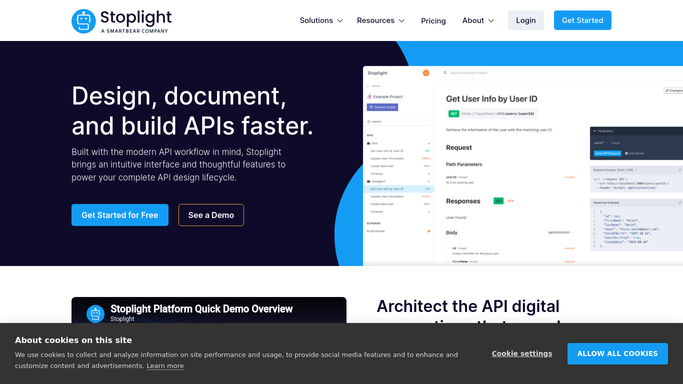
WebRun compares your published Stoplight API specs against the archived design docs in Google Drive every night, and texts the API owner when a breaking change in the spec is detected.
Automated StatusCake Outage Postmortem Logging
WebRun watches your StatusCake monitors, posts a Microsoft Teams alert the moment one goes down, and logs the incident window on Google Calendar so the postmortem has the facts ready.

Automated Stash Monthly Investment Digest
Every month, WebRun reads your Stash activity, totals round-ups and recurring investments that actually processed, logs it to a Google Sheet, and writes a short summary note in Notion.

Automated Starburst Weekly Query Cost Scorecard
Every Monday, WebRun opens Starburst, reads last week's query volume and compute usage by team, posts a cost scorecard to Slack, and sends the full breakdown to Telegram so platform leads can see who is spending what before costs get out of hand.

Automated Staples Office Supply Reorder Alerts
WebRun checks your standing Staples supply list every week, posts the status to Slack, and pings Telegram if a critical item is out of stock.

Automated StackPath Bandwidth and WAF Report
Every Monday, WebRun checks StackPath for bandwidth delivered, cache hit ratio, and blocked WAF requests from the past week, logs the totals to Google Sheets, and posts the summary to a Notion page.

Automated StackBlitz Project Activity Scorecard
WebRun checks your StackBlitz projects every Monday, notes which ones were forked or edited that week, logs the activity to Airtable, and posts a short scorecard to Notion.

Automated Squarespace Rush Order Alerts
Every hour, WebRun checks your Squarespace store for orders above your size threshold or marked for rush shipping, adds a ship-by deadline to Google Calendar, and notifies the fulfillment team in Microsoft Teams so nothing slips.
 Squarespace›

Automated Spocket Supplier Price Change Alerts
WebRun checks your Spocket sourced products every day for supplier price and stock changes, creates a Trello card for each, and sends you a WhatsApp heads up.
Automated Split Stale Feature Flag Cleanup
WebRun reviews your Split feature flags every Monday, finds ones that are fully rolled out or untouched for weeks, logs them to a Google Sheet, and posts a Notion cleanup checklist for engineering to review.

Automated Spline Scene Performance Scorecards
Every Friday, WebRun checks each published Spline scene's views and load performance, updates its Trello project card, and posts the scorecard to Microsoft Teams.
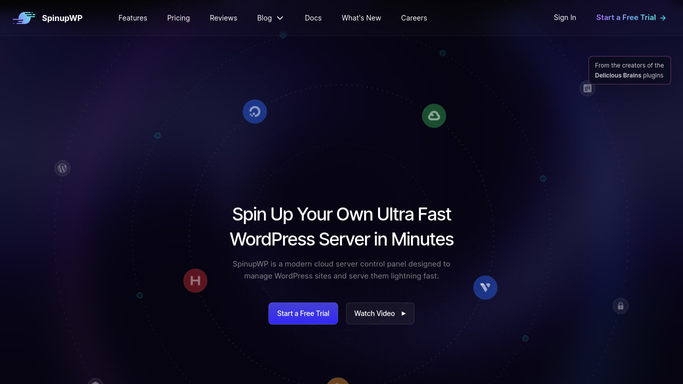
Automated SpinupWP Server Setup Checklist
WebRun checks a new SpinupWP server's provisioning, from PHP to SSL, logs progress to Google Drive, and texts you through Twilio once it's ready.
 SpinupWP›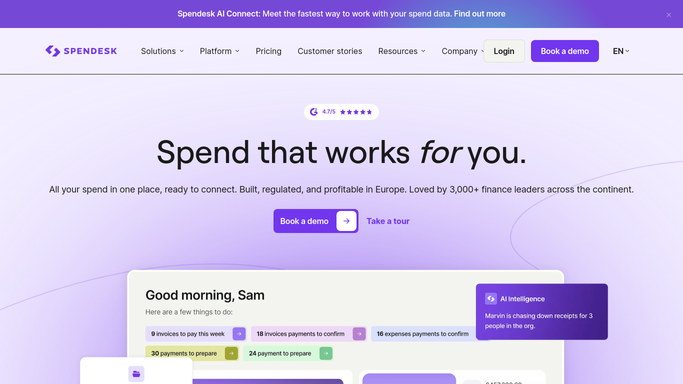
Automated Spendesk Approval Handoffs
Through the day, WebRun checks Spendesk for purchase and card requests waiting on approval, posts a Slack summary to the approver, and pings Telegram when a request has waited more than 3 business days.
Automated Spaceship Domain Portfolio Digest
WebRun reads your Spaceship domains' status each morning, posts a digest to Microsoft Teams, and logs a calendar review for anything expiring soon.
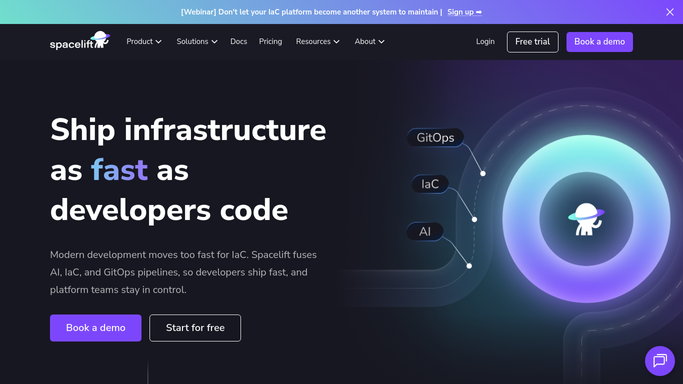

Automated Spacelift Plan Approval Handoff
WebRun watches your Spacelift stacks for runs waiting on approval, posts the plan summary to Microsoft Teams, and creates a Trello card assigned to the approver so nothing applies without a human sign-off.

Automated Soldo Flagged Transaction Review
Every morning, WebRun flags Soldo card transactions over a wallet's budget or missing a receipt, creates a Trello card for each, and drafts a WhatsApp alert to the cardholder asking for the missing receipt.
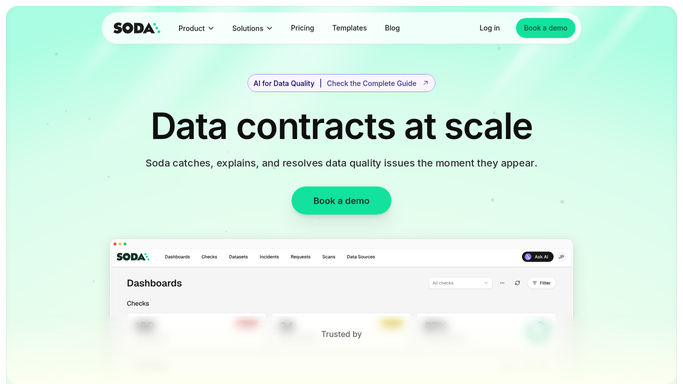
Automated Soda Data Quality Failure Alerts
Every time a Soda scan runs, WebRun checks the results, creates a Trello card the moment a data quality check fails, and pings the data owner on WhatsApp with the table and rule so a bad batch of data gets caught before it reaches a dashboard.
Don't see your workflow?
Show WebRun any process once and we'll turn it into an agent that runs it on schedule.