Audit accessorial charges on every load so you get paid for every extra service
Every Monday, WebRun opens Truckbase, reviews last week's completed loads for accessorial events, checks QuickBooks to confirm whether each charge was included on the invoice, and sends you a Telegram message listing any unbilled accessorials ready for your review.
- No credit card
- Under $0.01 per run
- Cancel anytime
How do I automatically audit accessorial charges to make sure every extra service is billed?
WebRun reviews Truckbase each Monday for accessorial events on last week's completed loads, then checks QuickBooks to confirm whether each charge was invoiced. Any unbilled accessorials are summarized in a Telegram message to your billing team, so no liftgate, layover, or driver assist charge is missed.
- Unbilled liftgate, layover, and driver assist charges are caught every week
- Revenue leakage from missed accessorials is systematically reduced
- Billing team gets a weekly summary without manual invoice auditing
Built for freight dispatch services · trucking carriers · billing managers · owner-operator dispatchers
What does WebRun do on every run?
The exact actions WebRun takes, in order - in plain language, so you can adjust anything.
-
WebRun signs in and gets to work
Opens
app.truckbase.comin a real browser with your saved login - no setup, no API keys. -
1
Truckbase - find accessorial events on completed loads
truckbase.com How to Automate Truckbase
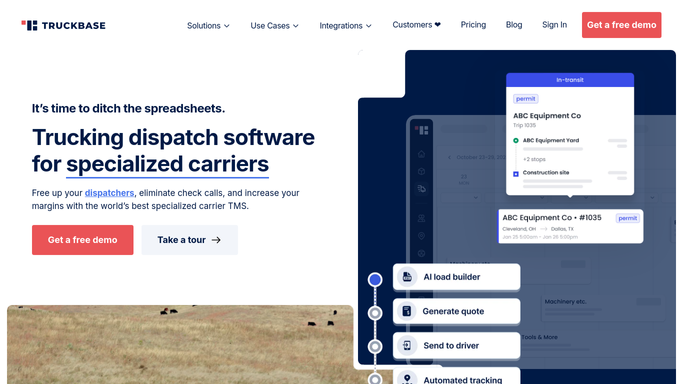
WebRun opens Truckbase to find accessorial events on completed loads. - Open Truckbase and filter loads completed in the last seven days
- Check each load for accessorial events such as liftgate, layover, driver assist, redelivery, or fuel surcharge
- List every accessorial event with the load number, type, and standard charge amount
Done when All accessorial events from last week's loads are listed with type and expected charge.
-
2
QuickBooks - confirm which were invoiced
- Open QuickBooks and look up the invoice for each load
- Check whether the corresponding accessorial line item is included on the invoice
- Flag any load where one or more accessorials are missing from the invoice
Done when Every accessorial event is confirmed as billed or flagged as missing.
-
3
Telegram - send unbilled accessorial summary
telegram.org How to Automate Telegram

WebRun opens Telegram to send unbilled accessorial summary. - Send a Telegram message to the billing team listing all unbilled accessorial charges with load number, charge type, and estimated amount
- Include the total estimated missed revenue for the week
Done when Billing team has a weekly unbilled accessorial summary on Telegram.
How is each run configured?
Secure by default
Connect once, stays signed in
WebRun signs in once and keeps each session in a persistent environment, so every run picks up right where it left off.
Every action is checked against this policy before it runs.
Questions, answered
Will it add charges to an invoice automatically?
No. WebRun identifies missing charges and alerts your billing team via Telegram. Adding the charge to the invoice is a billing action your team performs after reviewing the summary.
Which accessorial types does it look for?
It checks for liftgate, layover, driver assist, redelivery, fuel surcharge, and any other accessorial types recorded in Truckbase. You can customize the list during setup.
What if the accessorial was already credited or waived by agreement?
Your billing team reviews the Telegram summary before adding any charges. If a charge was waived or covered by a contract, they can skip it during review.
Related templates
Put this on autopilot.
Turn it on in minutes - or have our team set it up for you.