Automated Carrier Insurance Certificate Expiry Alerts
Every morning, WebRun opens Truckbase, checks the expiration dates on carrier insurance certificates, flags any expiring within 30 days, logs them to a Google Sheet, and posts an alert to Slack so your compliance team can act.
How do I get automatic alerts when carrier insurance certificates are about to expire?
WebRun opens Truckbase each morning, checks every carrier insurance certificate on file, and flags those expiring within 30 days. It logs the details to a Google Sheet and posts a prioritized Slack alert to your compliance team, so no certificate lapses due to a missed deadline.
- No carrier insurance certificate lapses without advance warning
- Compliance team gets a prioritized daily list sorted by urgency
- Manual certificate auditing is eliminated
Built for freight dispatch services · trucking carriers · compliance managers · fleet administrators
What does WebRun do on every run?
The exact actions WebRun takes, in order - in plain language, so you can adjust anything.
-
WebRun signs in and gets to work
Opens
app.truckbase.comin a real browser with your saved login - no setup, no API keys. -
1
Truckbase - scan insurance cert expiry dates
truckbase.com
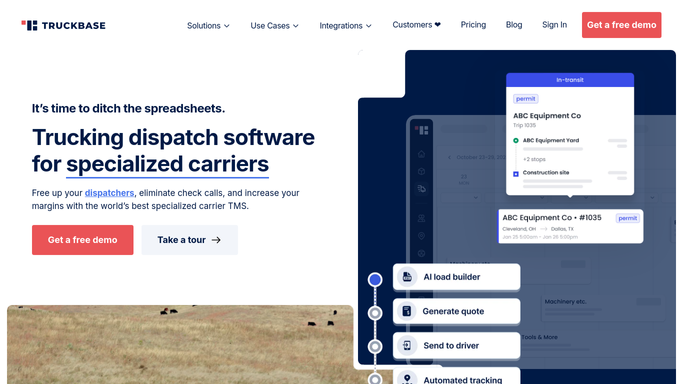
WebRun opens Truckbase to scan insurance cert expiry dates. - Open Truckbase and navigate to driver or carrier compliance documents
- Check the expiration date on each insurance certificate on file
- Flag certificates expiring within 30 days and note the carrier name, policy type, and exact expiry date
Done when All insurance certificates expiring within 30 days are identified.
-
2
Google Sheets - log expiring certificates
google.com

WebRun opens Google Sheets to log expiring certificates. - Open the carrier compliance tracking sheet
- Append or update a row for each flagged certificate with carrier name, policy type, expiry date, and days remaining
- Mark certificates already actioned in prior runs to avoid duplicate rows
Done when All expiring certificates are logged in the tracking sheet.
-
3
Slack - alert the compliance team
slack.com

WebRun opens Slack to alert the compliance team. - Post a daily alert to the compliance Slack channel listing certificates expiring within 30 days
- Sort the list by days remaining, most urgent first
- Include the carrier name and policy type in each line item
Done when The compliance team has a prioritized expiry alert in Slack.
How is each run configured?
Secure by default
Connect once, stays signed in
WebRun signs in once and keeps each session in a persistent environment, so every run picks up right where it left off.
Every action is checked against this policy before it runs.
Questions, answered
Will it contact the carrier or insurer automatically?
No. WebRun only alerts your internal team via Slack and logs the gap to a sheet. Any outreach to the carrier or insurer is handled by your staff after reviewing the alert.
How far in advance does it flag expiring certificates?
The default window is 30 days, giving your team time to request renewed certificates before coverage lapses. You can adjust the window during setup.
What if a certificate has already been renewed?
On each run, WebRun reads the live expiry date in Truckbase. If an updated certificate has been uploaded with a future date, it will not appear in the alert.
Related templates
Put this on autopilot.
Turn it on in minutes - or have our team set it up for you.