Recover canceled and no-show anesthesia cases the same day
Every morning, WebRun opens Graphium Health, pulls cases canceled or no-showed from the prior business day, captures the reason code, facility, and provider for each, checks Google Calendar for available OR coverage slots, and posts a recovery worklist to your scheduling coordinator in Slack so vacated time can be filled.
- No credit card
- Under $0.01 per run
- Cancel anytime
How do I automatically recover canceled anesthesia cases and fill OR slots?
WebRun opens Graphium Health every morning, pulls all cases that were canceled or no-showed the prior day, and checks Google Calendar for available OR coverage slots at the affected facilities. A recovery worklist sorted by available slots is posted to your scheduling team in Slack, so vacated OR time can be filled the same day instead of being lost.
- Vacated OR slots are identified and available for rebooking by 7 AM the same morning
- No-show reason codes are captured automatically for trend reporting
- Scheduling coordinators work from a prioritized list with available replacement slots already identified
Built for anesthesia scheduling coordinators · anesthesia group administrators · OR managers · anesthesia practice managers
What does WebRun do on every run?
The exact actions WebRun takes, in order - in plain language, so you can adjust anything.
-
WebRun signs in and gets to work
Opens
app.graphiumhealth.comin a real browser with your saved login - no setup, no API keys. -
1
Graphium Health - pull canceled and no-show cases with reason codes
graphiumhealth.com How to Automate Graphium Health
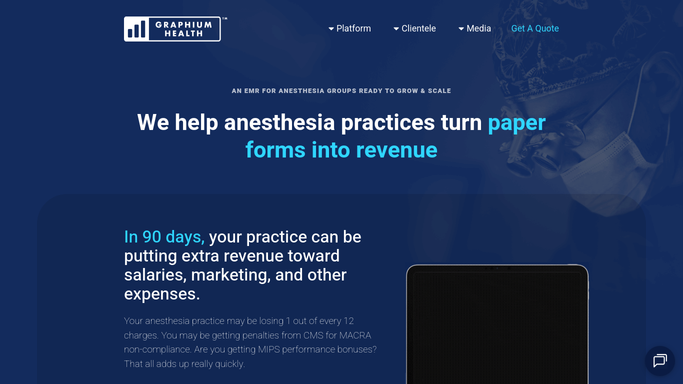
WebRun opens Graphium Health to pull canceled and no-show cases with reason codes. - Open Graphium Health and navigate to the case list filtered to Canceled and No-Show statuses
- Pull all cases with these statuses updated in the prior business day
- Capture the procedure type, facility, provider, scheduled time, and cancellation reason code for each case
- Identify any cases that represent high-priority procedures or high-value charges
Done when All no-show and canceled cases from the prior day are collected with their details and reason codes.
-
2
Google Calendar - check available coverage slots
calendar.google.com How to Automate Google Calendar

WebRun opens Google Calendar to check available coverage slots. - Check the anesthesia coverage calendar for open or partially filled slots at the affected facilities today and tomorrow
- Note any OR block time that could accommodate replacement cases based on procedure duration
- Flag facilities where coverage is already at capacity so the scheduling team can prioritize
Done when Available replacement slots at the affected facilities are identified from the coverage calendar.
-
3
Slack - post recovery worklist to scheduling team
slack.com How to Automate Slack

WebRun opens Slack to post recovery worklist to scheduling team. - Post the recovery worklist to the scheduling-ops Slack channel listing each vacated case with its reason code and available replacement slots
- Highlight any case where OR block time can be recovered today
- Note facilities where coverage is full so no-show cases there can be rescheduled to a future date
Done when The scheduling team has today's no-show recovery worklist in Slack with available slot information.
How is each run configured?
Secure by default
Connect once, stays signed in
WebRun signs in once and keeps each session in a persistent environment, so every run picks up right where it left off.
Every action is checked against this policy before it runs.
Questions, answered
Will it contact the patient or facility to fill the slot automatically?
No. WebRun posts the recovery worklist to your scheduling team in Slack. All calls or messages to patients or facilities to fill vacated OR slots are handled by your coordinators. Patient contact is never initiated automatically.
What cancellation reason codes does it capture?
It reads whatever reason codes are recorded in Graphium Health at the time of cancellation, such as patient request, surgeon cancellation, equipment issue, or medical contraindication. These are included in the worklist so the scheduler knows the context.
Can it track no-show rates by provider or facility over time?
The case details are logged each morning to the Slack message history and can be piped to a Google Sheets tracker on request. This lets your administrator review no-show patterns by facility, provider, or reason code.
Related templates
Put this on autopilot.
Turn it on in minutes - or have our team set it up for you.