Get vendor bills approved before payment runs slip
Every 30 minutes during business hours, WebRun opens Wafeq, finds vendor bills waiting on approval, pings the right approver on WhatsApp with the vendor, amount, and due date, and drafts a query email in Gmail for any bill that looks duplicated, missing a PO, or mismatched, so nothing gets approved on autopilot and nothing stalls unapproved either.
- No credit card
- Under $0.01 per run
- Cancel anytime
What does WebRun do on every run?
The exact actions WebRun takes, in order - in plain language, so you can adjust anything.
-
WebRun signs in and gets to work
Opens
app.wafeq.com/billsin a real browser with your saved login - no setup, no API keys. -
1
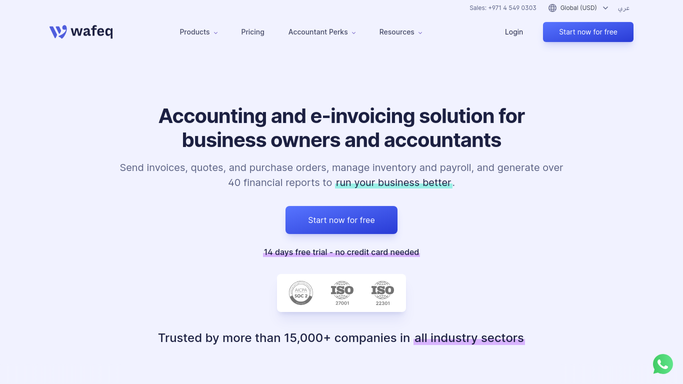
Wafeq - find bills awaiting approval
wafeq.com How to Automate Wafeq

WebRun opens Wafeq to find bills awaiting approval. - Open Wafeq and filter bills to pending approval
- Capture the vendor, amount, due date, and linked purchase order for each
- Flag any bill that's a likely duplicate, missing a PO, or above the standard approval threshold
Done when Every pending bill is listed with its details and any flags.
-
2
WhatsApp - alert the approver
whatsapp.com How to Automate WhatsApp
WebRun opens WhatsApp to alert the approver. - Message the assigned approver with each new bill's vendor, amount, and due date
- Put flagged bills first with the reason they were flagged
- Never approve or schedule payment. Only the approver does that inside Wafeq
Done when The approver has every pending bill in WhatsApp, flags called out.
-
3
Gmail - draft a query for anything that looks off
gmail.com How to Automate Gmail
WebRun opens Gmail to draft a query for anything that looks off. - Draft a query email to the vendor for any bill flagged as a likely duplicate or missing a PO
- Leave the draft unsent in Gmail for your accounts payable team to review
- Never send a vendor query automatically
Done when A draft query is waiting for every flagged bill, and nothing has been sent to a vendor automatically.


How do I get vendor bills approved faster without approving them automatically?
WebRun checks Wafeq every 30 minutes for vendor bills awaiting approval, and pings the assigned approver on WhatsApp with the vendor, amount, and due date. If a bill looks like a duplicate, is missing a purchase order, or is above your threshold, it drafts a query email in Gmail for your accounts payable team, but never sends it or approves anything itself.
- Approvers get pinged within 30 minutes of a bill landing, not at week's end
- Duplicate and PO mismatched bills get flagged before they're paid, not after
- Every approval and payment still happens manually. Nothing is auto approved
Built for accounts payable teams · finance managers · multi approver businesses · procurement teams
How is each run configured?
Secure by default
Connect once, stays signed in
WebRun signs in once and keeps each session in a persistent environment, so every run picks up right where it left off.
Every action is checked against this policy before it runs.
Questions, answered
Will it approve or pay vendor bills on its own?
No. It only alerts the approver on WhatsApp with the bill details. Approving and scheduling payment always happens manually inside Wafeq.
Will it email a vendor without me seeing it first?
No. If a bill looks like a duplicate or is missing a purchase order, it drafts a query in Gmail and leaves it unsent for your accounts payable team to review.
How does it decide what to flag?
It checks each new bill against your standard approval threshold and looks for likely duplicates or a missing linked purchase order, then puts flagged bills first in the WhatsApp alert.
Related templates
Put this on autopilot.
Turn it on in minutes - or have our team set it up for you.