Chase overdue invoices for vCISO and compliance engagements
Every Monday, WebRun opens QuickBooks, finds invoices for vCISO and compliance engagements that are past due, checks each client's active Vanta program to confirm the engagement is live, drafts a polite and professional payment reminder in Gmail, and queues each draft for your review before sending.
- No credit card
- Under $0.01 per run
- Cancel anytime
How do I automatically chase overdue invoices for compliance engagements?
Every Monday, WebRun finds overdue vCISO and compliance engagement invoices in QuickBooks, confirms each client's Vanta program is active, and drafts a professional payment reminder in Gmail referencing the invoice and the compliance program. Every draft waits for your review before being sent to the client.
- No overdue invoice sits uncollected past the first week
- Every reminder is cross-checked against active Vanta programs before drafting
- Advisors review professional drafts instead of writing reminders from scratch
Built for vCISO firms · security consulting practices · compliance advisory businesses · managed security service providers
What does WebRun do on every run?
The exact actions WebRun takes, in order - in plain language, so you can adjust anything.
-
WebRun signs in and gets to work
Opens
app.quickbooks.intuit.comin a real browser with your saved login - no setup, no API keys. -
1
QuickBooks - find overdue compliance engagement invoices
- Open QuickBooks and navigate to the Invoices section
- Filter for invoices with status Overdue
- Capture the client name, invoice number, amount, and days overdue for each
Done when Every overdue compliance engagement invoice is listed with its details.
-
2
Vanta - confirm the client engagement is active
vanta.com How to Automate Vanta
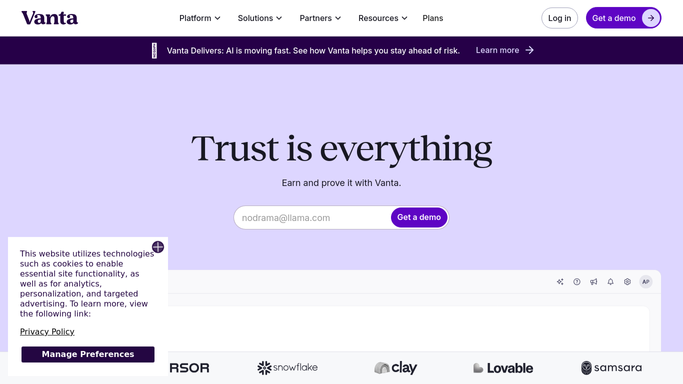
WebRun opens Vanta to confirm the client engagement is active. - Open Vanta and confirm the client's organization is active and the program is ongoing
- Note the frameworks in scope to reference in the reminder
- Flag any clients whose Vanta access has lapsed as a separate follow-up signal
Done when Each overdue invoice is matched to a confirmed active Vanta program.
-
3
Gmail - draft a polite payment reminder
gmail.com How to Automate Gmail

WebRun opens Gmail to draft a polite payment reminder. - Draft a professional and polite payment reminder referencing the invoice number and amount
- Mention the active compliance program to contextualize the request
- Save every draft unsent for advisor review. Do not send any email without human approval
Done when A review-ready payment reminder draft exists in Gmail for every overdue invoice.
How is each run configured?
Secure by default
Connect once, stays signed in
WebRun signs in once and keeps each session in a persistent environment, so every run picks up right where it left off.
Every action is checked against this policy before it runs.
Questions, answered
Will it send payment reminders to clients without my approval?
No. Every reminder is saved as a Gmail draft and waits for your review. Nothing is emailed to a client until an advisor approves and sends it manually.
What if a client paid after the invoice was flagged overdue?
It reads the live invoice status in QuickBooks each Monday, so any invoices marked paid since the last run are automatically skipped.
Can it handle clients on retainer versus project invoices differently?
Yes. If you tag retainer invoices in QuickBooks with a custom field or class, it can draft different reminder copy for retainer versus project engagements.
Related templates
Put this on autopilot.
Turn it on in minutes - or have our team set it up for you.