Keep meeting attendance current for every resident
Every night, WebRun opens Sobriety Hub, pulls each resident's meeting check-ins logged that day, updates a running weekly count in Google Sheets, and posts a Slack digest flagging anyone below their required minimum before the next day starts.
- No credit card
- Under $0.01 per run
- Cancel anytime
How do I track recovery meeting attendance without a paper sign-in sheet?
Every night, WebRun pulls each resident's meeting check-ins from Sobriety Hub, updates a running weekly count in Google Sheets, and posts a Slack digest flagging anyone below their required minimum. House staff see who is falling behind on meeting attendance in real time, instead of discovering a gap during a weekly compliance review.
- Meeting attendance gaps are flagged the same night, not at a weekly review
- Every resident's weekly count stays current in Google Sheets without manual tallying
- Staff can step in before a resident falls seriously behind on their requirement
Built for sober living homes · recovery residences · house managers · case managers
What does WebRun do on every run?
The exact actions WebRun takes, in order - in plain language, so you can adjust anything.
-
WebRun signs in and gets to work
Opens
app.sobrietyhub.comin a real browser with your saved login - no setup, no API keys. -
1
Sobriety Hub - pull today's meeting check-ins
sobrietyhub.com How to Automate Sobriety Hub
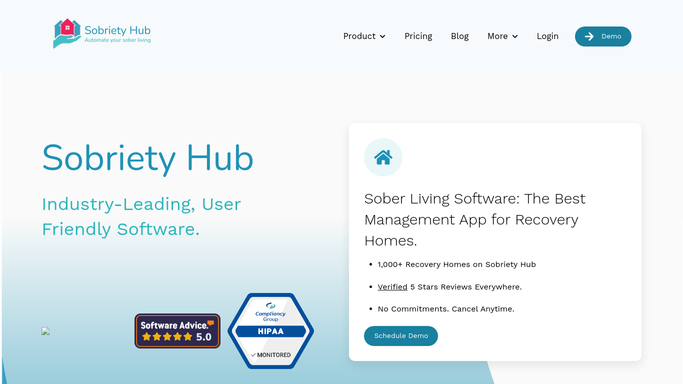
WebRun opens Sobriety Hub to pull today's meeting check-ins. - Open Sobriety Hub's meeting log and pull every check-in logged today
- Capture resident name, meeting type, and house for each
- Note any resident with no check-in logged today
Done when Today's check-ins and no-shows are captured for every resident.
-
2
Google Sheets - update the attendance record
google.com How to Automate Google Sheets

WebRun opens Google Sheets to update the attendance record. - Open the Meeting Attendance tracker
- Append today's check-ins
- Recalculate each resident's weekly meeting count against their required minimum
Done when The attendance tracker reflects every resident's current weekly count.
-
3
Slack - flag residents falling behind
slack.com How to Automate Slack

WebRun opens Slack to flag residents falling behind. - Post tonight's digest to the house channel
- List residents below their weekly meeting requirement
Done when Staff have tonight's attendance digest with anyone falling behind clearly flagged.
How is each run configured?
Secure by default
Connect once, stays signed in
WebRun signs in once and keeps each session in a persistent environment, so every run picks up right where it left off.
Every action is checked against this policy before it runs.
Questions, answered
How does it know a resident's meeting requirement?
It reads the weekly minimum already set for each resident in Sobriety Hub and compares it against their logged check-ins, so the requirement always matches what staff configured.
Does it log meetings for residents automatically?
No. It only reads check-ins that staff or residents already logged in Sobriety Hub. It never marks a meeting attended on anyone's behalf.
What happens if a resident is behind at the end of the week?
The nightly digest flags them in Slack as soon as they fall short, so staff can follow up well before the week ends, not after.
Related templates
Put this on autopilot.
Turn it on in minutes - or have our team set it up for you.