Flag high-risk returns for review before processing them
Every morning, WebRun scans Loop Returns for return requests that show fraud risk signals such as high frequency from one customer, missing item claims on high-value orders, or policy exceptions, logs each flagged request in Google Sheets, and posts a Slack alert so your team can review and hold them before processing.
- No credit card
- Under $0.01 per run
- Cancel anytime
How do I automatically flag high-risk returns for review before processing?
WebRun scans Loop Returns every morning for return requests showing fraud signals such as repeat-returner patterns, high-value missing item claims, and policy exceptions. Flagged requests are logged in Google Sheets and a Slack alert links your team to the queue so every suspicious return gets a human review before any refund or exchange is processed.
- Fraud-risk returns are held for review before a refund is issued
- Team gets a daily Slack alert with a direct link to the flagged queue
- High-value suspicious returns are prioritized in the Google Sheet log
Built for ecommerce brands · DTC retailers · Shopify merchants · loss prevention teams
What does WebRun do on every run?
The exact actions WebRun takes, in order - in plain language, so you can adjust anything.
-
WebRun signs in and gets to work
Opens
app.loopreturns.comin a real browser with your saved login - no setup, no API keys. -
1
Loop Returns - scan for fraud risk signals
loopreturns.com How to Automate Loop Returns
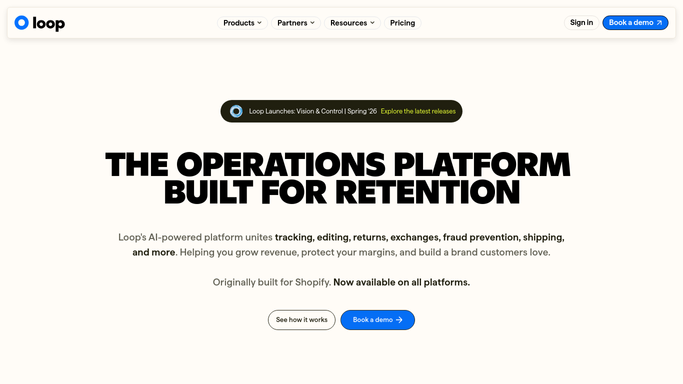
WebRun opens Loop Returns to scan for fraud risk signals. - Open Loop Returns and filter to return requests submitted in the past 24 hours
- Check each request against fraud signals: customer return frequency, high order value with missing item claim, or return policy exception flag
- Collect the details: customer, order value, return reason, risk signal type, and request status
Done when All fraud-risk return requests from the past 24 hours are identified with their risk signal noted.
-
2
Google Sheets - log flagged returns
google.com How to Automate Google Sheets

WebRun opens Google Sheets to log flagged returns. - Append each flagged return as a new row in the Fraud Risk Flags sheet
- Include columns for customer, order value, reason, risk signal, and date flagged
- Mark high-value flags (above your threshold) in a priority column
Done when Every flagged return is logged in the Google Sheet for the team to review.
-
3
Slack - alert team to review
slack.com How to Automate Slack

WebRun opens Slack to alert team to review. - Post a Slack alert with the count of flagged returns and a link to the Google Sheet
- Include a brief summary of the top risk signal types seen today
Done when The team has been alerted in Slack with a link to today's fraud-risk queue.
How is each run configured?
Secure by default
Connect once, stays signed in
WebRun signs in once and keeps each session in a persistent environment, so every run picks up right where it left off.
Every action is checked against this policy before it runs.
Questions, answered
Will it automatically deny or block a flagged return?
No. WebRun only flags and logs suspicious returns for your team to review. All decisions to approve, deny, or hold are made by a human in Loop Returns.
What signals does it look for?
WebRun checks for high return frequency from the same customer, high-value missing item claims, and returns that triggered Loop Returns policy exception flags.
What if no fraud risk signals appear today?
WebRun posts a brief Slack confirmation that no flagged returns were found, so your team always gets a clear signal whether action is needed.
Related templates
Put this on autopilot.
Turn it on in minutes - or have our team set it up for you.