Turn return windows into exchange upsells automatically
Every morning, WebRun opens Loop Returns, identifies customers with an open return who qualify for an exchange or Shop Now upsell, and logs each opportunity to a Google Sheet with the return reason, original order value, and suggested action for your CX team to review.
- No credit card
- Under $0.01 per run
- Cancel anytime
What does WebRun do on every run?
The exact actions WebRun takes, in order - in plain language, so you can adjust anything.
-
WebRun signs in and gets to work
Opens
app.loopreturns.comin a real browser with your saved login - no setup, no API keys. -
1
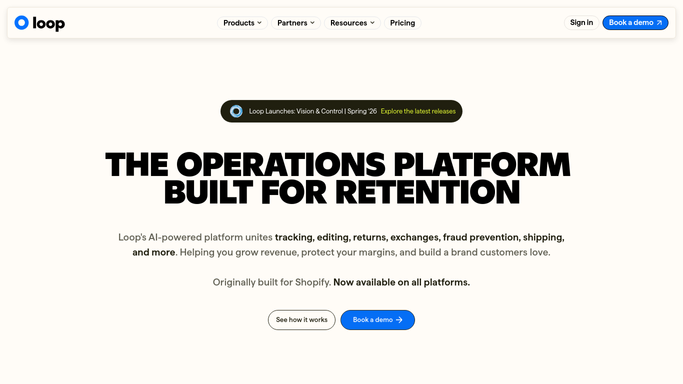
Loop Returns - find open returns eligible for exchange
loopreturns.com How to Automate Loop Returns

WebRun opens Loop Returns to find open returns eligible for exchange. - Open Loop Returns and filter to returns submitted in the past 24 hours
- Identify requests where the return reason fits an exchange (wrong size, wrong color, want different style)
- Capture customer name, order value, return reason, and current return status for each
Done when All open exchange-eligible returns from the past 24 hours are identified with their details.
-
2
Google Sheets - log upsell opportunities for CX review
google.com How to Automate Google Sheets
WebRun opens Google Sheets to log upsell opportunities for CX review. - Append each eligible customer as a new row in the Exchange Upsell Opportunities sheet
- Include columns for customer name, return reason, original order value, and suggested upsell action
- Mark any row where order value exceeds your threshold as high-priority
Done when Every exchange-eligible return is logged in the Google Sheet for CX follow-up.

How do I automatically identify return requests that could become exchanges?
WebRun scans Loop Returns every morning for open return requests where the reason suggests a size or style swap, logs each opportunity in a Google Sheet with order value and a suggested upsell action, and marks high-value rows as priority so your CX team can follow up before the return window closes.
- Exchange-eligible returns are flagged before the return window closes
- CX team opens a prioritized Google Sheet list every morning, not a manual search
- High-value exchange opportunities are marked for immediate attention
Built for ecommerce brands · DTC retailers · Shopify merchants · CX teams
How is each run configured?
Secure by default
Connect once, stays signed in
WebRun signs in once and keeps each session in a persistent environment, so every run picks up right where it left off.
Every action is checked against this policy before it runs.
Questions, answered
Will it message customers about the exchange offer?
No. WebRun only logs the opportunity in Google Sheets for your CX team to review. Any customer outreach is drafted for human approval, never sent automatically.
Which return reasons qualify as exchange-eligible?
WebRun flags returns where the reason indicates sizing, color, or style preference, such as wrong size, wrong color, or want a different variant, since those are the strongest exchange candidates.
What if a customer already accepted an exchange in Loop Returns?
WebRun reads the live status in Loop Returns each run, so anyone who already converted to an exchange is excluded from the upsell log automatically.
Related templates
Put this on autopilot.
Turn it on in minutes - or have our team set it up for you.