Remind customers their balloon order is ready
Every morning, WebRun opens Artisan POS, finds balloon bouquets and party orders due for pickup today or tomorrow, drafts a friendly pickup reminder for each customer in Mailchimp, and logs the day's full pickup manifest to Google Sheets for the front counter.
- No credit card
- Under $0.01 per run
- Cancel anytime
How do I remind customers to pick up their balloon order?
WebRun keeps balloon pickups from getting missed. Each morning it checks Artisan POS for orders due today or tomorrow, drafts a friendly pickup reminder for each customer in Mailchimp, and logs a complete pickup manifest to Google Sheets for the front counter, so every order and reminder is ready before the first customer walks in.
- Customers get reminded before they forget a balloon pickup
- The front counter starts each day with a ready pickup manifest
- Rush and same-day orders are flagged automatically
Built for balloon shops · party supply retailers · event decor stores
What does WebRun do on every run?
The exact actions WebRun takes, in order - in plain language, so you can adjust anything.
-
WebRun signs in and gets to work
Opens
certek.comin a real browser with your saved login - no setup, no API keys. -
1
Artisan POS - find orders due for pickup
certek.com How to Automate Artisan POS
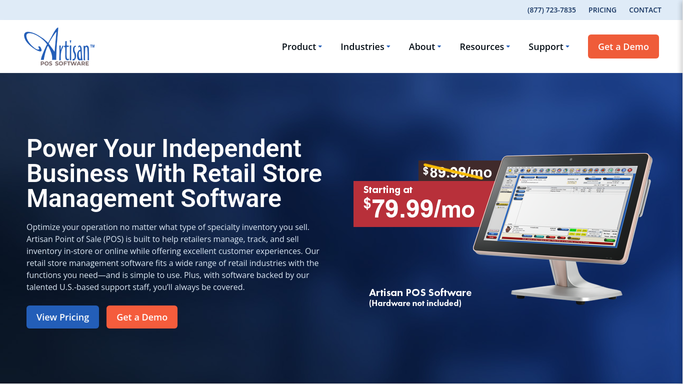
WebRun opens Artisan POS to find orders due for pickup. - Open Artisan POS and filter orders with a pickup date of today or tomorrow
- Capture the customer, order contents, and pickup window for each
- Note any order that requires day-of balloon inflation
Done when Every pickup due today or tomorrow is listed with its details.
-
2
Mailchimp - draft a pickup reminder for each customer
mailchimp.com How to Automate Mailchimp

WebRun opens Mailchimp to draft a pickup reminder for each customer. - Draft a friendly pickup reminder naming the order and pickup window
- Save each reminder to Mailchimp as a draft, do not send it
- Leave same-day sending to a staff member after a quick check
Done when A reviewable draft reminder exists in Mailchimp for every pickup.
-
3
Google Sheets - log the day's pickup manifest
google.com How to Automate Google Sheets

WebRun opens Google Sheets to log the day's pickup manifest. - Open the daily pickup manifest sheet
- List every order due for pickup with its contents and window
- Flag orders that need inflation started earlier in the day
Done when The front counter has a complete, ordered pickup manifest for the day.
How is each run configured?
Secure by default
Connect once, stays signed in
WebRun signs in once and keeps each session in a persistent environment, so every run picks up right where it left off.
Every action is checked against this policy before it runs.
Questions, answered
Will it text or email customers automatically?
No. Reminders are saved as Mailchimp drafts for a staff member to review and send, WebRun never contacts a customer about their pickup on its own.
What if an order changes after the manifest is made?
The manifest reflects Artisan POS at run time. Same-day changes made after that should still be flagged to the counter directly, the same as before.
Does it flag rush or same-day orders?
Yes. Anything due for pickup today is listed first on the manifest and gets its reminder drafted the same morning.
Related templates
Put this on autopilot.
Turn it on in minutes - or have our team set it up for you.