Turn closed Nutshell deals into a ready reporting sheet
Every Friday, WebRun opens Nutshell, pulls every deal that closed won or lost during the week with its value, owner, and close reason, appends a row for each to your Google Sheet, and posts a short summary in Notion so reporting is ready before Monday's pipeline review.
- No credit card
- Under $0.01 per run
- Cancel anytime
How do I turn closed Nutshell deals into a weekly reporting sheet?
WebRun pulls every deal that closed won or lost in Nutshell each Friday, capturing the owner, value, close date, and reason for each. It appends a row to your Google Sheet, keeping won and lost deals in separate tabs, and posts a short summary in Notion, so weekly reporting is ready before Monday's pipeline review.
- Monday's pipeline review starts with last week's closed deals already exported
- Won and lost deals are separated automatically for faster analysis
- Loss reasons are captured for every lost deal, not left blank
Built for sales managers · revenue operations · small business sales teams · Nutshell CRM users
What does WebRun do on every run?
The exact actions WebRun takes, in order - in plain language, so you can adjust anything.
-
WebRun signs in and gets to work
Opens
app.nutshell.comin a real browser with your saved login - no setup, no API keys. -
1
Nutshell - pull deals closed this week
nutshell.com
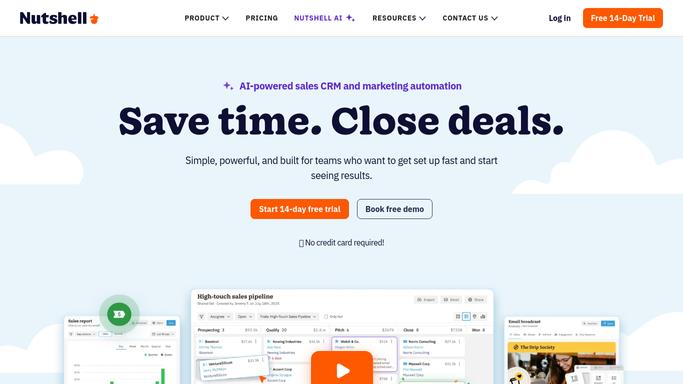
WebRun opens Nutshell to pull deals closed this week. - Open Nutshell and pull every deal marked closed won or closed lost this week
- Capture the owner, value, close date, and close reason for each
- Separate won deals from lost ones
Done when Every deal closed this week is captured with its outcome and reason.
-
2
Notion - post a summary doc
notion.so How to Automate Notion

WebRun opens Notion to post a summary doc. - Post a short summary doc in Notion: total won, total lost, and combined value
- Note the week's biggest win and the most common loss reason
Done when This week's closed deal summary is posted in Notion.
-
3
Google Sheets - append rows to the reporting sheet
google.com How to Automate Google Sheets

WebRun opens Google Sheets to append rows to the reporting sheet. - Open the Closed Deals reporting sheet
- Append a row for each closed deal with owner, value, and outcome
- Keep won and lost deals in separate tabs
Done when The reporting sheet has a row for every deal closed this week.
How is each run configured?
Secure by default
Connect once, stays signed in
WebRun signs in once and keeps each session in a persistent environment, so every run picks up right where it left off.
Every action is checked against this policy before it runs.
Questions, answered
Does it close or reopen any deals itself?
No. WebRun only reports on deals your team already closed in Nutshell. Closing, reopening, or editing a deal stays a manual action.
Does it explain why deals were lost?
It logs whatever close reason was recorded in Nutshell for each lost deal. If no reason was entered, that row is flagged as missing one.
Why separate won and lost into different tabs?
So your reporting sheet is ready to use for a win rate or forecast review without any manual sorting first.
Related templates
Put this on autopilot.
Turn it on in minutes - or have our team set it up for you.