Start the day with your newest ICP matched contacts
Every morning, WebRun opens Adapt.io, pulls the contacts newly matching your saved ICP filter on industry, title, and company size, posts the full daily digest to Telegram, and texts the rep on Twilio when one of today's matches belongs to a named target account, so the strongest finds get noticed right away.
- No credit card
- Under $0.01 per run
- Cancel anytime
How do I get a daily digest of ICP matched contacts from Adapt.io?
Every morning, WebRun opens Adapt.io and pulls the contacts newly matching your saved ICP filter on industry, title, and company size, posting the full digest to Telegram. It texts the rep on Twilio when a matched contact belongs to a named target account, so the strongest finds get noticed the same morning instead of sitting in a list.
- ICP matched contacts get noticed the same morning they appear
- Target account finds are flagged directly to the owning rep
- The team gets a consistent daily view of new sourcing
Built for SDR teams · outbound sales · demand generation · sales operations
What does WebRun do on every run?
The exact actions WebRun takes, in order - in plain language, so you can adjust anything.
-
WebRun signs in and gets to work
Opens
adapt.ioin a real browser with your saved login - no setup, no API keys. -
1
Adapt.io - pull today's newly matched contacts
adapt.io
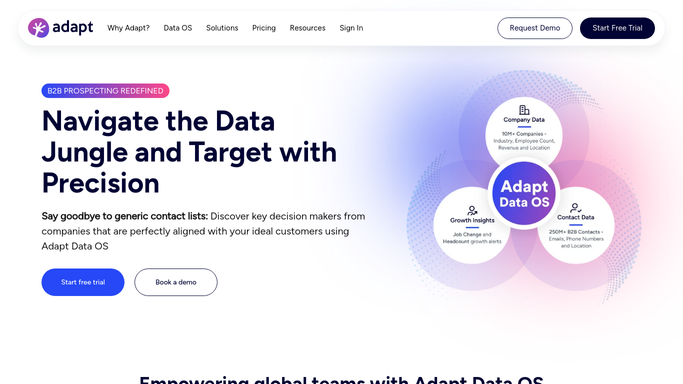
WebRun opens Adapt.io to pull today's newly matched contacts. - Open Adapt.io and review contacts matching your saved ICP filter since the last run
- Note the title, company, and industry for each
- Flag any contact whose company matches your target account list
Done when Every newly matched contact has been captured with its details.
-
2
Telegram - post the daily digest
telegram.org How to Automate Telegram

WebRun opens Telegram to post the daily digest. - Post the daily digest of newly matched contacts to the team channel
- Show the title, company, and industry for each
- Note how many new matches came in since yesterday
Done when The team has today's ICP matched contact digest in Telegram.
-
3
Twilio - text the rep about a target account match
twilio.com How to Automate Twilio

WebRun opens Twilio to text the rep about a target account match. - Text the rep only when a matched contact belongs to a target account
- Name the contact and the company
- Skip the text when no target account matches were found
Done when The rep has been texted about any target account match from today.
How is each run configured?
Secure by default
Connect once, stays signed in
WebRun signs in once and keeps each session in a persistent environment, so every run picks up right where it left off.
Every action is checked against this policy before it runs.
Questions, answered
How does it decide what counts as a match?
It reads the ICP filter you have already saved in Adapt.io on industry, title, and company size, so a contact only appears because your own criteria matched, not a generic guess.
Does it reach out to the contact?
No. WebRun only posts the digest and alerts the rep. Any outreach to the contact is started by a person.
What counts as a target account?
A company already on the target account list you maintain, so the Twilio text is reserved for accounts you have chosen to prioritize.
Related templates
Put this on autopilot.
Turn it on in minutes - or have our team set it up for you.