Stay ahead of every customer renewal date
Every morning, WebRun opens Act!, finds every customer record with a renewal date coming up in the next 30 days, logs the reminder list to Google Sheets with the value and owner for each, and checks Gmail to see whether a renewal related reply has already come in, so the reminder list stays accurate instead of chasing a conversation that is already underway.
- No credit card
- Under $0.01 per run
- Cancel anytime
How do I track upcoming customer renewals in Act!?
Every morning, WebRun opens Act! and finds every customer with a renewal date in the next 30 days, noting the value and account owner for each. It logs the list to Google Sheets and checks Gmail to see whether a renewal reply has already come in, so the reminder list stays accurate instead of chasing a conversation that is already underway.
- Renewals are visible a full month out, not the week they are due
- The list stays accurate by checking for replies already in progress
- No account renewal gets missed because of a data gap
Built for small business owners · account managers · service businesses · sales operations
What does WebRun do on every run?
The exact actions WebRun takes, in order - in plain language, so you can adjust anything.
-
WebRun signs in and gets to work
Opens
act.comin a real browser with your saved login - no setup, no API keys. -
1
Act! - find customers with an upcoming renewal date
act.com
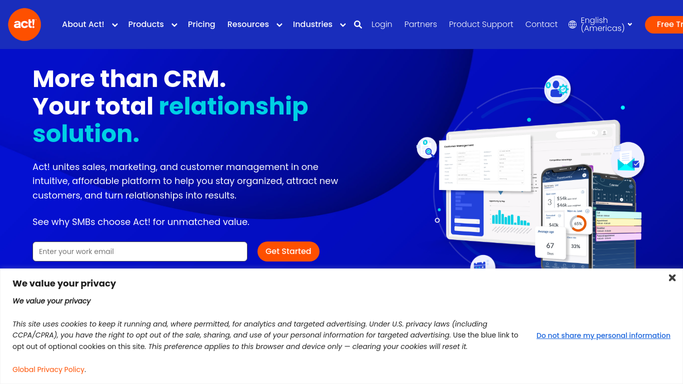
WebRun opens Act! to find customers with an upcoming renewal date. - Open Act! and check customer records for an upcoming renewal date
- Keep only records renewing in the next 30 days
- Note the value and account owner for each
Done when Every customer renewing within 30 days has been identified with its details.
-
2
Google Sheets - log the renewal reminder list
google.com How to Automate Google Sheets

WebRun opens Google Sheets to log the renewal reminder list. - Log each upcoming renewal with its date, value, and owner
- Sort so the nearest renewal dates appear first
- Remove any account that has already renewed since the last run
Done when The renewal reminder list in Sheets reflects every account renewing in the next 30 days.
-
3
Gmail - check for replies already received
gmail.com How to Automate Gmail

WebRun opens Gmail to check for replies already received. - Check the email thread tied to each upcoming renewal for a reply already received
- Note whether a renewal conversation is already underway
- Leave every email untouched, this step only reads
Done when Every upcoming renewal has been checked for an existing reply in Gmail.
How is each run configured?
Secure by default
Connect once, stays signed in
WebRun signs in once and keeps each session in a persistent environment, so every run picks up right where it left off.
Every action is checked against this policy before it runs.
Questions, answered
Does it renew anything or send any email?
No. WebRun only reads renewal dates from Act! and checks Gmail for an existing reply. It never sends an email or changes a record itself.
How far ahead does it look?
30 days by default, so an account first appears on the tracker a month before its renewal date, giving the owner time to plan the conversation.
Why check Gmail as part of a renewal reminder?
So the list does not flag an account as needing outreach when a renewal conversation is already happening in the owner's inbox, just not yet logged in Act!.
Related templates
Put this on autopilot.
Turn it on in minutes - or have our team set it up for you.