Someone asks on Monday morning how many calls the team made on Thursday, and whether anyone ever rang the account that has gone quiet. Both answers exist. They are in JustCall, where every call was logged as it happened, and getting them back out is somebody's morning.
A phone system captures everything and hands back very little. The call is there, the recording is there, the agent and the duration and the disposition are all there, and none of it sits where the rest of the team works.
What JustCall gives you, and where it stops
The recordings are real and they are reachable. JustCall's guide to accessing call recordings says to open the call logs from the side menu, find the call you want, look for the recording icon beside it, then play it or download it. One call at a time, found by hand. That is fine when you want one and tiring when you want twelve.
A few conditions sit around it. JustCall's guide to downloading past recordings says the download feature is available on the Team plan or higher, and that downloading recordings is not supported on the JustCall mobile or desktop apps. Voice files arrive as .mp3 and video as .webm.
The bulk route is the call logs export. You open Call Logs, apply the date range and filters you need, click Export at the top of the page, type in an email address and press Send. JustCall builds the report in the background, emails it, and keeps a copy in Audit Logs so you can download it again later. Two details matter before anyone plans a quarterly review around that button. The export guide says "Each export can cover up to 2 months. To export a longer period, export it in parts", and the times in the file follow the time zone set in your JustCall account rather than yours.
JustCall is a phone system and it behaves like one. The gap is that the record of your calls lives inside the thing you pay a monthly bill for. JustCall's cancellation page is plain about where that ends: when an account fully closes, the data tied to it, including call logs and SMS history, is permanently deleted and cannot be recovered. Its advice before you cancel is to export whatever you will want afterwards.
You can get your call history out of JustCall. Whether anybody does it every day, before the day it matters, is the part that decides how useful it turns out to be.
What runs at eight o'clock
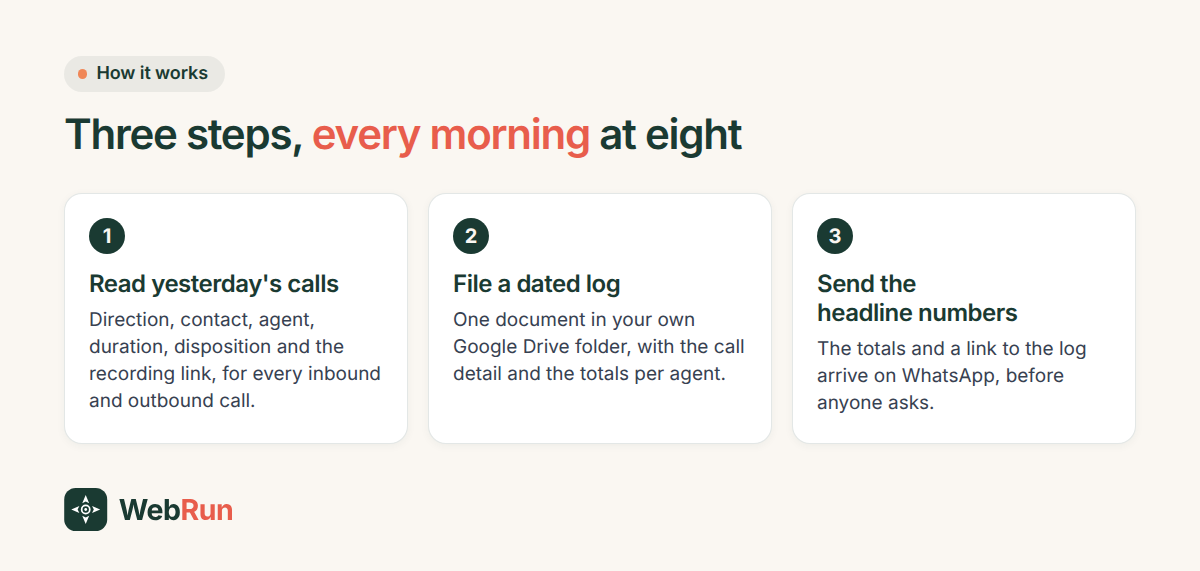
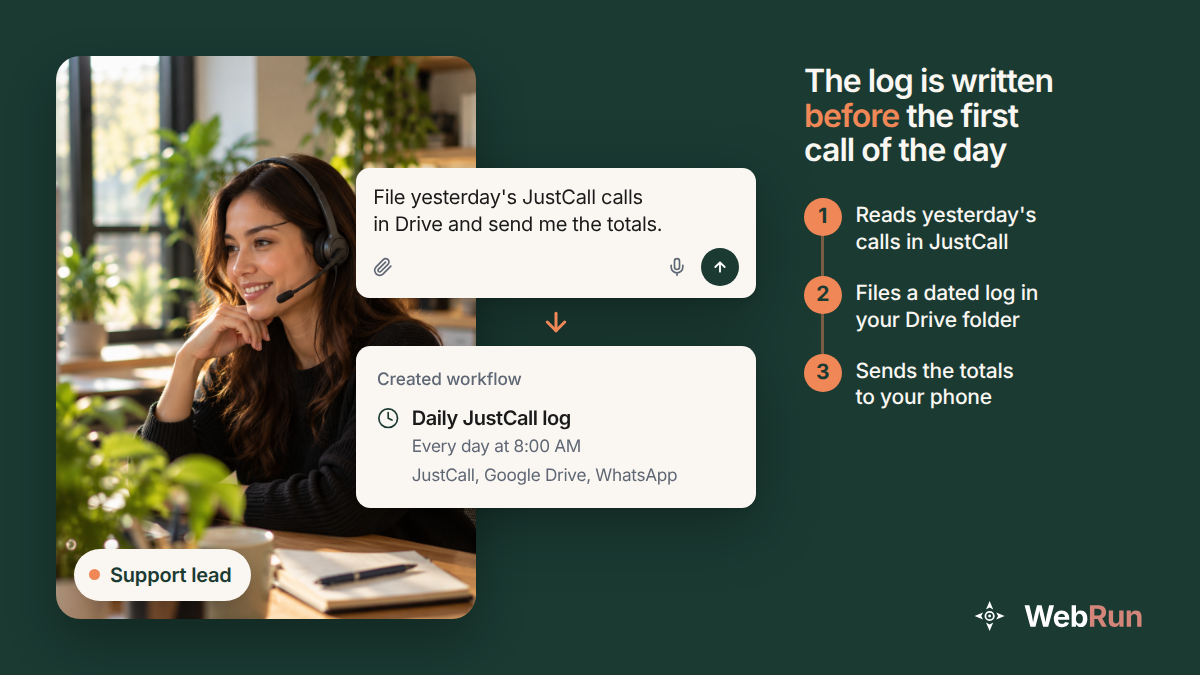
The template behind this article is a scheduled run, and it does three things every morning at 8:00.
- It opens JustCall and reads yesterday's inbound and outbound call activity, with the duration, the disposition and the agent who handled each call, and the link to the recording.
- It files a dated log into a Google Drive folder you choose, with the calls listed and the totals worked out per agent.
- It sends you the headline call numbers on WhatsApp, with a link to that day's log.
The run happens in a real Chrome browser that is already signed in to your JustCall account, the same way you are. There is no integration to build and no API key to find, because the agent reads the screens you read. It runs whether or not anyone is at a desk, and the run history afterwards shows what it opened and what it wrote.
Setting it up
Start from the template page, File yesterday's calls where the team can find them. It is written for sales managers, support teams and call centres, and it names the three places it touches: JustCall, Google Drive and WhatsApp.
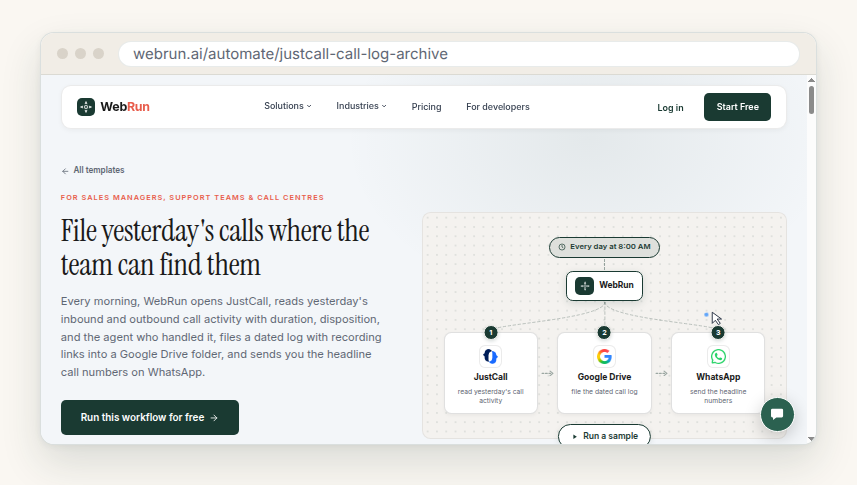
Three decisions and you are done. Which Drive folder the log goes into. What hour the run starts, which wants to be early enough that the log is waiting when the first person logs on. And who the WhatsApp message goes to, which is usually whoever gets asked the Monday question.
Watch the first run live if you like. It is quicker to watch it once than to wonder about it later.
The permission that catches people out
The account the agent signs in with has to be one that can see recordings. JustCall limits that to account owners, admins and team members with the right permissions, which is sensible for a system holding recorded calls and easy to forget when you are setting up a run. Sign in as somebody without those permissions and the log still fills with calls, but the recording links come back empty.
Check it on day one, on one call, rather than three weeks later when somebody goes looking for the conversation that matters.
What a month of this looks like
Twenty working days, twenty dated documents in a folder your team already searches. The totals per agent stop being a number somebody pulled in a hurry and become a series you can read down. When the Monday question arrives, the answer is a search in Drive rather than an export request and a wait for an email.
There is a slower benefit too. The log lives in your Drive and not inside the phone system, so a plan change, a move to another provider or a closed account does not take the history with it. The sentence on JustCall's cancellation page stops applying to the record of what your team actually did.
The same pattern covers plenty of other chores. We wrote up the invoice version of it a few days ago, and the rest are in the template library.
When you are ready, describe the job in your own words and set it to run on a schedule. Tomorrow morning the log writes itself, and Thursday's calls are findable on Monday.