You already know the job. The awkward part is saying it to somebody else.
Anyone who has trained a stand-in knows the feeling. You say "just do the invoices" and come back to find half of it done, the wrong half. An AI agent behaves much the same way, with one difference in your favour: it tells you the moment it is unsure, and it stops rather than guesses.
So this is a briefing problem, not a prompting one. A brief that works has three parts, and a task that carries all three usually runs to the end without you.
A task is one job, in plain words
WebRun's documentation defines a task as a single objective for the agent to complete within a browser session, written in natural language. The examples it gives are a fair measure of the right size: "Find the price of the wireless keyboard on this page", or "Download the invoice from the billing portal and upload it to Google Drive".
Each of those is one outcome, and neither is a project. "Sort out our billing" is not a task, it is a department.
Name where it starts
An agent works in a real Chrome browser, the way you do, so it needs a door.
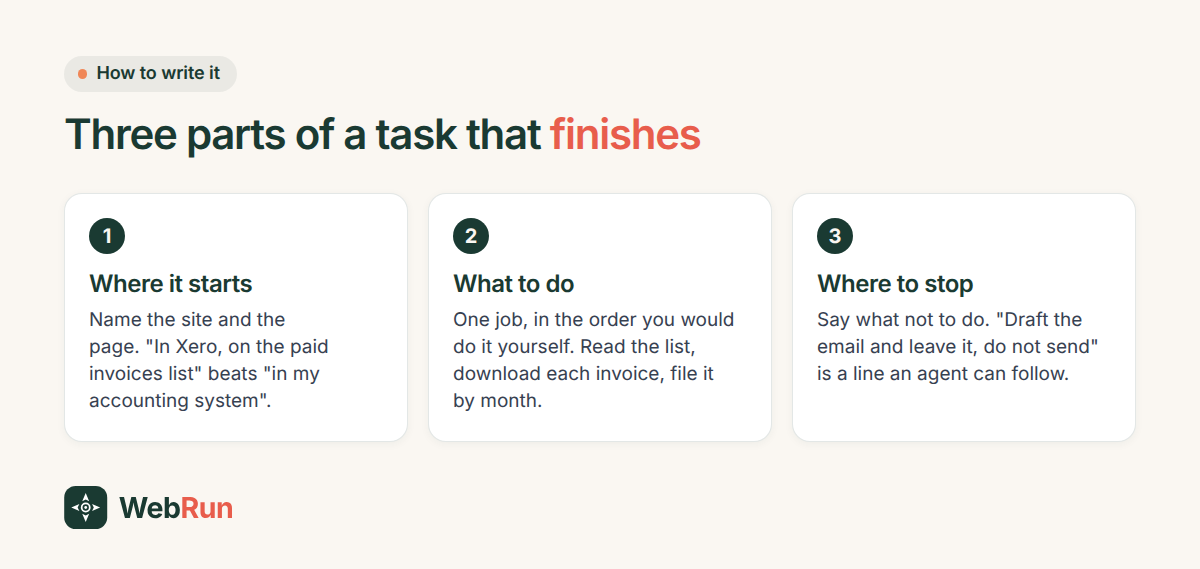
"In my accounting system" is not a door. "In Xero, on the paid invoices list" is. If the job begins on a page you have bookmarked, paste the address in. The agent opens it and skips the three guesses it would otherwise make about which site you meant.
Say where to stop
Most people leave this out, and it decides whether you trust the result.
WebRun's troubleshooting page puts the two versions side by side. "Buy something" is listed as the kind of instruction that makes an agent stop and ask. "Add the first search result to cart, do not proceed to checkout" is the one that runs. The second sentence is not longer because it explains more. It is longer because it has an edge.
Write your edge the same way. Draft the email and leave it in drafts, do not send. Download the report, file it by month, and reply to nobody. An agent reading that has permission to finish.
What you see while it runs
None of this happens out of sight. Sessions stream live, so you can watch the pages open and the fields fill, and you can take the mouse back at any point (Overview). WebRun's home page says every run leaves a full session recording and action log, and that anything hard to take back, an email, a post, a payment, is drafted for your approval rather than done unattended.
Watch the first few. After that most people read the log afterwards and only open the recording when something looks odd.
When it stops and asks you something
A task that needs you has not failed. It pauses, raises what the docs call a guardrail, and waits. The documented reasons are short enough to learn:
| What it hit | What it asks you |
|---|---|
| A login form | Credentials to go further |
| A checkout page | Whether to complete the purchase |
| A security challenge | You to solve it |
| Two valid readings of your instruction | Which one you meant |
| A browser security warning | Whether to carry on |
Four of those five are the website's doing. The fifth is yours, and it is the one to watch. If an agent keeps coming back with questions, read your own instruction again: the docs list ambiguity and missing information as the usual causes, and the answer is a more specific sentence rather than a longer one.
Settle the logins and the challenges first
The docs describe four ways past a login: credentials supplied with the task, credentials written into the instruction, handing them over when the agent asks, or taking the screen and typing them yourself. A fifth saves you repeating any of it. An environment keeps the browser profile, so you sign in once and later sessions on that environment start already signed in. If several clients or several mailboxes are involved, give each one its own.
Security challenges are the honest limit. The FAQ says there is no automated solving, so when one appears the agent stops and you clear it while watching the stream. Worth knowing before you point a daily task at a site that throws a challenge every visit.
Keep each step inside five minutes
This constraint changes how you write. A session expires after five minutes of inactivity, and a single task runs for five minutes at most, which the FAQ gives as both the default and the ceiling.
That is plenty for one real job and nowhere near enough for four. The documented answer is a session with several tasks in sequence, each a step, with the browser keeping its cookies and its place between them. Log in. Open the report. Download it. File it. You would say it that way to a person anyway.
Steal a sentence that already works
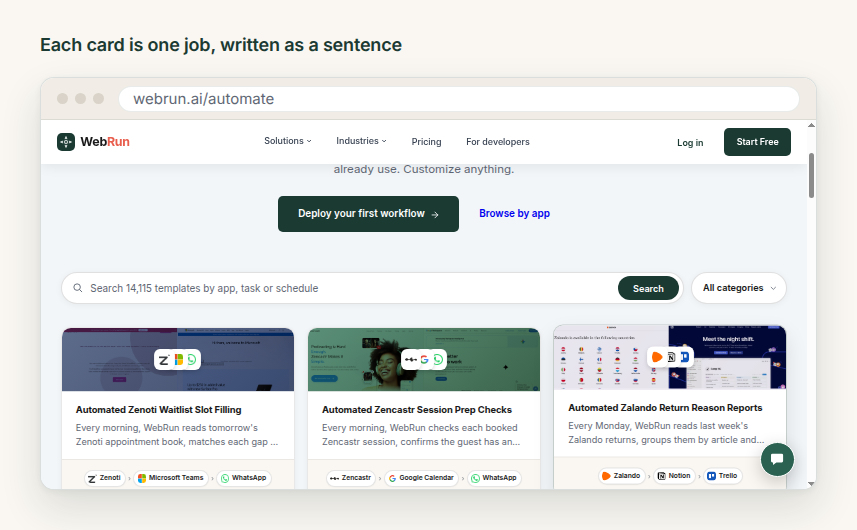
Every card in the template library is a job written as one sentence, with the schedule and the apps named. "Every morning, WebRun reads tomorrow's appointment book, matches each gap, and ..." Read a dozen of them and your own job starts to sound writable.
Then write it. Pick the chore you would hand over first if somebody turned up on Monday asking for work. Name where it starts, what to do, and where to stop, describe it in a chat, and watch the first run end to end before you put it on a schedule.
For one written out in full, the overdue invoice chase applies the same three parts to a job most businesses do badly, including the part where nothing is sent until you say so.