Send every new booking a complete confirmation package
The moment a new booking appears in SmartMoving, WebRun pulls the move date, addresses, crew, and deposit details, drafts a complete confirmation email in Gmail for your review, and creates a calendar event so nothing falls off the schedule.
- No credit card
- Under $0.01 per run
- Cancel anytime
How do I automatically send booking confirmations for new moving jobs?
WebRun monitors SmartMoving for new bookings and immediately drafts a complete confirmation email in Gmail covering the move date, addresses, crew, deposit, and a pre-move checklist. It also creates a Google Calendar event for the move day. Every draft waits for your team to review before the customer receives it.
- Every new booking gets a complete confirmation draft within minutes
- Move-day calendar events are created automatically so nothing falls through
- Customers receive consistent, professional confirmation details every time
Built for moving companies · relocation coordinators · moving dispatchers
What does WebRun do on every run?
The exact actions WebRun takes, in order - in plain language, so you can adjust anything.
-
WebRun signs in and gets to work
Opens
app.smartmoving.comin a real browser with your saved login - no setup, no API keys. -
1
SmartMoving - read new booking details
smartmoving.com How to Automate SmartMoving
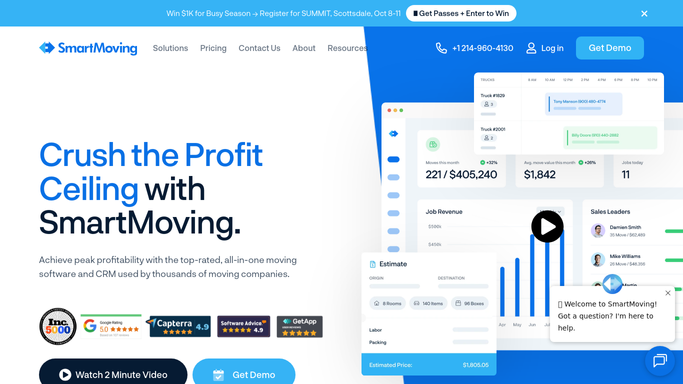
WebRun opens SmartMoving to read new booking details. - Open SmartMoving and identify bookings created in the last check window
- Capture move date, pickup and delivery addresses, crew assignment, estimate total, and deposit paid
- Note any special instructions or access codes recorded on the job
Done when Every new booking has its full details captured and ready to use.
-
2
Gmail - draft confirmation email for review
gmail.com How to Automate Gmail

WebRun opens Gmail to draft confirmation email for review. - Draft a confirmation email addressed to the customer by name
- Include move date, origin and destination, crew name, deposit received, and remaining balance
- List a pre-move checklist: items to pack first, parking access, elevator booking
- Leave the draft in Gmail for a team member to review and send
Done when A complete confirmation draft is waiting in Gmail for every new booking.
-
3
Google Calendar - create move-day calendar event
calendar.google.com How to Automate Google Calendar

WebRun opens Google Calendar to create move-day calendar event. - Create a calendar event on the move date with the customer name and job number in the title
- Add the pickup address, delivery address, and crew as event details
- Set a reminder for the day before so the crew lead gets an alert
Done when A calendar event exists for the move date and is visible to the team.
How is each run configured?
Secure by default
Connect once, stays signed in
WebRun signs in once and keeps each session in a persistent environment, so every run picks up right where it left off.
Every action is checked against this policy before it runs.
Questions, answered
Will the confirmation email be sent automatically to the customer?
No. WebRun drafts the email and leaves it in Gmail for a team member to review and send. Nothing reaches the customer without human approval.
What information is included in the confirmation email?
The draft includes the move date, pickup and delivery addresses, crew name, deposit received, remaining balance, and a short pre-move checklist drawn from the SmartMoving job record.
What if the booking details change after the confirmation is drafted?
On the next run, WebRun reads the updated SmartMoving record. If you have not sent the draft yet, discard it and WebRun will produce a fresh one with the corrected details.
Related templates
Put this on autopilot.
Turn it on in minutes - or have our team set it up for you.