Draft a settlement memorandum from your session notes
After a session, WebRun opens ADR Notable, reads the case background and your session notes, and drafts a structured settlement memorandum in Google Docs that lays out the parties, the issues resolved, and the agreed terms. The mediator reviews, edits, and finalizes the memo before it is shared.
- No credit card
- Under $0.01 per run
- Cancel anytime
How do I draft a settlement memorandum from mediation session notes?
WebRun reads the case background and session notes in ADR Notable and drafts a structured settlement memorandum in Google Docs, with sections for the parties, issues resolved, and agreed terms. It uses the parties' own wording where recorded and flags open points. The mediator reviews and finalizes the memo before it is ever shared.
- A structured memo draft is ready minutes after the session
- Agreed terms are captured in the parties' own wording
- The mediator finalizes every memo before it is shared
Built for mediators · ADR firms · arbitrators · settlement counsel
What does WebRun do on every run?
The exact actions WebRun takes, in order - in plain language, so you can adjust anything.
-
WebRun signs in and gets to work
Opens
www.adrnotable.comin a real browser with your saved login - no setup, no API keys. -
1
ADR Notable - read case and session notes
adrnotable.com How to Automate ADR Notable
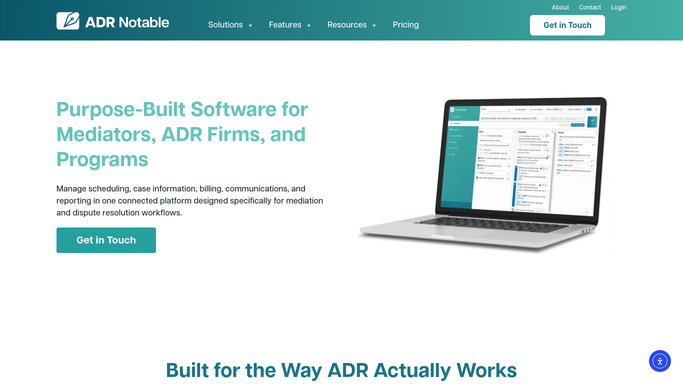
WebRun opens ADR Notable to read case and session notes. - Open the case in ADR Notable and read the party and dispute records
- Read the mediator's session notes and any noteboard entries from the session
- Identify the issues discussed, the points resolved, and the terms the parties agreed
Done when The parties, resolved issues, and agreed terms are gathered from the case and session notes.
-
2
Google Docs - draft the settlement memorandum
google.com How to Automate Google Docs

WebRun opens Google Docs to draft the settlement memorandum. - Create a new Google Doc from your settlement memorandum template
- Draft the memo with sections for parties, background, issues resolved, and agreed terms
- Use the parties' own wording where the notes record it, and mark anything unclear for the mediator
- Leave the document as a draft for the mediator to review and finalize. Do not share it with parties automatically.
Done when A structured settlement memorandum draft sits in Google Docs, marked for mediator review.
How is each run configured?
Secure by default
Connect once, stays signed in
WebRun signs in once and keeps each session in a persistent environment, so every run picks up right where it left off.
Every action is checked against this policy before it runs.
Questions, answered
Will it send the memorandum to the parties?
No. WebRun only produces a Google Docs draft. The mediator reviews, edits, and decides whether and how to share it. Nothing is sent to parties or counsel without the mediator's action.
Does it invent terms that were not agreed?
No. It drafts only from the case record and your session notes, uses the parties' wording where the notes capture it, and flags anything ambiguous for the mediator rather than filling gaps on its own.
Can it follow our memo format?
Yes. It drafts into your own Google Docs settlement memorandum template, so the headings, order, and standard clauses match how your practice already writes these agreements.
Related templates
Put this on autopilot.
Turn it on in minutes - or have our team set it up for you.