Track daily grooming revenue with a sales digest
Every evening, WebRun opens MoeGo, reads the day's completed appointments and services, tallies total revenue, counts appointments by service type, and posts a clean daily sales digest to Slack so you close the day knowing exactly how the business performed.
- No credit card
- Under $0.01 per run
- Cancel anytime
How do I get a daily dog grooming revenue digest automatically?
Every evening, WebRun opens MoeGo, reads all completed appointments for the day, tallies total revenue by service type, and posts a clean sales digest to your Slack channel. Owners and managers close the day with a clear picture of revenue, appointment volume, and service mix, with no manual reporting needed.
- Owners close every day knowing total revenue and appointment volume without manual reporting
- Service breakdown highlights which grooms drive the most revenue
- Digest posts automatically each evening with no staff effort
Built for dog grooming salon owners · grooming shop managers · mobile grooming businesses · pet spa operators
What does WebRun do on every run?
The exact actions WebRun takes, in order - in plain language, so you can adjust anything.
-
WebRun signs in and gets to work
Opens
moego.petin a real browser with your saved login - no setup, no API keys. -
1
MoeGo - read daily appointments and revenue
moego.pet How to Automate MoeGo
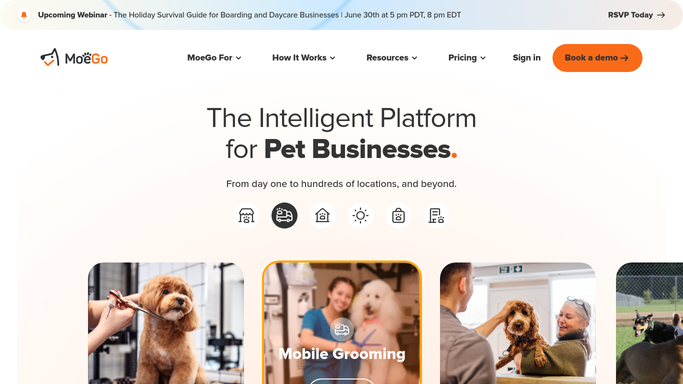
WebRun opens MoeGo to read daily appointments and revenue. - Open MoeGo and navigate to today's completed appointments
- Tally the total revenue for the day, broken down by service type
- Count the number of appointments and note any add-ons or retail sales
- Identify the busiest groomer or service if the data is available
Done when Today's revenue and appointment totals have been compiled from MoeGo.
-
2
Slack - post sales digest
slack.com How to Automate Slack

WebRun opens Slack to post sales digest. - Post the daily sales digest to the owner or manager Slack channel
- Include total revenue, appointment count, service breakdown, and any notable add-ons
- Format the digest for quick scanning at end of day
Done when The daily sales digest has been posted to Slack for the owner or manager to review.
How is each run configured?
Secure by default
Connect once, stays signed in
WebRun signs in once and keeps each session in a persistent environment, so every run picks up right where it left off.
Every action is checked against this policy before it runs.
Questions, answered
Does the digest post automatically every evening?
Yes. The daily sales digest is an internal summary posted automatically to your Slack channel each evening. It contains only your own business data and requires no human approval before posting.
What revenue data does it include in the digest?
It includes total daily revenue, appointment count, a service-type breakdown (such as full groom, bath, trim), and any add-on or retail sales recorded in MoeGo for that day.
Can I see revenue trends over time?
The digest covers each day's data. For trends over weeks or months, pair this workflow with the grooming-booking-intake sheet where daily data accumulates into a historical log.
Related templates
Put this on autopilot.
Turn it on in minutes - or have our team set it up for you.