Route sympathy orders to the right designer and driver every time
Each morning, WebRun opens Floranext, finds any sympathy or funeral orders received in the last 24 hours or due within the next three days, extracts the service date and delivery details, and posts a structured priority alert to Slack so your team can assign a designer and confirm the route.
- No credit card
- Under $0.01 per run
- Cancel anytime
How do I automatically flag and route sympathy flower orders for priority handling?
WebRun checks Floranext every morning for sympathy and funeral orders received in the last 24 hours or due within three days. It posts a priority alert to Slack for each order with service date, delivery details, and urgency level, so your team can assign a designer and route the delivery before the service.
- Every sympathy order is flagged and reviewed before the service date
- Orders due within 24 hours are marked as urgent in Slack so nothing is missed
- Designer assignment and delivery confirmation happen the same morning the order is received
Built for retail florists · flower shops · event florists · funeral flower specialists
What does WebRun do on every run?
The exact actions WebRun takes, in order - in plain language, so you can adjust anything.
-
WebRun signs in and gets to work
Opens
app.floranext.comin a real browser with your saved login - no setup, no API keys. -
1
Floranext - find and review sympathy orders
floranext.com
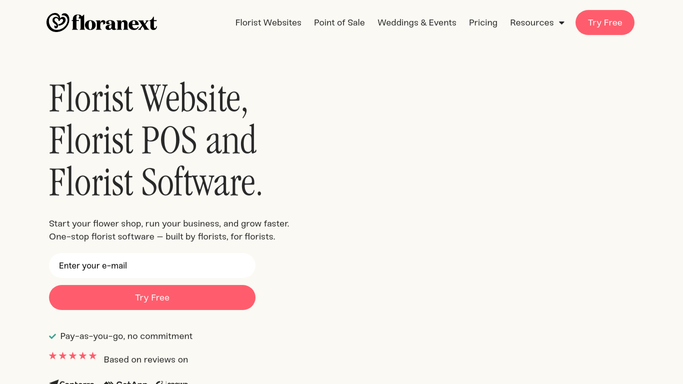
WebRun opens Floranext to find and review sympathy orders. - Open Floranext and filter orders tagged as sympathy or funeral
- Identify orders received in the last 24 hours or with a service date within the next 3 days
- Capture recipient name, delivery address, service date and time, arrangement type, and any special notes for each
Done when All active sympathy orders are identified with their full delivery and service details.
-
2
Slack - post priority alert and routing details
slack.com How to Automate Slack

WebRun opens Slack to post priority alert and routing details. - Post a priority alert to the shop's Slack channel for each sympathy order
- List service date, delivery address, arrangement type, and urgency level
- Flag orders with a service date within 24 hours with a clear priority marker
- Include a note that designer assignment and delivery confirmation are required before dispatch
Done when Your team has a Slack alert for every active sympathy order with full details and a clear priority ranking.
How is each run configured?
Secure by default
Connect once, stays signed in
WebRun signs in once and keeps each session in a persistent environment, so every run picks up right where it left off.
Every action is checked against this policy before it runs.
Questions, answered
Does it contact the bereaved family or funeral home automatically?
No. All alerts are internal Slack messages for your team only. No message is sent to any customer or external party.
How does it identify sympathy orders in Floranext?
It filters for orders using sympathy or funeral product categories and occasion tags in Floranext. Make sure your order types are tagged correctly for the best results.
What if a sympathy order comes in after the daily run?
WebRun runs each morning and catches orders from the past 24 hours. For truly last-minute orders, you can also trigger a manual run from your WebRun dashboard at any time.
Related templates
Put this on autopilot.
Turn it on in minutes - or have our team set it up for you.