Prep feeding and med schedules
Every morning, WebRun opens Gingr and reads the current boarding roster including each dog's feeding instructions and medication notes. It compiles a clear, sorted feeding and med schedule and posts it to the staff Slack channel before the morning shift begins.
- No credit card
- Under $0.01 per run
- Cancel anytime
How do I automatically generate a dog boarding feeding and medication schedule?
Every morning before the first shift, WebRun opens Gingr and pulls every boarding guest's feeding instructions and medication notes. It compiles a sorted roster by meal time and posts it to the staff Slack channel, with medicated dogs flagged at the top, so your team starts the day with a clear care plan for every dog.
- Staff start every morning with a complete, sorted feeding and med schedule
- Dogs with medications are flagged at the top so nothing is missed
- Last-minute Gingr updates are reflected in the next morning's roster
Built for dog boarding facilities · kennel staff · pet resort care teams · doggy daycare managers
What does WebRun do on every run?
The exact actions WebRun takes, in order - in plain language, so you can adjust anything.
-
WebRun signs in and gets to work
Opens
gingrapp.comin a real browser with your saved login - no setup, no API keys. -
1
Gingr - pull roster and feeding notes
gingrapp.com How to Automate Gingr
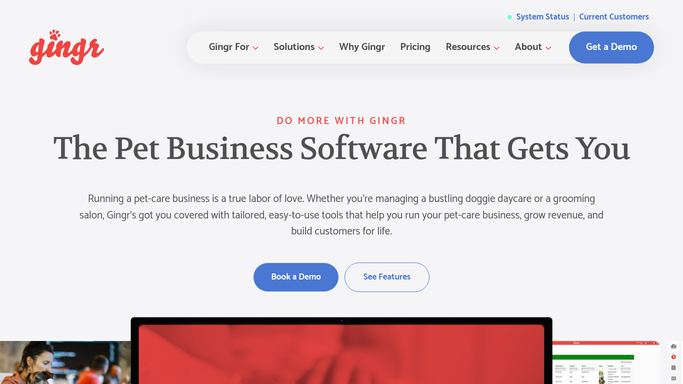
WebRun opens Gingr to pull roster and feeding notes. - Open Gingr and pull the full list of dogs currently boarding
- For each dog, read the feeding instructions: food type, portion size, and meal times
- Read any medication notes including medication name, dose, and timing
- Flag dogs with special dietary needs or multiple medications
Done when Feeding instructions and medication notes are collected for every dog on today's roster.
-
2
Slack - post feeding and med schedule
slack.com How to Automate Slack

WebRun opens Slack to post feeding and med schedule. - Compile a morning feeding and medication roster sorted by meal time
- Format each entry with dog name, run number, food details, and any medication notes
- Post the full roster to the staff Slack channel before 7:00 AM
- Put dogs with medications at the top so staff see them first
Done when Staff have the complete feeding and med schedule in Slack for the morning shift.
How is each run configured?
Secure by default
Connect once, stays signed in
WebRun signs in once and keeps each session in a persistent environment, so every run picks up right where it left off.
Every action is checked against this policy before it runs.
Questions, answered
Does it contact pet owners or make any changes in Gingr?
No. WebRun reads the Gingr roster and posts the schedule to an internal Slack channel only. It does not modify any records in Gingr or send anything to owners.
What if a dog's feeding instructions change mid-stay?
WebRun reads live Gingr data every morning, so any updates an owner or staff member makes to feeding notes in Gingr the night before will appear in the next morning's roster.
Can it handle dogs with multiple medications or complex feeding schedules?
Yes. WebRun reads all notes in the Gingr profile and includes them in the roster. Dogs with multiple medications or special dietary flags are placed at the top of the Slack post for priority attention.
Related templates
Put this on autopilot.
Turn it on in minutes - or have our team set it up for you.