Flag watchlisted visitors the moment they check in
The moment a visitor checks in, WebRun checks the name and company against your Envoy watchlist, pulls the matching Verkada entrance camera snapshot if there is a hit, and posts an immediate Slack alert to your security channel with the name, the reason they are on the watchlist, and the snapshot, so a person can decide what to do next.
- No credit card
- Under $0.01 per run
- Cancel anytime
How do I get alerted the moment a watchlisted visitor checks in?
The moment a visitor checks in, WebRun checks their name against your Envoy watchlist, and on a match pulls the closest Verkada entrance camera snapshot and posts an immediate Slack alert to your security channel with the name, the reason, and the snapshot. It never denies entry or contacts anyone itself, leaving the decision to a trained person.
- Security knows about a watchlist match before the visitor leaves the lobby
- Every alert arrives with a snapshot instead of a name alone
- No entry is ever denied automatically, a trained person always decides
Built for corporate security teams · front desk and reception · office managers · workplace safety teams
What does WebRun do on every run?
The exact actions WebRun takes, in order - in plain language, so you can adjust anything.
-
WebRun signs in and gets to work
Opens
dashboard.envoy.comin a real browser with your saved login - no setup, no API keys. -
1
Envoy - check the sign in against the watchlist
envoy.com How to Automate Envoy
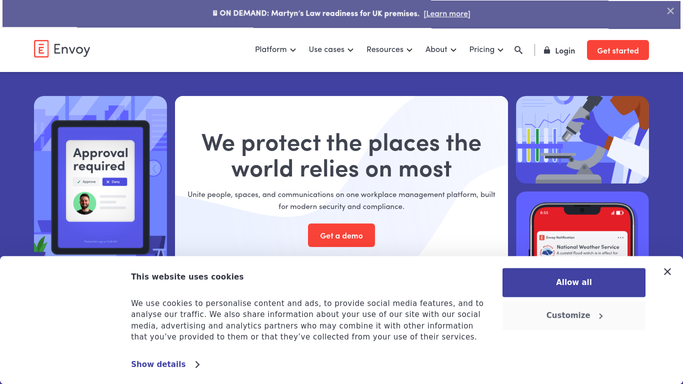
WebRun opens Envoy to check the sign in against the watchlist. - Watch new visitor sign ins as they happen
- Check the name and company against your Envoy visitor watchlist
- Capture the watchlist reason and the visitor's stated host
Done when Every new sign in has been checked against the watchlist.
-
2
Verkada - pull the matching entrance snapshot
verkada.com
WebRun opens Verkada to pull the matching entrance snapshot. - On a watchlist match, pull the entrance camera snapshot closest to the sign in time
- Attach it to the alert for visual confirmation
- Never store or forward footage beyond the single alert
Done when A watchlist match has a snapshot attached for security to confirm.
-
3
Slack - alert security to the match
slack.com How to Automate Slack

WebRun opens Slack to alert security to the match. - Post your security channel an immediate alert with the name, reason, host, and snapshot
- Never deny entry, contact the visitor, or contact authorities on its own
- Leave every decision about the visitor to your security team
Done when Security has the alert and can act while the visitor is still checking in.
How is each run configured?
Secure by default
Connect once, stays signed in
WebRun signs in once and keeps each session in a persistent environment, so every run picks up right where it left off.
Every action is checked against this policy before it runs.
Questions, answered
Does it deny the visitor entry itself?
No. WebRun never denies entry, blocks a badge, or contacts the visitor. It only alerts your security channel with the match so a trained person makes the call, the same as if a person spotted it manually.
Does it contact the police or building security on its own?
No. It posts to your internal Slack security channel only. Any decision to escalate further, including contacting authorities, is made and carried out by your team, never by WebRun.
Where does the watchlist come from?
Your existing Envoy visitor watchlist, the same list your front desk already manages. WebRun checks every new sign in against it. It does not add or remove anyone from the list itself.
Related templates
Put this on autopilot.
Turn it on in minutes - or have our team set it up for you.