Follow up on parts counter quotes before customers buy elsewhere
Every morning, WebRun opens Karmak Fusion, checks every parts counter quote that has not converted to an order within 3 days, drafts a follow up email for each customer asking if they still need the part, and gives your parts counter staff a running text list of stale quotes sorted by dollar value.
- No credit card
- Under $0.01 per run
- Cancel anytime
How do I follow up on stale parts counter quotes automatically?
WebRun checks Karmak Fusion every morning for parts counter quotes not converted to an order within 3 days, drafts a follow up email in Gmail for each customer asking if they still need the part, and texts your parts counter lead an internal list of stale quotes ranked by dollar value. Drafts wait for the counter person to send, so no customer follow up goes out unreviewed.
- Stale quotes get a same day follow up draft instead of quietly expiring
- Parts counter leads see the highest value stale quotes first
- No customer hears from you until a counter person reviews the draft
Built for commercial truck dealerships · parts counter staff · parts managers · dealership sales teams
What does WebRun do on every run?
The exact actions WebRun takes, in order - in plain language, so you can adjust anything.
-
WebRun signs in and gets to work
Opens
www.karmak.comin a real browser with your saved login - no setup, no API keys. -
1
Karmak Fusion - find quotes unconverted after 3 days
karmak.com How to Automate Karmak Fusion
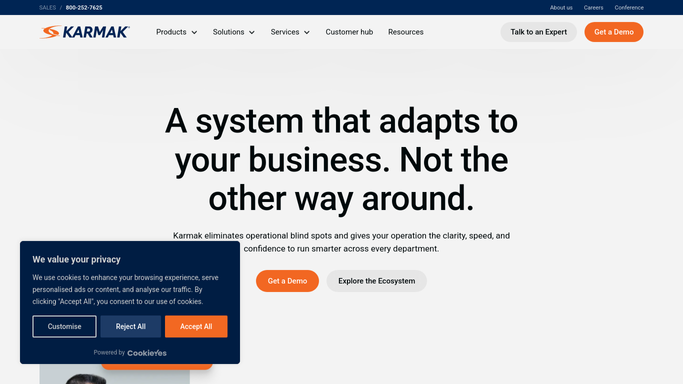
WebRun opens Karmak Fusion to find quotes unconverted after 3 days. - Open Karmak Fusion and pull open parts counter quotes
- Filter to quotes not converted to an order within 3 days of being written
- Capture the customer, part numbers, quote total, and counter person for each
Done when Every quote unconverted after 3 days is listed with its customer and quote total.
-
2
Gmail - draft a follow up email per customer
gmail.com How to Automate Gmail

WebRun opens Gmail to draft a follow up email per customer. - Draft a short follow up email for each customer with a stale quote, asking if they still need the part
- Include the part numbers and the quoted price so they can reply directly
- Save each email as a Gmail draft for the counter person to review and send
Done when A draft follow up email is ready in Gmail for every customer with a stale quote.
-
3
Twilio - text the parts counter lead the stale quote list
twilio.com How to Automate Twilio

WebRun opens Twilio to text the parts counter lead the stale quote list. - Send an internal text to the parts counter lead listing every stale quote sorted by dollar value
- Include the customer name and how many days the quote has been open
- This is an internal alert only, it never contacts the customer directly
Done when Your parts counter lead has today's stale quote list by text, highest value first.
How is each run configured?
Secure by default
Connect once, stays signed in
WebRun signs in once and keeps each session in a persistent environment, so every run picks up right where it left off.
Every action is checked against this policy before it runs.
Questions, answered
Will it email customers about their quote without my counter staff reviewing it?
No. Every follow up is saved as a Gmail draft for the counter person who wrote the quote to review and send. WebRun never emails a customer directly.
Does the text alert go to customers too?
No. The Twilio text is an internal alert to your parts counter lead only, listing stale quotes so they can prioritize follow up. Customers only hear from you through the reviewed Gmail draft.
What counts as a stale quote?
Any parts counter quote in Karmak Fusion not converted to an order within 3 days of being written. You can adjust that window in your WebRun settings.
Related templates
Put this on autopilot.
Turn it on in minutes - or have our team set it up for you.