Flag unusual refund requests before they are processed
Every morning, WebRun opens Subbly to find refund requests logged in the last 24 hours, checks each against your refund policy thresholds in Stripe, and posts a flag to your Slack channel for any request that exceeds a set amount, falls outside the eligible window, or comes from a subscriber with a history of previous refunds.
- No credit card
- Under $0.01 per run
- Cancel anytime
How do I automatically flag unusual refund requests before they are processed?
Every morning, WebRun reads refund requests from Subbly, checks each against your configured policy in Stripe, and posts a Slack flag for any request that exceeds the amount threshold, falls outside the eligible window, or comes from a repeat claimant. No refund is issued automatically. A manager reviews each flag and acts in Stripe.
- Out-of-policy refund requests are flagged before any money leaves your account
- Repeat refund claimants are surfaced automatically for closer review
- In-policy refunds flow normally without adding review overhead
Built for subscription box finance managers · subscription e-commerce operators · customer support managers
What does WebRun do on every run?
The exact actions WebRun takes, in order - in plain language, so you can adjust anything.
-
WebRun signs in and gets to work
Opens
subbly.co/managein a real browser with your saved login - no setup, no API keys. -
1
Subbly - read refund requests logged in the last 24 hours
subbly.co How to Automate Subbly
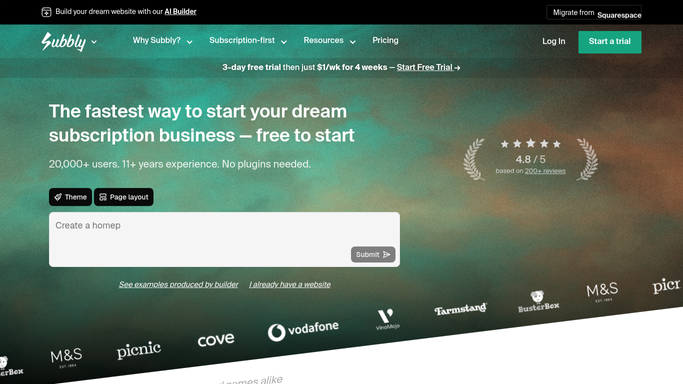
WebRun opens Subbly to read refund requests logged in the last 24 hours. - Open Subbly and check for any refund requests or support tickets flagged as refund-related in the last 24 hours
- Collect the subscriber name, order number, amount requested, and the reason given for each refund
Done when All refund requests from the last 24 hours are collected with their amounts and reasons.
-
2
Stripe - verify each request against charge history and policy limits
stripe.com How to Automate Stripe

WebRun opens Stripe to verify each request against charge history and policy limits. - Look up the original charge in Stripe for each refund request
- Check whether the request exceeds your configured maximum refund threshold
- Check whether the request falls outside the eligible refund window
- Check whether this subscriber has received a refund in the past 90 days
- Flag any request that fails one or more of these checks as an exception
Done when Every refund request has been checked against policy and exceptions are identified.
-
3
Slack - flag out-of-policy requests for manager review
slack.com How to Automate Slack

WebRun opens Slack to flag out-of-policy requests for manager review. - Post a Slack message to the manager channel for each exception, listing the subscriber name, order number, amount, reason, and the specific policy rule it violates
- If no exceptions are found, post a short all-clear message
Done when Every exception has a Slack flag for a manager to review before any refund is issued.
How is each run configured?
Secure by default
Connect once, stays signed in
WebRun signs in once and keeps each session in a persistent environment, so every run picks up right where it left off.
Every action is checked against this policy before it runs.
Questions, answered
Does it issue or approve refunds automatically?
No. WebRun only flags exceptions in Slack. Approving or issuing any refund in Stripe requires a human manager to take action after reviewing the flag.
How do I set my refund policy thresholds?
During setup you configure the maximum refund amount, the eligible window in days, and whether to flag repeat refund claimants. WebRun applies exactly those rules on every run.
What happens to refund requests that are within policy?
In-policy requests are not flagged in Slack. Your normal refund process handles them. Only exceptions that breach a threshold are escalated to the manager channel.
Related templates
Put this on autopilot.
Turn it on in minutes - or have our team set it up for you.