Get your Sapaad daily Z report every morning
Every morning, WebRun opens Sapaad, reads the prior night's Z report for net sales, discounts, taxes, and payment method totals across dine in, takeaway, and delivery, then sends you a clean WhatsApp summary before you reach the restaurant.
- No credit card
- Under $0.01 per run
- Cancel anytime
How do I get my Sapaad daily Z report on WhatsApp every morning?
WebRun opens Sapaad every morning, reads the prior night's closed Z report for net sales, discounts, taxes, and the cash, card, and delivery payment split, and sends a clean WhatsApp summary with covers served, so every owner or manager knows yesterday's numbers before they reach the restaurant.
- Owners see last night's numbers on WhatsApp before arriving at the restaurant
- No manual Z report pulling or typing into a phone message
- Every manager on the list gets the same numbers at the same time
Built for restaurant owners · multi-outlet restaurant operators · QSR managers · cafe owners
What does WebRun do on every run?
The exact actions WebRun takes, in order - in plain language, so you can adjust anything.
-
WebRun signs in and gets to work
Opens
www.sapaad.comin a real browser with your saved login - no setup, no API keys. -
1
Sapaad - read last night's Z report
sapaad.com How to Automate Sapaad
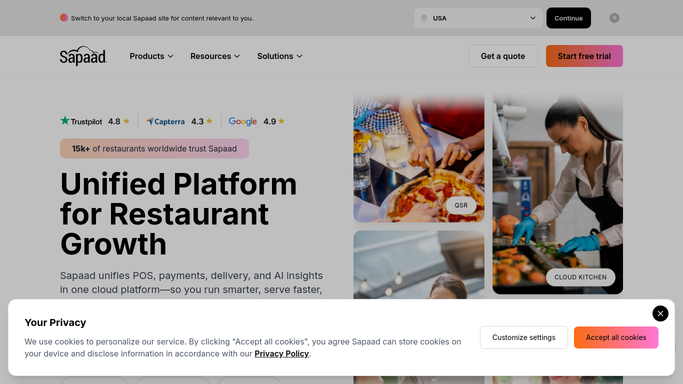
WebRun opens Sapaad to read last night's Z report. - Open Sapaad and pull the Z report for the prior business day
- Capture net sales, gross sales, discounts, taxes, and the cash, card, and delivery payment split
- Note the covers served and average check across dine in, takeaway, and delivery
Done when Last night's Z report figures are captured and ready to format.
-
2
WhatsApp - send you the daily summary
whatsapp.com How to Automate WhatsApp

WebRun opens WhatsApp to send you the daily summary. - Format the numbers into a short, readable message
- Send the summary to your WhatsApp as soon as the Z report is captured
- Flag anything that looks off against the same day last week
Done when You have last night's Z report summary on WhatsApp before you start your day.
How is each run configured?
Secure by default
Connect once, stays signed in
WebRun signs in once and keeps each session in a persistent environment, so every run picks up right where it left off.
Every action is checked against this policy before it runs.
Questions, answered
What exactly does it pull from Sapaad?
It pulls the closed Z report for the prior business day: net sales, gross sales, discounts, taxes, and the cash, card, and delivery payment breakdown, plus covers served.
Does it wait for the day to actually be closed?
Yes. It checks that the Z report has been run and the business day is closed in Sapaad before pulling numbers. If the close is still pending, it waits and sends as soon as the report is ready.
Can it go to more than one phone?
Yes. Add every owner or manager number who should see it, and WebRun sends the same summary to each on WhatsApp every morning.
Related templates
Put this on autopilot.
Turn it on in minutes - or have our team set it up for you.