Reconcile your delivery platform payouts against Sapaad
Every Monday, WebRun opens Sapaad, totals last week's orders by delivery platform such as Talabat, Zomato, and Deliveroo, logs each platform's order total and commission rate in a Google Sheet next to its payout report, and posts a flagged list of any shortfall to Slack.
- No credit card
- Under $0.01 per run
- Cancel anytime
What does WebRun do on every run?
The exact actions WebRun takes, in order - in plain language, so you can adjust anything.
-
WebRun signs in and gets to work
Opens
www.sapaad.comin a real browser with your saved login - no setup, no API keys. -
1
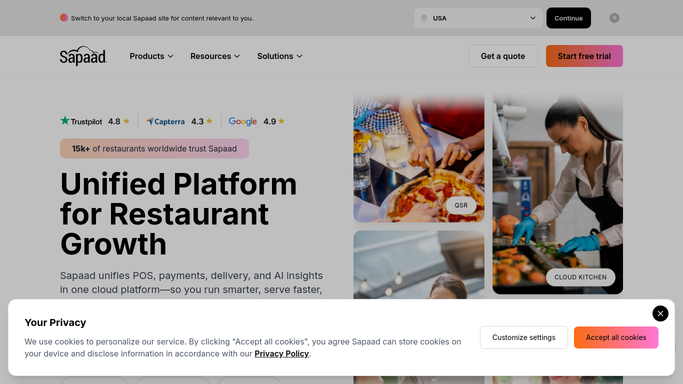
Sapaad - total last week's delivery orders by platform
sapaad.com How to Automate Sapaad

WebRun opens Sapaad to total last week's delivery orders by platform. - Open Sapaad and pull last week's delivery orders grouped by platform
- Capture each platform's order count, gross order value, and any in-app discounts applied
- Separate refunded or cancelled delivery orders from completed ones
Done when Every delivery platform's order total for last week is captured from Sapaad.
-
2
Google Sheets - log orders against payouts
google.com How to Automate Google Sheets
WebRun opens Google Sheets to log orders against payouts. - Log each platform's Sapaad order total next to its commission rate and expected payout
- Enter the actual payout amount once the platform statement is available
- Calculate the variance between expected and actual payout for each platform
Done when Every platform's expected and actual payout is logged with the variance calculated.
-
3
Slack - flag any shortfall
slack.com How to Automate Slack
WebRun opens Slack to flag any shortfall. - Post a summary of every platform's variance to your finance channel
- Flag any shortfall above your configured threshold at the top of the list
- Leave the flagged shortfalls for you to raise with the platform
Done when This week's reconciliation summary and any flagged shortfalls are in Slack.


How do I reconcile Sapaad delivery orders against platform payouts automatically?
WebRun opens Sapaad every Monday, totals last week's delivery orders by platform, and logs each platform's order value next to its payout in a Google Sheet. It calculates the variance, then posts a flagged Slack summary of any shortfall above your threshold, so missing delivery revenue gets caught weekly instead of going unnoticed.
- Delivery payout shortfalls are flagged weekly instead of going unnoticed
- Finance has a running reconciliation log without manual spreadsheet building
- Every platform's variance is visible in one Slack post
Built for restaurant owners · multi-outlet operators · restaurant finance managers · delivery-heavy QSR brands
How is each run configured?
Secure by default
Connect once, stays signed in
WebRun signs in once and keeps each session in a persistent environment, so every run picks up right where it left off.
Every action is checked against this policy before it runs.
Questions, answered
Does it file a dispute with the delivery platform for me?
No. It only flags the shortfall and logs the numbers in your sheet. Raising the dispute with the platform is a decision you make.
Which delivery platforms can it reconcile?
Any platform whose orders flow into Sapaad, commonly Talabat, Zomato, Deliveroo, and Careem NOW. Add or remove platforms in the setup and it adjusts the sheet columns to match.
What if a platform's payout statement arrives late?
It logs the Sapaad side of the numbers on schedule regardless, and adds the payout comparison and variance as soon as you drop the statement into the sheet.
Related templates
Put this on autopilot.
Turn it on in minutes - or have our team set it up for you.