Kick off a personalised onboarding sequence for every new RV buyer
When a deal is marked Won in IDS Astra, WebRun captures the new owner's details and unit information, drafts a personalised welcome and orientation email for the customer in Mailchimp, logs the new buyer in an onboarding tracking sheet, and creates a delivery prep checklist row so nothing is missed before the owner picks up their RV.
- No credit card
- Under $0.01 per run
- Cancel anytime
How do I automatically onboard new RV buyers after a deal is won?
When IDS Astra marks a deal as Won, WebRun captures the new buyer's and unit's details, drafts a personalised welcome email in Mailchimp with delivery expectations and key resources, and logs the buyer in a Google Sheets onboarding tracker with a full delivery prep checklist. The welcome email is held for salesperson review before the customer receives it.
- Every new buyer gets a personalised welcome within minutes of the deal closing
- Delivery teams always have a checklist before prep begins
- Salespeople spend seconds reviewing a ready-made draft instead of writing from scratch
Built for RV dealers · RV sales teams · trailer dealership delivery coordinators
What does WebRun do on every run?
The exact actions WebRun takes, in order - in plain language, so you can adjust anything.
-
WebRun signs in and gets to work
Opens
www.ids-astra.comin a real browser with your saved login - no setup, no API keys. -
1
IDS Astra - detect Won deal and capture buyer and unit details
ids-astra.com How to Automate IDS Astra
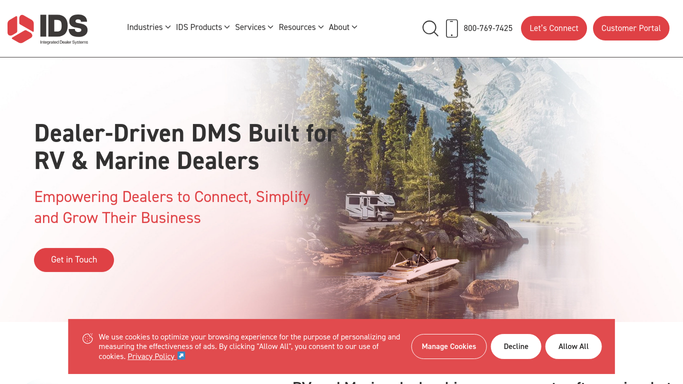
WebRun opens IDS Astra to detect Won deal and capture buyer and unit details. - Detect deals newly marked as Won in IDS Astra since the last run
- Capture new owner name, email, phone, unit year, make, model, VIN, and salesperson
- Note any add-ons or special requests noted in the deal file
Done when All new Won deals are captured with buyer and unit details.
-
2
Mailchimp - draft personalised welcome and orientation email
mailchimp.com How to Automate Mailchimp

WebRun opens Mailchimp to draft personalised welcome and orientation email. - Create a Mailchimp email draft addressed to the new owner by first name
- Reference the specific unit purchased (year, make, model)
- Include a welcome message, what to expect at delivery, and key resources (manual link, service contact)
- Leave the campaign as a draft for the salesperson to review and personalise before sending
Done when A personalised welcome email draft exists in Mailchimp for every new buyer, unsent and awaiting approval.
-
3
Google Sheets - log new buyer and create delivery prep checklist
google.com How to Automate Google Sheets

WebRun opens Google Sheets to log new buyer and create delivery prep checklist. - Open the new buyer onboarding tracking sheet
- Append a row for the new buyer with name, unit, salesperson, sale date, and expected delivery date
- Add a delivery prep checklist: walk-through scheduled, accessories ordered, title paperwork ready, financing confirmed, welcome packet printed
Done when The new buyer is logged and a delivery prep checklist row is in the sheet for the delivery team.
How is each run configured?
Secure by default
Connect once, stays signed in
WebRun signs in once and keeps each session in a persistent environment, so every run picks up right where it left off.
Every action is checked against this policy before it runs.
Questions, answered
Will it send the welcome email to the customer automatically?
No. The welcome email is saved as a Mailchimp draft and held until the salesperson reviews and personalises it. No email reaches the new owner without a human sign-off.
What is included in the delivery prep checklist?
The default checklist covers: walk-through scheduled, accessories and add-ons ordered, title paperwork complete, financing confirmed, and welcome packet prepared. You can customise the checklist during setup.
Does it handle trade-in buyers differently from cash or finance buyers?
You can configure separate email templates and checklist rows for trade-in, cash, and finance deals using deal-type fields from IDS Astra, so each buyer gets the right onboarding path.
Related templates
Put this on autopilot.
Turn it on in minutes - or have our team set it up for you.