Check app access still matches who works here
Every Monday, WebRun opens Rippling, lists who has access to each app, compares that against the live employee roster, their department and their group, then writes an access review into Notion and puts the seats to remove or reclaim into a Google Sheet for IT to work through.
- No credit card
- Under $0.01 per run
- Cancel anytime
What does WebRun do on every run?
The exact actions WebRun takes, in order - in plain language, so you can adjust anything.
-
WebRun signs in and gets to work
Opens
app.rippling.comin a real browser with your saved login - no setup, no API keys. -
1
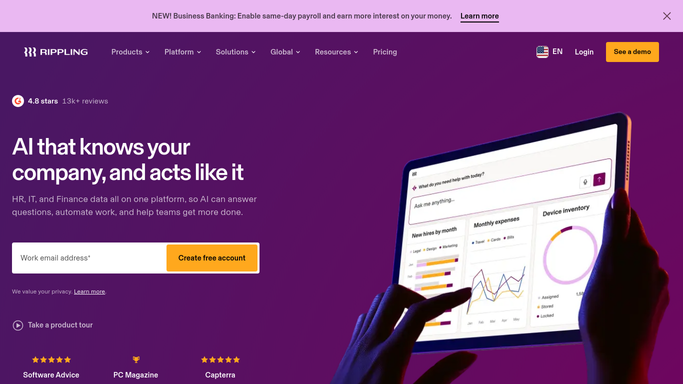
Rippling - compare access to the roster
rippling.com How to Automate Rippling

WebRun opens Rippling to compare access to the roster. - Open Rippling and list the current employees with their department and group
- Open each connected app and read who holds access
- Mark access held by anyone no longer active on the roster
- Mark access that does not fit the person's current department or group after a move
Done when Every app's access list has been compared against the live roster.
-
2
Notion - write the access review
notion.so How to Automate Notion
WebRun opens Notion to write the access review. - Add this week's access review page with the date and the apps checked
- List the leavers who still hold access, app by app
- List the movers whose access no longer matches their department
- Keep last week's page so the trend is visible
Done when This week's access review is written up in Notion.
-
3
Google Sheets - build the reclaim list
google.com How to Automate Google Sheets
WebRun opens Google Sheets to build the reclaim list. - Add a row per seat to remove with the person, the app and the reason
- Mark the paid apps so the licence saving is visible
- Leave every row for IT to action. WebRun never revokes access or removes anyone itself
Done when IT has a reclaim list they can work down.


How do I check app access still matches my current employees?
WebRun audits app access in Rippling every Monday. It reads the live employee roster with departments and groups, compares it against who holds access to each app, writes the review into Notion, and lists the seats to remove in Google Sheets, so leavers lose access and unused licences get reclaimed.
- Leavers stop holding access to apps after their last day
- Unused paid seats surface every week instead of at renewal
- Movers get access reviewed when their department changes
Built for IT admins · people ops · security teams · finance owners of software spend
How is each run configured?
Secure by default
Connect once, stays signed in
WebRun signs in once and keeps each session in a persistent environment, so every run picks up right where it left off.
Every action is checked against this policy before it runs.
Questions, answered
Will it revoke access by itself?
No. WebRun only reports. Removing a person from an app, deprovisioning an account, and reclaiming a licence all stay with your IT owner.
How does it tell a leaver from a mover?
It reads the live Rippling roster each Monday. Someone no longer active is a leaver, and someone whose department or group changed is flagged as a mover with access that no longer fits.
Can it cover apps that are not connected to Rippling?
Yes. Give WebRun a list of the extra tools and their admin pages and it checks those seats against the same roster in the same run.
Related templates
Put this on autopilot.
Turn it on in minutes - or have our team set it up for you.