Track your QSR speed of service and flag slow periods
Every morning, WebRun opens TouchBistro, reads order ticket times for each daypart from the prior day, identifies periods where service exceeded your target time, and appends the findings to a Google Sheet so managers can see which shifts need coaching.
- No credit card
- Under $0.01 per run
- Cancel anytime
How do I automatically track speed of service from TouchBistro each day?
WebRun reads your TouchBistro speed-of-service data every morning, captures average ticket times for each daypart, and appends the results to Google Sheets with a flag on any period that missed your target. Managers open one sheet to see exactly which shifts need coaching, with no manual report-pulling.
- Managers see slow-period patterns without pulling reports manually
- Historical sheet builds a trend line for coaching and scheduling decisions
- Every daypart breach is flagged the morning after it occurs
Built for QSR managers · fast food operators · multi-unit restaurant groups · franchise area managers
What does WebRun do on every run?
The exact actions WebRun takes, in order - in plain language, so you can adjust anything.
-
WebRun signs in and gets to work
Opens
cloud.touchbistro.comin a real browser with your saved login - no setup, no API keys. -
1
TouchBistro - read ticket times by daypart
touchbistro.com How to Automate TouchBistro
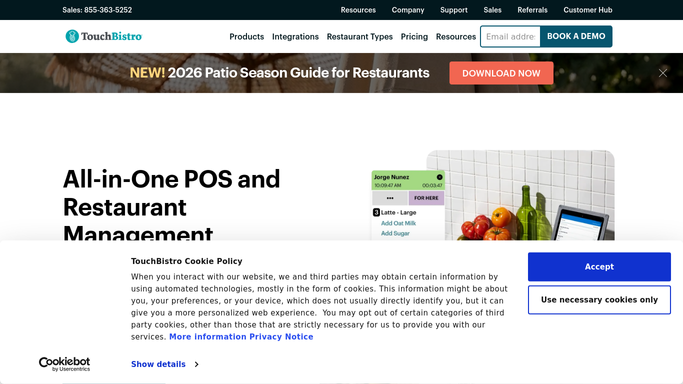
WebRun opens TouchBistro to read ticket times by daypart. - Open TouchBistro Cloud and go to Reports
- Pull the Speed of Service or Order Ticket report for yesterday
- Capture average ticket time per daypart: breakfast, lunch, afternoon, dinner
- Flag any daypart where average exceeded the target threshold set by the owner
Done when All daypart ticket times and any breaches are captured.
-
2
Google Sheets - log speed-of-service results
google.com How to Automate Google Sheets

WebRun opens Google Sheets to log speed-of-service results. - Open the designated Speed of Service Google Sheet
- Append a new dated row with each daypart's average ticket time
- Highlight any cells where the time exceeded the target in the breach column
Done when Yesterday's speed-of-service data is logged and breach periods are marked in the sheet.
How is each run configured?
Secure by default
Connect once, stays signed in
WebRun signs in once and keeps each session in a persistent environment, so every run picks up right where it left off.
Every action is checked against this policy before it runs.
Questions, answered
Can I set my own target ticket time?
Yes. During setup you tell WebRun your target time in seconds or minutes per daypart, and it flags any period that exceeded it automatically each morning.
Does it notify customers or post anything publicly?
No. Results go only to your internal Google Sheet. No customer-facing communication is triggered.
What if TouchBistro's ticket-time report is empty for a day?
WebRun logs a note in the sheet indicating no data was found for that date, so the gap is visible and does not silently break the historical trend.
Related templates
Put this on autopilot.
Turn it on in minutes - or have our team set it up for you.