Alert your team before menu items run out during service
Twice a day, WebRun opens TouchBistro, checks current inventory levels against your par minimums, identifies items that are low or already 86'd, and posts a clear alert to Slack so front-of-house staff and managers can act before guests order something unavailable.
- No credit card
- Under $0.01 per run
- Cancel anytime
How do I get automatic low-stock and 86 alerts from TouchBistro?
WebRun checks your TouchBistro inventory levels twice a day, compares on-hand quantities to your par minimums, and posts a clear Slack alert listing every item that is low or already 86'd. Staff and managers see the warning before service begins and can act before guests order something unavailable.
- Staff know about low-stock items before guests order them
- No manual inventory checks between service periods
- 86 situations are communicated to the whole team in seconds
Built for QSR managers · kitchen managers · quick service restaurant owners · multi-unit operators
What does WebRun do on every run?
The exact actions WebRun takes, in order - in plain language, so you can adjust anything.
-
WebRun signs in and gets to work
Opens
cloud.touchbistro.comin a real browser with your saved login - no setup, no API keys. -
1
TouchBistro - check inventory levels against par
touchbistro.com How to Automate TouchBistro
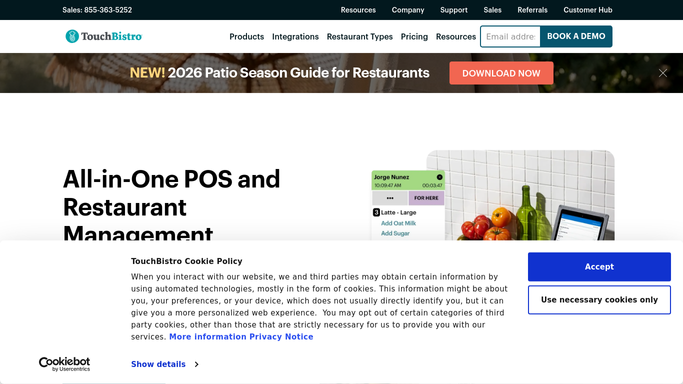
WebRun opens TouchBistro to check inventory levels against par. - Open TouchBistro Cloud and navigate to Inventory
- Check current on-hand quantities against the minimum par level for each tracked item
- List items below par and any already marked as 86'd in the system
- Note the item name, current quantity, and par threshold for each
Done when All low-stock and 86'd items are identified with their quantities.
-
2
Slack - post low-stock and 86 alert
slack.com How to Automate Slack

WebRun opens Slack to post low-stock and 86 alert. - Format a short alert listing each low-stock item with current quantity vs. par
- Separate items already 86'd from those merely approaching the limit
- Post the alert to the kitchen or ops Slack channel so staff can act immediately
Done when The 86-alert is posted to Slack before the next service period begins.
How is each run configured?
Secure by default
Connect once, stays signed in
WebRun signs in once and keeps each session in a persistent environment, so every run picks up right where it left off.
Every action is checked against this policy before it runs.
Questions, answered
Will it automatically remove items from the menu?
No. WebRun alerts your team in Slack so a manager can decide whether to 86 the item, find a substitute, or do an emergency restock. No menu changes are made automatically.
Can I set different par levels per item?
Yes. TouchBistro tracks par levels per inventory item, and WebRun reads those settings. Update your par levels in TouchBistro and the alerts reflect the new thresholds immediately.
How often does it run?
Twice daily by default: once before the morning service and once before the lunch rush. You can adjust the schedule to run more frequently for high-volume locations.
Related templates
Put this on autopilot.
Turn it on in minutes - or have our team set it up for you.