Match Payoneer payments to the invoices they settle
Every Monday, WebRun opens Payoneer, reads the week's incoming payments and fees from your account statement, marks the matching invoices settled in Airtable, and drafts a polite reminder in Gmail for every client whose payment never arrived.
- No credit card
- Under $0.01 per run
- Cancel anytime
How do I match Payoneer payments to the invoices they paid?
WebRun reconciles your Payoneer receipts every Monday. It reads the week's incoming payments, fees, and currency balances from your account statement, matches each one to the invoice it settles in Airtable, and drafts a polite Gmail reminder for every client still owing, so you never read a statement line by line again.
- Every invoice is marked settled the week its payment lands
- Unmatched receipts are flagged instead of silently misapplied
- Clients who still owe get a drafted reminder waiting for your approval
Built for freelancers · agencies · contractors · remote consultants
What does WebRun do on every run?
The exact actions WebRun takes, in order - in plain language, so you can adjust anything.
-
WebRun signs in and gets to work
Opens
myaccount.payoneer.comin a real browser with your saved login - no setup, no API keys. -
1
Payoneer - read incoming payments
payoneer.com
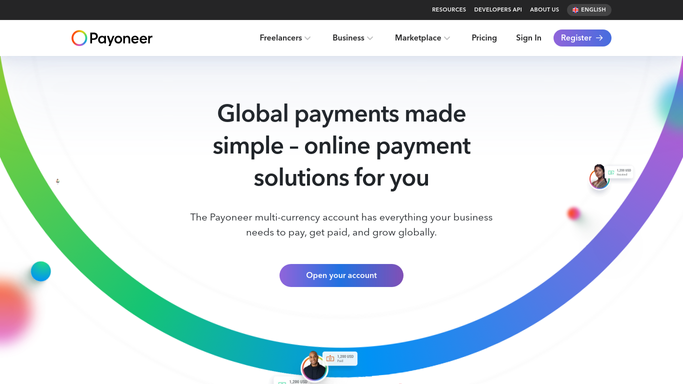
WebRun opens Payoneer to read incoming payments. - Open Payoneer and filter the account statement to incoming payments from the last week
- Capture the payer, gross amount, fee, currency, and value date for each transaction
- Note which currency balance each receipt landed in
Done when Every incoming payment from the week is listed with its payer, amount, and fee.
-
2
Airtable - mark invoices settled
airtable.com How to Automate Airtable

WebRun opens Airtable to mark invoices settled. - Match each Payoneer receipt to the open invoice it pays by client, amount, and reference
- Mark matched invoices as settled and record the fee and the net amount received
- Leave receipts with no confident match in a review row for you to assign
Done when Every payment is either matched to an invoice or parked for review, and unpaid invoices are visible.
-
3
Gmail - draft nudges for unpaid clients
gmail.com How to Automate Gmail

WebRun opens Gmail to draft nudges for unpaid clients. - Draft a short, polite payment reminder for each client whose invoice is still open past its due date
- Include the invoice number, amount, and days outstanding in the draft
- Leave every message unsent in Gmail drafts for you to review and send
Done when A reminder draft is waiting in Gmail for every client who still owes.
How is each run configured?
Secure by default
Connect once, stays signed in
WebRun signs in once and keeps each session in a persistent environment, so every run picks up right where it left off.
Every action is checked against this policy before it runs.
Questions, answered
Will it email my clients without me?
No. Every reminder is left unsent in Gmail drafts. WebRun writes the message with the invoice number and amount, and you read it, edit it, and press send yourself.
What happens when a payment does not match any invoice?
It goes into a review row in Airtable with the payer, amount, and date, so you can assign it by hand instead of having it forced onto the wrong invoice.
Does it account for Payoneer fees?
Yes. Each matched invoice records the gross receipt, the fee taken, and the net amount that reached your balance, so a short payment is not mistaken for an underpayment by the client.
Related templates
Put this on autopilot.
Turn it on in minutes - or have our team set it up for you.