See which SKUs are eating your shipping margin every week
Every Monday, WebRun opens ShipStation, pulls the previous week's shipments, calculates the average and total label cost per SKU, ranks SKUs from most to least expensive to ship, and appends a dated report to Google Sheets so your merchandising and pricing teams can see exactly which products have a shipping cost problem.
- No credit card
- Under $0.01 per run
- Cancel anytime
How do I automatically track shipping costs per SKU from ShipStation?
WebRun pulls last week's ShipStation shipments every Monday, calculates the total and average shipping cost per SKU, and appends a ranked report to Google Sheets. Your pricing and merchandising teams can immediately see which products carry a shipping cost that threatens margin and decide whether to reprice, repackage, or switch carriers.
- Weekly visibility into which SKUs carry the highest shipping cost per unit
- Data ready for Monday pricing reviews without manual ShipStation exports
- Multi-SKU order costs apportioned fairly so no single product is unfairly penalized
Built for e-commerce merchandising teams · pricing managers · DTC brand operators · Shopify sellers tracking unit economics
What does WebRun do on every run?
The exact actions WebRun takes, in order - in plain language, so you can adjust anything.
-
WebRun signs in and gets to work
Opens
ship.shipstation.comin a real browser with your saved login - no setup, no API keys. -
1
ShipStation - pull last week's shipments and label costs by SKU
shipstation.com How to Automate ShipStation
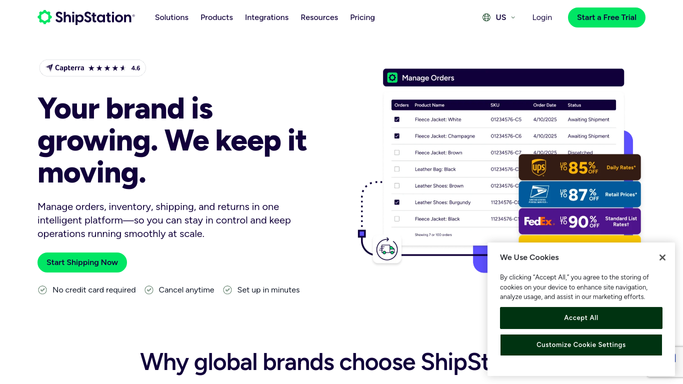
WebRun opens ShipStation to pull last week's shipments and label costs by SKU. - Open ShipStation and filter last week's shipped orders
- For each shipment, capture the SKUs included, label cost, carrier, and destination zone
- Aggregate total and average label cost per SKU across all shipments
- For multi-item orders, apportion label cost proportionally by item weight or count
Done when Each SKU from last week has a total shipment count, average label cost, and total label spend calculated.
-
2
Google Sheets - append ranked SKU shipping cost report
google.com How to Automate Google Sheets

WebRun opens Google Sheets to append ranked SKU shipping cost report. - Append a new dated tab to the SKU shipping cost report workbook
- Rank SKUs by average label cost descending, then by total label spend
- Include SKU, product name, units shipped, average label cost, and total weekly shipping spend
Done when Ranked SKU shipping cost report is logged in Google Sheets and ready for the pricing review.
How is each run configured?
Secure by default
Connect once, stays signed in
WebRun signs in once and keeps each session in a persistent environment, so every run picks up right where it left off.
Every action is checked against this policy before it runs.
Questions, answered
How does it handle orders with multiple SKUs?
For multi-SKU orders, WebRun apportions the label cost across the items in the order by weight or unit count. You can specify the apportionment method at setup.
Can it compare this week's SKU costs to last week?
Yes. Ask WebRun to add a week-over-week change column at setup and it will include the percentage change in average cost per SKU alongside each week's data.
Does it update pricing automatically based on shipping costs?
No. WebRun surfaces the data for your team to review. Pricing decisions stay with your merchandising team. The report is a decision-support tool, not an automated price-change engine.
Related templates
Put this on autopilot.
Turn it on in minutes - or have our team set it up for you.