Find the cheapest carrier for every shipping zone weekly
Every Monday, WebRun opens ShipStation, reviews the past week's shipments, compares the carrier rates you paid against the lowest available rate for each zone and service level, identifies where you overpaid, and logs a ranked savings opportunity report to Google Sheets so you can update your automation rules.
- No credit card
- Under $0.01 per run
- Cancel anytime
What does WebRun do on every run?
The exact actions WebRun takes, in order - in plain language, so you can adjust anything.
-
WebRun signs in and gets to work
Opens
ship.shipstation.comin a real browser with your saved login - no setup, no API keys. -
1
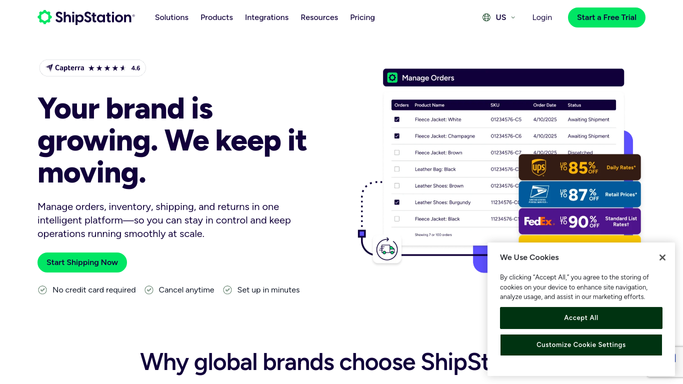
ShipStation - review last week's shipments and rates paid
shipstation.com How to Automate ShipStation

WebRun opens ShipStation to review last week's shipments and rates paid. - Open ShipStation and filter shipments to the past 7 days
- For each shipment, capture the origin zone, destination zone, package weight, service level, and rate charged
- Use ShipStation's rate comparison view to check the lowest available rate for the same zone, weight, and delivery commitment
- Calculate the difference between what was charged and the cheapest equivalent rate
- Group results by shipping zone and sort by total overspend descending
Done when Every shipment from last week is compared against the best available rate for its zone and weight.
-
2
Google Sheets - log ranked savings opportunity report by zone and carrier
google.com How to Automate Google Sheets
WebRun opens Google Sheets to log ranked savings opportunity report by zone and carrier. - Append a new dated tab to the rate-shopping report sheet
- List each zone pairing ranked by total weekly overspend
- Include the carrier used, the cheaper alternative, and the estimated weekly saving if the automation rule is updated
Done when Rate-shopping report is logged in Google Sheets with ranked savings opportunities ready for action.

How do I automatically find cheaper carrier rates for my ShipStation shipments?
WebRun reviews your ShipStation shipments from the past week every Monday, compares each carrier rate you paid against the lowest available rate for the same zone and service level, and logs a ranked savings report to Google Sheets so you can quickly update your carrier selection rules and reduce shipping costs.
- Weekly visibility into exactly where shipping spend can be cut by switching carrier or service
- Overspend ranked by zone so the biggest savings are addressed first
- No guesswork: every comparison uses the real rates in your ShipStation account
Built for e-commerce operations teams · high-volume Shopify sellers · fulfillment managers · DTC brands watching shipping spend
How is each run configured?
Secure by default
Connect once, stays signed in
WebRun signs in once and keeps each session in a persistent environment, so every run picks up right where it left off.
Every action is checked against this policy before it runs.
Questions, answered
Does it automatically change my ShipStation carrier selection rules?
No. WebRun produces the savings report and leaves all carrier rule changes to you. It will not modify your ShipStation automation rules without explicit instruction.
Which carriers does it compare?
It compares all carriers connected to your ShipStation account for each zone and service level. If you have negotiated rates, those are the rates it uses in the comparison.
What if I have dimensional weight pricing that changes the calculation?
ShipStation's rate data already factors in dimensional weight for the carriers that apply it, so the comparison reflects real billable rates rather than simple weight-based estimates.
Related templates
Put this on autopilot.
Turn it on in minutes - or have our team set it up for you.