Get a royalty owner payment status digest
After each distribution run, WebRun opens Petrofly and QuickBooks, checks which royalty owners were paid, held, or kept below the minimum, totals the run and the amount released, and sends you a Telegram digest of who was paid and who is still waiting.
- No credit card
- Under $0.01 per run
- Cancel anytime
How do I get a royalty owner payment status digest after each run?
After each distribution run, WebRun opens Petrofly to read each royalty owner's paid, held, or below-minimum status, then ties the paid total to QuickBooks. It sends you a Telegram digest of owners paid, total released, and who is still waiting with the reason, so you see the full picture of the run without pulling reports.
- You see who was paid and who is held minutes after each run
- The run total is tied to QuickBooks so nothing is missed
- Held owners and reasons are surfaced so follow-up starts right away
Built for oil and gas operators · revenue accountants · upstream producers · royalty owner relations
What does WebRun do on every run?
The exact actions WebRun takes, in order - in plain language, so you can adjust anything.
-
WebRun signs in and gets to work
Opens
petrofly.comin a real browser with your saved login - no setup, no API keys. -
1
Petrofly - read the owner payment status
petrofly.com How to Automate Petrofly
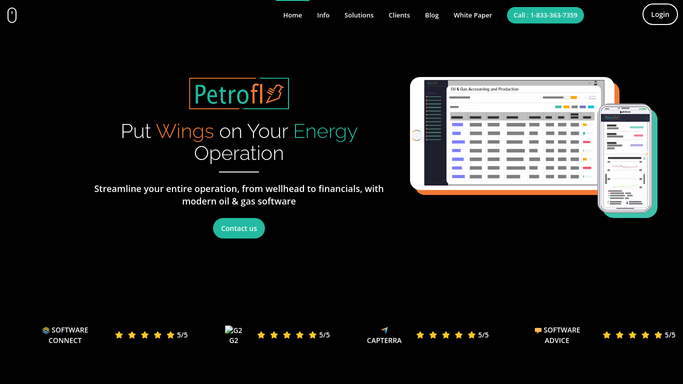
WebRun opens Petrofly to read each royalty owner's payment status for the run. - Open Petrofly and read the latest distribution run by royalty owner
- Capture who was paid, who was held in suspense, and who fell below the minimum check amount
- Note the net amount for each owner and the run total
Done when Every royalty owner in the run has a paid, held, or below-minimum status.
-
2
QuickBooks - confirm the payments cleared
- Open QuickBooks and match the distribution payments recorded for the run
- Confirm the total paid ties to the run and note any payment not yet cleared
- Capture the amount released this run and the amount still held
Done when The run total in QuickBooks has been tied to the paid owners in Petrofly.
-
3
Telegram - send the payment digest
telegram.org How to Automate Telegram

WebRun sends you the run's owner payment status digest on Telegram. - Send you a short digest of the run: owners paid, total released, and owners still held
- List the largest held balances and the reason each is waiting
- Keep it an internal digest for you, with no message to any owner
Done when You have this run's owner payment status digest on Telegram.
How is each run configured?
Secure by default
Connect once, stays signed in
WebRun signs in once and keeps each session in a persistent environment, so every run picks up right where it left off.
Every action is checked against this policy before it runs.
Questions, answered
Does it message royalty owners?
No. WebRun sends the payment status digest only to you on Telegram. It never contacts an owner about their check; the digest is an internal summary of the run for your review.
Is it safe to auto-send the digest to Telegram?
Yes. The digest is an internal summary for you, so WebRun sends it on its own after each run. No owner is contacted and no payment is made, so there is nothing to approve.
How does it know who is still waiting?
It reads each owner's status in Petrofly and ties the paid total to QuickBooks, so the digest separates owners who were paid from those held in suspense or below the minimum check amount, with the reason for each.
Related templates
Put this on autopilot.
Turn it on in minutes - or have our team set it up for you.