Dispatch the day-of-show briefing to every department
On the morning of each show day, WebRun opens Prism.fm, pulls the full day-of schedule including load-in times, soundcheck, doors, and set times, formats a tailored briefing for each department, posts the production briefing to the production Slack channel, the box office briefing to the box office channel, and the hospitality briefing to the hospitality channel, so every team starts show day with everything they need.
- No credit card
- Under $0.01 per run
- Cancel anytime
How do I automatically dispatch day-of-show briefings to each department from Prism.fm?
Every show morning WebRun opens Prism.fm, pulls the full day-of schedule including load-in, soundcheck, doors, and hospitality notes, and posts a tailored Slack briefing to the production, box office, and hospitality channels before the first call of the day. Every department gets exactly the information they need, automatically, before load-in starts.
- Every department has a tailored show briefing in Slack before the first load-in call
- No briefing is sent to any external artist or crew contact
- Two-show days produce separate briefings with no manual splitting required
Built for venue operations managers · production managers · box office managers · concert venue staff
What does WebRun do on every run?
The exact actions WebRun takes, in order - in plain language, so you can adjust anything.
-
WebRun signs in and gets to work
Opens
prism.fmin a real browser with your saved login - no setup, no API keys. -
1
Prism.fm - pull full day-of schedule for today's shows
prism.fm How to Automate Prism.fm
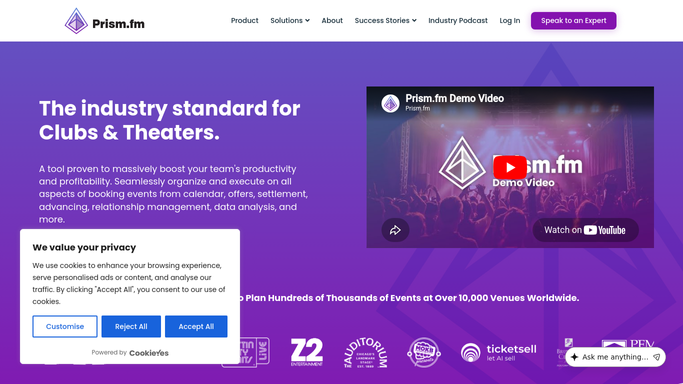
WebRun opens Prism.fm to pull full day-of schedule for today's shows. - Open Prism.fm and pull all confirmed shows for today
- Extract the load-in time, soundcheck time, doors, set times, artist hospitality notes, guest list count, and box office settlement contact for each show
- Note any special instructions or production flags for today's events
Done when Full day-of schedule and department-relevant details are captured for every show today.
-
2
Google Sheets - log dispatch record for each show
google.com How to Automate Google Sheets

WebRun opens Google Sheets to log dispatch record for each show. - Open the dispatch log sheet and add a row for each show dispatched today
- Record the show, dispatch timestamp, and which channels received briefings
Done when Today's dispatch is logged in Google Sheets with timestamps for each briefing sent.
-
3
Slack - post tailored briefings to each department channel
slack.com How to Automate Slack

WebRun opens Slack to post tailored briefings to each department channel. - Post the production briefing to the production Slack channel: load-in, soundcheck, stage plot, and crew notes
- Post the box office briefing to the box office channel: doors time, guest list count, and settlement contact
- Post the hospitality briefing to the hospitality channel: artist hospitality requirements, catering notes, and dressing room assignments
Done when All three department briefings are live in Slack before the first load-in call.
How is each run configured?
Secure by default
Connect once, stays signed in
WebRun signs in once and keeps each session in a persistent environment, so every run picks up right where it left off.
Every action is checked against this policy before it runs.
Questions, answered
Will it contact the artist or their crew directly?
No. All briefings are posted to internal Slack department channels only. No message is sent to the artist, their team, or any external contact.
What if there are two shows on the same day?
It produces a separate department briefing for each show on the same day, clearly labeled with the artist name and room so there is no confusion between events.
What if there is no show today?
It skips the dispatch run silently on days with no confirmed shows, so your Slack channels are not cluttered with empty briefings.
Related templates
Put this on autopilot.
Turn it on in minutes - or have our team set it up for you.