Reply to every new moving lead within minutes
Every few minutes, WebRun checks SmartMoving for new inquiries, reads each lead's move details, drafts a personalized initial response with pricing context and next steps in Gmail, and pings your sales team in Slack so someone can review and send while the lead is still hot.
- No credit card
- Under $0.01 per run
- Cancel anytime
How do I automatically respond to new moving leads as soon as they submit an inquiry?
WebRun checks SmartMoving every 10 minutes for new inquiries and drafts a personalized initial response in Gmail for each lead, including a ballpark price range and a clear next step. Your sales team gets a Slack alert and sends the approved draft, ensuring every lead hears back in minutes rather than hours.
- New leads receive a personalized draft response within minutes of submitting an inquiry
- Leads with move dates under 30 days are flagged as high priority in Slack
- Sales reps spend their time approving and sending, not drafting from scratch
Built for moving company sales teams · moving coordinators · relocation businesses
What does WebRun do on every run?
The exact actions WebRun takes, in order - in plain language, so you can adjust anything.
-
WebRun signs in and gets to work
Opens
app.smartmoving.comin a real browser with your saved login - no setup, no API keys. -
1
SmartMoving - detect new incoming leads
smartmoving.com
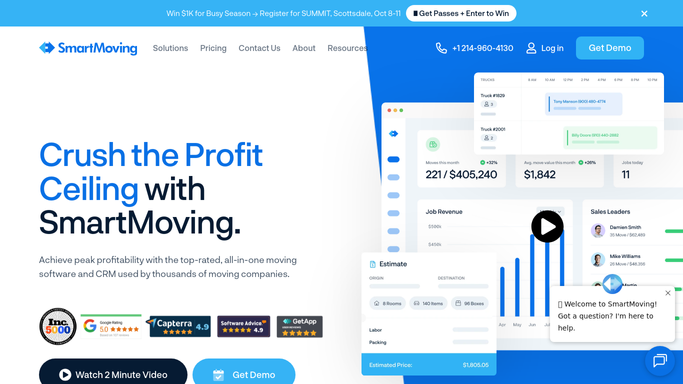
WebRun opens SmartMoving to detect new incoming leads. - Open SmartMoving and check for new leads submitted in the last check window
- Capture the lead's name, email, phone, move origin, move destination, move date, and home size
- Calculate the rough distance and note any specialty items or storage requirements mentioned
- Mark new leads so they are not re-processed on the next run
Done when Every new lead is captured with their move details and has not yet been contacted.
-
2
Gmail - draft personalized initial response for review
gmail.com How to Automate Gmail

WebRun opens Gmail to draft personalized initial response for review. - Draft a personalized reply addressed to the lead by first name
- Acknowledge their specific move route and estimated move date
- Provide a ballpark price range based on the move distance and home size
- Include a clear next step: book a survey or call to get an exact quote
- Leave every draft in Gmail for a sales rep to review before sending
Done when A personalized initial response draft is sitting in Gmail for every new lead.
-
3
Slack - alert sales team to new lead
slack.com How to Automate Slack

WebRun opens Slack to alert sales team to new lead. - Post an alert to the sales Slack channel for each new lead
- Include the lead's name, move route, move date, and a link to the Gmail draft
- Flag leads with a move date within 30 days as high priority for the fastest response
Done when Every sales rep knows about the new lead and can open the Gmail draft to send it.
How is each run configured?
Secure by default
Connect once, stays signed in
WebRun signs in once and keeps each session in a persistent environment, so every run picks up right where it left off.
Every action is checked against this policy before it runs.
Questions, answered
Will it reply to new leads automatically without a human sending it?
No. WebRun drafts the response and alerts your team in Slack, but the email stays in Gmail until a sales rep reviews it and clicks send. Leads always receive a human-approved message.
How does it personalize the response if the lead only filled out a basic form?
It uses the move origin, destination, home size, and move date from the SmartMoving record to tailor the reply and ballpark price range, even from a minimal form submission.
What if two reps see the same Slack alert and both try to send?
Once one rep sends the Gmail draft, the draft is gone. Set a team norm that the first rep to reply in Slack claims the lead to avoid duplication.
Related templates
Put this on autopilot.
Turn it on in minutes - or have our team set it up for you.