Stop overstocking slow movers and running out of fast ones
Every Monday, WebRun opens Marg ERP, ranks every product by its trailing sales velocity into fast, medium, or slow movers, pulls the costed stock value tied up in the slow ones from Tally, and posts a ranked report to your purchase team in Slack.
- No credit card
- Under $0.01 per run
- Cancel anytime
How do I tell fast movers from slow movers in Marg ERP?
Every Monday WebRun ranks every product's sales velocity in Marg ERP into fast, medium, or slow movers, then checks Tally for the costed value tied up in the slow ones. It posts a ranked report to Slack with quantity and value for each, so your purchase team sees exactly where working capital is stuck before the next buy.
- Working capital stuck in slow movers gets a number attached to it
- Fast movers are named before they run into a stock out
- Purchase teams get one weekly ranked report instead of building it by hand
Built for FMCG distributors · pharma wholesalers · purchase managers · category managers
What does WebRun do on every run?
The exact actions WebRun takes, in order - in plain language, so you can adjust anything.
-
WebRun signs in and gets to work
Opens
www.margcompusoft.comin a real browser with your saved login - no setup, no API keys. -
1
Marg ERP - rank products by sales velocity
margcompusoft.com How to Automate Marg ERP
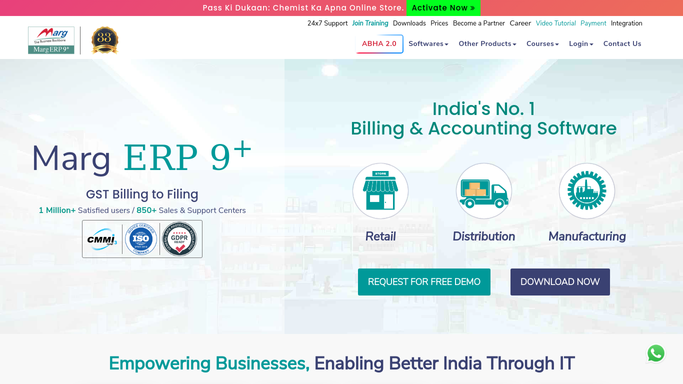
WebRun opens Marg ERP to rank products by sales velocity. - Open Marg ERP and pull sales quantity by product over the trailing 90 days
- Rank every product into fast, medium, or slow moving based on its sale rate
- Note the current stock on hand for each slow moving product
Done when Every active product is ranked fast, medium, or slow with its stock on hand.
-
2
Tally - value the stock tied up in slow movers
tallysolutions.com

WebRun opens Tally to value the stock tied up in slow movers. - Open Tally and pull the costed stock valuation for the slow moving products
- Total the working capital tied up across all slow movers
- Flag the highest value slow movers first
Done when Every slow mover has a valued stock figure from Tally.
-
3
Slack - post the ranked report
slack.com How to Automate Slack

WebRun opens Slack to post the ranked report. - Post a ranked report of fast and slow movers with quantity and value tied up
- Put the highest value slow movers at the top for the purchase team to act on
- Keep it read-only. WebRun never changes a reorder level or places an order on its own
Done when The purchase team has this week's fast versus slow mover report in Slack.
How is each run configured?
Secure by default
Connect once, stays signed in
WebRun signs in once and keeps each session in a persistent environment, so every run picks up right where it left off.
Every action is checked against this policy before it runs.
Questions, answered
Will it reorder stock or change anything in Marg ERP?
No. WebRun only reads sales and stock data and posts a report to Slack. Reorder levels, purchase orders, and stock adjustments are always made by a person.
How does it decide a product is a slow mover?
It ranks every product by its sale rate over the trailing 90 days in Marg ERP, so a slow mover is defined by your own recent sales, not a fixed industry rule.
Why bring in Tally instead of just Marg ERP's stock value?
Tally usually holds the costed valuation your accountant relies on, so cross-checking it against Marg ERP gives the purchase team a working capital figure that matches the books.
Related templates
Put this on autopilot.
Turn it on in minutes - or have our team set it up for you.