Get your laundromat daily sales and machine-turns digest
Every morning, WebRun opens Cents, reads yesterday's gross sales, machine-turn counts by equipment type, and wash-dry-fold order totals, then posts a concise daily digest to your Slack channel so your team starts the shift with the full picture.
- No credit card
- Under $0.01 per run
- Cancel anytime
How do I get an automatic daily sales and machine-turns digest for my laundromat?
Every morning, WebRun opens Cents, reads the prior day's gross sales by payment type, machine-turn counts by equipment category, and wash-dry-fold order totals, then posts a concise digest to your Slack channel. Your team starts every shift informed, with underperforming locations flagged automatically.
- Your team starts every shift with a full picture of yesterday's performance
- Underperforming locations are flagged before the first customer arrives
- No manual log-in to Cents needed for a morning numbers check
Built for laundromat owners · multi-location laundry operators · laundromat managers
What does WebRun do on every run?
The exact actions WebRun takes, in order - in plain language, so you can adjust anything.
-
WebRun signs in and gets to work
Opens
www.trycents.comin a real browser with your saved login - no setup, no API keys. -
1
Cents - pull sales totals and machine-turn counts
trycents.com How to Automate Cents
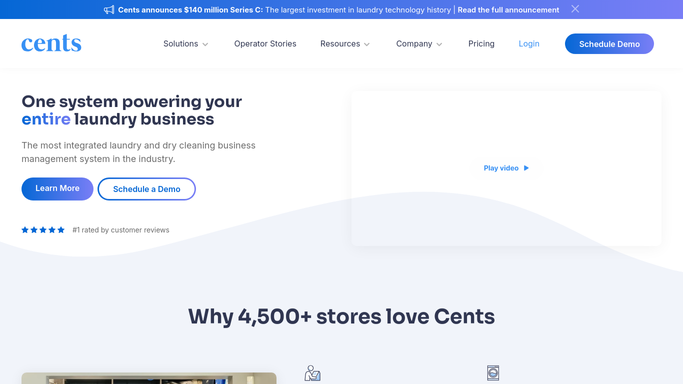
WebRun opens Cents to pull sales totals and machine-turn counts. - Open Cents and navigate to the reporting dashboard for yesterday's date range
- Capture gross sales by payment type (credit/debit, stored value, mobile)
- Read machine-turn counts broken down by washer and dryer type
- Pull wash-dry-fold order count and pound totals for the day
- Note any locations that fell below the prior-week average
Done when All revenue and utilization figures for yesterday are captured and ready to format.
-
2
Slack - post the daily digest
slack.com How to Automate Slack

WebRun opens Slack to post the daily digest. - Format the figures into a short, scannable digest message
- Flag any location or machine category that underperformed vs the 7-day average
- Post the digest to your designated operations Slack channel
Done when The daily sales and machine-turns digest is live in Slack before the first shift starts.
How is each run configured?
Secure by default
Connect once, stays signed in
WebRun signs in once and keeps each session in a persistent environment, so every run picks up right where it left off.
Every action is checked against this policy before it runs.
Questions, answered
Does it cover multiple laundromat locations?
Yes. WebRun reads each location's figures separately in Cents and rolls them up into a single digest, flagging any location that underperformed against its own 7-day average.
Can I adjust what time the digest lands?
Yes. The schedule is configurable. Most operators set it to arrive 15 to 30 minutes before the opening shift so staff can review before the first customer walks in.
Will it send alerts to customers?
No. This digest is purely internal. WebRun only posts to your private Slack channel and never contacts customers or shares data outside your team.
Related templates
Put this on autopilot.
Turn it on in minutes - or have our team set it up for you.