Alert your team when laundromat supplies run low and queue reorders
Every morning, WebRun opens Cents, checks consumable supply levels against your reorder thresholds, logs any low-stock items to a Google Sheet, and sends your manager an instant Telegram alert listing what to reorder and from which supplier.
- No credit card
- Under $0.01 per run
- Cancel anytime
What does WebRun do on every run?
The exact actions WebRun takes, in order - in plain language, so you can adjust anything.
-
WebRun signs in and gets to work
Opens
www.trycents.comin a real browser with your saved login - no setup, no API keys. -
1
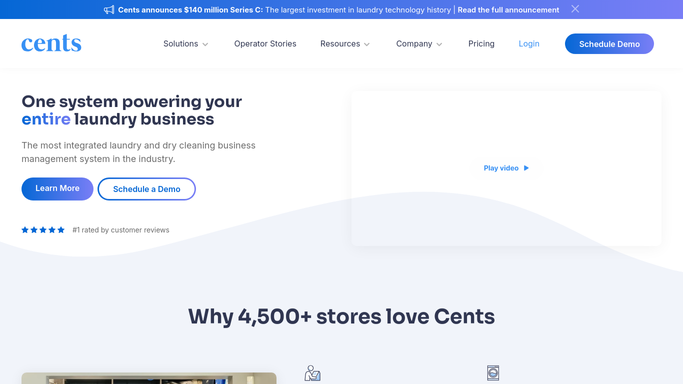
Cents - check supply levels against thresholds
trycents.com How to Automate Cents

WebRun opens Cents to check supply levels against thresholds. - Open Cents and navigate to the supplies or inventory section
- Read current stock levels for detergent, softener, bags, hangers, and other consumables
- Compare each item against the reorder threshold configured in your settings
- Collect all items below threshold: name, current quantity, and preferred supplier
Done when Every supply item below threshold is listed with its current quantity and supplier.
-
2
Google Sheets - log low-stock items and quantities
google.com How to Automate Google Sheets
WebRun opens Google Sheets to log low-stock items and quantities. - Open the shared supply-tracking Google Sheet
- Append a new row for each low-stock item with date, item name, quantity, and supplier
- Update the running reorder log so purchasers have a full history
Done when Every low-stock item is logged in the Google Sheet with today's date.
-
3
Telegram - alert manager with reorder list
telegram.org How to Automate Telegram
WebRun opens Telegram to alert manager with reorder list. - Send a Telegram message to the manager chat listing each low-stock item and the quantity to reorder
- Include the supplier name for each item to speed up the purchase
- If no items are low, send a brief all-clear confirmation
Done when Manager receives a Telegram alert before supplies run out on the floor.


How do I get automatic low-stock alerts for laundromat supplies?
Every morning, WebRun checks Cents for consumable supply levels, compares them to your reorder thresholds, logs any low-stock items in a Google Sheet, and sends your manager a Telegram alert with item names and suppliers. Supplies never silently run out, and your team spends no time manually checking stock.
- Supplies never silently run out during a busy shift
- Managers receive a reorder list before they even open the store
- A full reorder history is maintained automatically in Google Sheets
Built for laundromat owners · laundromat managers · multi-location laundry operators
How is each run configured?
Secure by default
Connect once, stays signed in
WebRun signs in once and keeps each session in a persistent environment, so every run picks up right where it left off.
Every action is checked against this policy before it runs.
Questions, answered
Can I set different thresholds for different supply items?
Yes. Thresholds are set per item in your Cents configuration, and WebRun reads them each run so each product is judged against its own reorder point.
Will it automatically place an order with my supplier?
No. WebRun alerts your manager and logs the items, but placing the purchase order remains a human step. This keeps you in control of spend and vendor selection.
What if all supplies are adequately stocked?
WebRun sends a brief all-clear message to Telegram so your manager knows the check ran and nothing is needed today.
Related templates
Put this on autopilot.
Turn it on in minutes - or have our team set it up for you.