Get telehealth consult links ready to send
Every morning, WebRun opens MilkNotes, lists the telehealth consults booked for today, creates a Zoom meeting for each one, and drafts a friendly join-link email in Gmail with the time and simple connection tips, then leaves each draft unsent so you approve before any link reaches a parent.
- No credit card
- Under $0.01 per run
- Cancel anytime
How do I automatically prepare telehealth links for lactation visits?
WebRun gets your telehealth consult links ready to send. Each morning it lists today's virtual visits in MilkNotes, creates a private Zoom meeting for each, records the link on the chart, and drafts a friendly join-link email in Gmail, leaving every message unsent so you approve before any link reaches a parent.
- Every virtual visit has a private Zoom link ready before the day starts
- Join emails are drafted in minutes, not typed one by one
- No link reaches a parent until you approve the draft
Built for virtual IBCLCs · telehealth lactation consultants · remote breastfeeding support · hybrid lactation practices
What does WebRun do on every run?
The exact actions WebRun takes, in order - in plain language, so you can adjust anything.
-
WebRun signs in and gets to work
Opens
app.milknotes.comin a real browser with your saved login - no setup, no API keys. -
1
MilkNotes - list today's telehealth consults
milknotes.com How to Automate MilkNotes
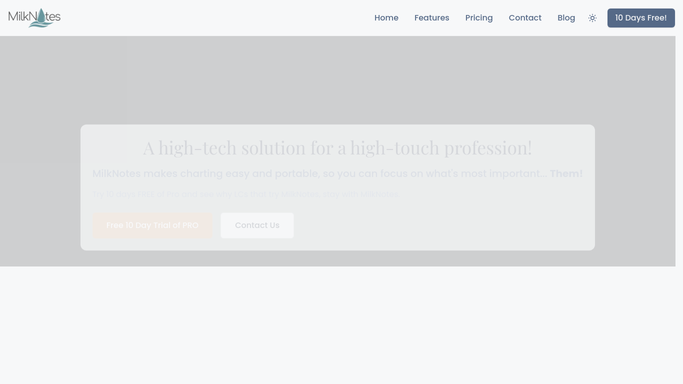
WebRun opens MilkNotes to list today's telehealth consults. - Open MilkNotes and filter today's schedule to telehealth visits
- Capture the parent name, appointment time, and preferred email for each virtual consult
- Skip any visit that already has a video link recorded on the chart
Done when Every telehealth consult for today is listed with its parent and time.
-
2
Zoom - create a meeting per visit
zoom.us How to Automate Zoom
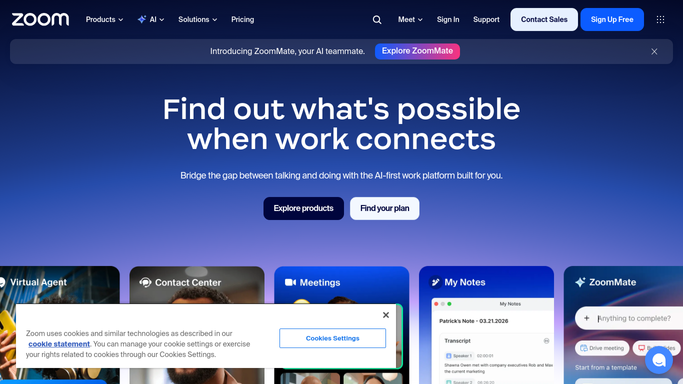
WebRun opens Zoom to create a meeting per visit. - Open Zoom and create a meeting scheduled for each consult's start time
- Turn on the waiting room and set the meeting to require the passcode for privacy
- Copy the join URL and record it back on the matching MilkNotes chart
Done when A private Zoom meeting exists for each telehealth consult and its link is on the chart.
-
3
Gmail - draft the join-link email
gmail.com How to Automate Gmail

WebRun opens Gmail to draft the join-link email. - Draft a warm join-link email to each parent with the visit time, the Zoom link, and short connection tips
- Keep the message free of clinical detail so nothing sensitive sits in an unsecured inbox
- Save each email as a draft in Gmail and leave it unsent for you to review and send
Done when A join-link email waits in Gmail as an unsent draft for each telehealth parent.
How is each run configured?
Secure by default
Connect once, stays signed in
WebRun signs in once and keeps each session in a persistent environment, so every run picks up right where it left off.
Every action is checked against this policy before it runs.
Questions, answered
Will it send the Zoom links to parents on its own?
No. Each join-link email is saved as an unsent Gmail draft for you to review and send. WebRun creates the Zoom meetings and prepares the messages, but no link reaches a parent until you approve it.
Are the meetings kept private?
Yes. Every Zoom meeting is created with a waiting room and passcode, and the emails carry only the time, link, and connection tips, so no clinical or sensitive detail sits in a parent's inbox.
What if a visit already has a link?
It reads the chart first and skips any telehealth consult that already has a video link recorded, so you never end up with two meetings or a duplicate email for the same visit.
Related templates
Put this on autopilot.
Turn it on in minutes - or have our team set it up for you.