Kick off every new hospice admission without missing a step
Every morning, WebRun opens WellSky and checks for admissions recorded in the last 24 hours. For each new patient, it creates an onboarding checklist record in Airtable with all required intake tasks, and posts a kickoff summary to the hospice intake Slack channel so the team knows exactly what to do on day one.
- No credit card
- Under $0.01 per run
- Cancel anytime
How do I automatically kick off an onboarding checklist for every new hospice admission?
WebRun checks WellSky each morning for hospice admissions recorded in the past 24 hours, creates a fully populated onboarding checklist in Airtable for each new patient with tasks assigned by role, and posts a Slack kickoff summary with checklist links to the intake team. Every admission gets a complete day-one action plan before the first visit.
- Every new admission gets a complete onboarding checklist before the first visit
- Intake team notified in Slack within hours of admission being recorded
- PHI kept out of Slack; patient identifiers and checklist links used instead
Built for hospice intake coordinators · hospice administrators · clinical directors · hospice operations teams
What does WebRun do on every run?
The exact actions WebRun takes, in order - in plain language, so you can adjust anything.
-
WebRun signs in and gets to work
Opens
wellsky.comin a real browser with your saved login - no setup, no API keys. -
1
WellSky - identify new admissions in the last 24 hours
wellsky.com How to Automate WellSky
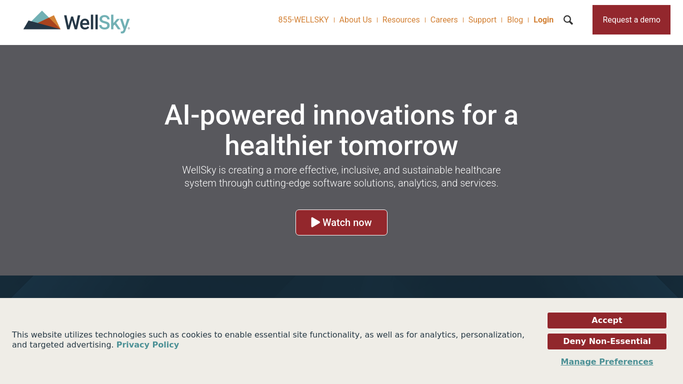
WebRun opens WellSky to identify new admissions in the last 24 hours. - Open WellSky and filter the census for admissions recorded in the last 24 hours
- Capture the patient identifier, admission date, level of care, and primary diagnosis for each new admission
- Note the assigned nurse and attending physician
Done when Every new admission from the past 24 hours is identified with its intake details.
-
2
Airtable - create onboarding checklist with intake tasks
airtable.com How to Automate Airtable

WebRun opens Airtable to create onboarding checklist with intake tasks. - Create a new onboarding record in the Hospice Admissions Airtable base for each new patient
- Add the standard intake checklist tasks: initial assessment scheduling, medication review, supply order, plan-of-care initiation, family contact, and chaplain introduction
- Assign each task to the appropriate role and set the due date
Done when Each new admission has a fully populated onboarding checklist in Airtable with tasks assigned.
-
3
Slack - post kickoff summary to the intake team
slack.com How to Automate Slack

WebRun opens Slack to post kickoff summary to the intake team. - Post a kickoff summary to the hospice intake Slack channel listing each new admission
- Include the patient identifier, admission date, level of care, and a link to the Airtable checklist
- Do not include patient names, diagnoses, or other PHI in the Slack message
Done when The intake team has a Slack kickoff summary for each new admission with a checklist link.
How is each run configured?
Secure by default
Connect once, stays signed in
WebRun signs in once and keeps each session in a persistent environment, so every run picks up right where it left off.
Every action is checked against this policy before it runs.
Questions, answered
Does it contact the patient or family about the admission?
No. WebRun only creates the internal Airtable checklist and posts a Slack summary for the intake team. Any outreach to the patient or family must be handled by the assigned clinician.
What tasks does the onboarding checklist include?
The checklist covers the standard intake steps: initial assessment scheduling, medication review, supply order, plan-of-care initiation, family contact, and chaplain introduction. You can customize the task list in Airtable.
What if a patient was admitted but WellSky was updated late?
WebRun reads admissions recorded in WellSky in the last 24 hours each morning, so late-entered admissions are picked up on the next morning's run and a checklist is created at that point.
Related templates
Put this on autopilot.
Turn it on in minutes - or have our team set it up for you.