Book the install as soon as the deposit lands
Through the day, WebRun checks Square for new coating deposits, matches each payment to its job in CoatingOS, holds a suitable install slot on your Google Calendar, and drafts a confirmation message for the homeowner to review before it goes out.
- No credit card
- Under $0.01 per run
- Cancel anytime
How do I schedule a coating install as soon as the deposit is paid?
WebRun turns paid deposits into booked installs. Every few minutes it checks Square for new coating deposits, matches each to its job in CoatingOS, holds a fitting install slot on your Google Calendar, and drafts a confirmation text for the homeowner, left unsent so you approve the date before it is promised.
- Paid jobs get an install slot within minutes, not next week
- Crew size and job size always fit the booked window
- Homeowners get a confirmation you approved, not an auto-sent guess
Built for garage floor coating contractors · epoxy installers · polyaspartic coating companies · concrete coating crews
What does WebRun do on every run?
The exact actions WebRun takes, in order - in plain language, so you can adjust anything.
-
WebRun signs in and gets to work
Opens
squareup.com/dashboardin a real browser with your saved login - no setup, no API keys. -
1
Square - spot new deposits
squareup.com How to Automate Square

WebRun opens Square to spot new coating deposits. - Open Square and look for deposit payments received since the last run
- Capture the payer, amount, and job reference on each new deposit
- Ignore deposits already scheduled on a previous run
Done when Every fresh coating deposit is captured with its payer and amount.
-
2
CoatingOS - match the coating job
coatingos.com How to Automate CoatingOS
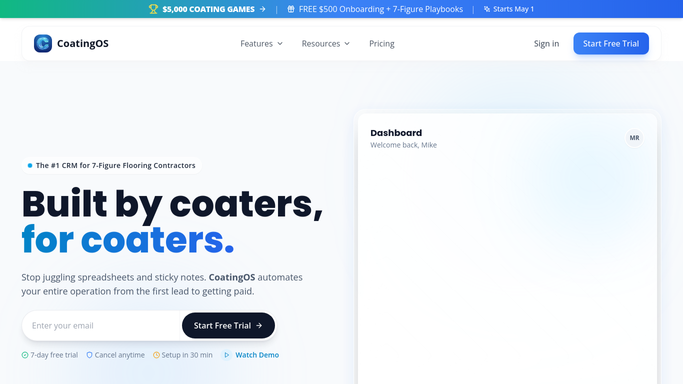
WebRun opens CoatingOS to match the paid coating job. - Find the matching job in CoatingOS by customer and estimate
- Read the coating system, square footage, and crew size needed
- Mark the job as deposit paid and ready to schedule
Done when Each paid job is matched in CoatingOS with its size and crew needs.
-
3
Google Calendar - hold an install slot
calendar.google.com How to Automate Google Calendar

WebRun opens Google Calendar to hold a tentative install slot. - Find an open install window on Google Calendar that fits the crew and job size
- Place a tentative hold for the install with the address and coating system
- Draft a confirmation text for the homeowner with the proposed date, left unsent for you to approve
Done when A tentative install hold is on the calendar and a confirmation draft is ready for your review.
How is each run configured?
Secure by default
Connect once, stays signed in
WebRun signs in once and keeps each session in a persistent environment, so every run picks up right where it left off.
Every action is checked against this policy before it runs.
Questions, answered
Will it confirm a date with the homeowner on its own?
No. WebRun places a tentative hold on your calendar and drafts the confirmation text, but leaves it unsent. You pick the final date and send the message yourself.
How does it know how long the install takes?
It reads the coating system, square footage, and crew size from the job in CoatingOS, then finds a calendar window that fits, so a large polyaspartic job is not squeezed into a short slot.
What if the deposit is a partial or duplicate payment?
It matches each Square payment to its job reference and skips deposits already scheduled, so a duplicate or partial payment does not create a second install hold.
Related templates
Put this on autopilot.
Turn it on in minutes - or have our team set it up for you.