Send homeowners a before-and-after coating recap
Every evening, WebRun opens CoatingOS, finds coating jobs the crew marked complete today, gathers the matching before-and-after photos from CompanyCam, and drafts a clean recap email for each homeowner, left unsent for you to review and send.
- No credit card
- Under $0.01 per run
- Cancel anytime
What does WebRun do on every run?
The exact actions WebRun takes, in order - in plain language, so you can adjust anything.
-
WebRun signs in and gets to work
Opens
app.coatingos.comin a real browser with your saved login - no setup, no API keys. -
1
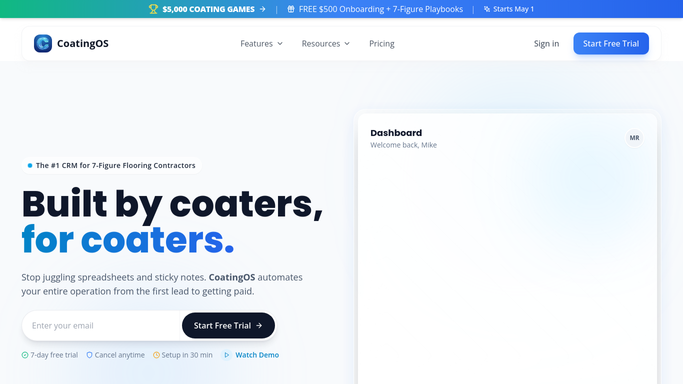
CoatingOS - find completed jobs
coatingos.com How to Automate CoatingOS

WebRun opens CoatingOS to find jobs finished today. - Open CoatingOS and list jobs the crew marked complete today
- Capture the homeowner, address, and coating system installed
- Skip any job that already had a recap drafted
Done when Every job completed today is listed with its homeowner and coating.
-
2
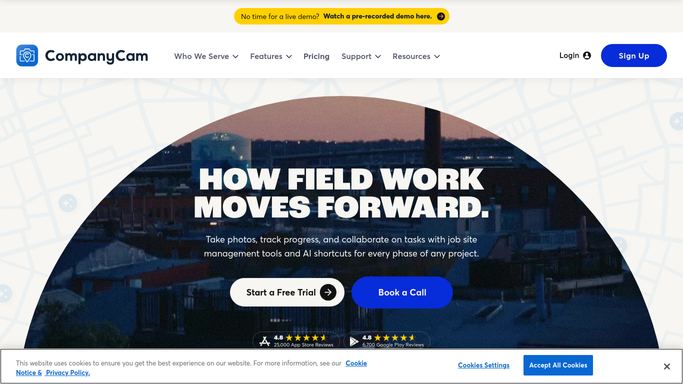
CompanyCam - gather job photos
companycam.com How to Automate CompanyCam
WebRun opens CompanyCam to gather before-and-after photos. - Open the matching project in CompanyCam for each finished job
- Pick a clear before photo and a clean after photo of the coated floor
- Note any close-up shots of the flake blend or borders worth including
Done when A before-and-after photo pair is chosen for every completed job.
-
3
Gmail - draft the recap email
gmail.com How to Automate Gmail
WebRun drafts a photo recap and leaves it for your review. - Draft a warm recap email per homeowner with the before-and-after photos and the coating installed
- Add a short care note and a gentle line inviting referrals
- Leave every recap unsent in Gmail for you to review before it goes out
Done when A photo recap email waits in your Gmail drafts for each completed job, none sent automatically.

How do I send homeowners a before-and-after recap of their coating job?
WebRun turns finished coatings into homeowner recaps. Each evening it finds jobs marked complete in CoatingOS, pulls the matching before-and-after photos from CompanyCam, and drafts a polished recap email in Gmail with a care note and referral line, left unsent so you approve every message before it reaches the customer.
- Every finished floor gets a professional recap the same day
- Photos always match the right homeowner and job
- You approve each recap before it is sent
Built for garage floor coating contractors · epoxy installers · polyaspartic coating companies · concrete coating crews
How is each run configured?
Secure by default
Connect once, stays signed in
WebRun signs in once and keeps each session in a persistent environment, so every run picks up right where it left off.
Every action is checked against this policy before it runs.
Questions, answered
Will it email the photos to homeowners without me?
No. WebRun drafts each recap and leaves it unsent in Gmail. You look at the chosen photos and wording, then send it yourself, so nothing reaches a homeowner unapproved.
How does it match photos to the right job?
It links each completed job in CoatingOS to its CompanyCam project, so the before-and-after shots always belong to that homeowner's floor, not another job.
What if the crew forgot to take an after photo?
It flags any job missing a clear before-and-after pair instead of drafting a thin recap, so you can grab the shot before sending.
Related templates
Put this on autopilot.
Turn it on in minutes - or have our team set it up for you.