Chase missing onboarding documents from new CPO partners automatically
Every Monday, WebRun reviews your partner onboarding tracker in Google Sheets, identifies accounts with outstanding required documents, cross-checks the partner status in AMPECO, and sends your onboarding team a Telegram message listing who still needs to submit and what is missing.
- No credit card
- Under $0.01 per run
- Cancel anytime
How do I automatically track and chase missing onboarding documents from new CPO partners?
WebRun reviews your partner onboarding tracker in Google Sheets every Monday, finds accounts with outstanding documents such as grid connection certificates or insurance, confirms each partner's status in AMPECO, and sends your onboarding team a Telegram message grouped by account manager so everyone knows exactly who to chase and what for.
- Every partner with a missing document is surfaced in a weekly Telegram alert without manual checking
- Onboarding team see their own outstanding items grouped by account manager
- Partners with live AMPECO accounts but missing compliance documents are prioritised automatically
Built for EV network operators · charge point operator onboarding teams · CPO partner managers · e-mobility compliance teams
What does WebRun do on every run?
The exact actions WebRun takes, in order - in plain language, so you can adjust anything.
-
WebRun signs in and gets to work
Opens
docs.google.com/spreadsheetsin a real browser with your saved login - no setup, no API keys. -
1
Google Sheets - identify missing documents
google.com How to Automate Google Sheets

WebRun opens Google Sheets to identify missing documents. - Open the partner onboarding tracker sheet
- Filter for rows where any required document column is marked Missing or not ticked
- Capture the partner name, account manager, and list of outstanding documents for each
Done when Every partner with at least one outstanding document has been identified and listed.
-
2
AMPECO - confirm partner account status
ampeco.com How to Automate AMPECO
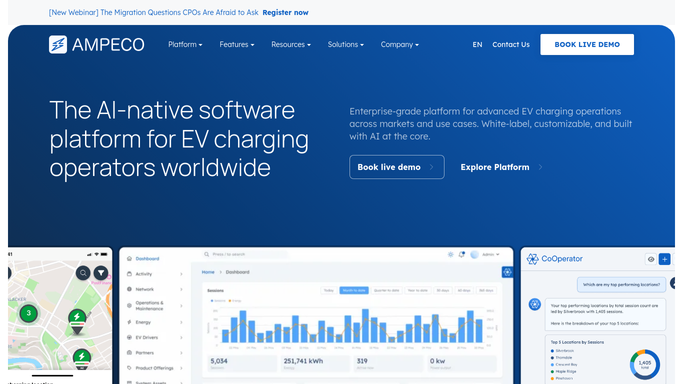
WebRun opens AMPECO to confirm partner account status. - Look up each flagged partner account in AMPECO by company name
- Confirm whether the account has been activated or is still in a pending state
- Note how many charge points are linked to the account to prioritise larger partners
Done when Each partner with missing documents has an AMPECO account status and charge point count noted.
-
3
Telegram - alert onboarding team
telegram.org How to Automate Telegram

WebRun opens Telegram to alert onboarding team. - Send the onboarding team a Telegram message listing every partner with outstanding documents
- Group by account manager so each person sees their own outstanding items clearly
- Highlight partners with active AMPECO accounts but still-missing documents as highest priority
Done when The onboarding team has this week's document chase list in Telegram.
How is each run configured?
Secure by default
Connect once, stays signed in
WebRun signs in once and keeps each session in a persistent environment, so every run picks up right where it left off.
Every action is checked against this policy before it runs.
Questions, answered
Does it contact the CPO partners directly to request documents?
No. WebRun only sends an internal Telegram alert to your onboarding team listing who to chase. Any direct outreach to partners is handled by your team so the relationship stays personal.
How does it know which documents are required?
It reads the required document columns from your Google Sheets onboarding tracker. You define which columns are required when you set up the workflow, and you can update the list at any time.
What if a document is submitted mid-week?
Update the tracker in Google Sheets to mark the document as received. WebRun reads the live sheet each Monday, so submitted documents are excluded from the next chase list automatically.
Related templates
Put this on autopilot.
Turn it on in minutes - or have our team set it up for you.