Get ahead of seasonal demand before you turn away work
Every Monday, WebRun opens Point of Rental, compares this year's booking pace and turn-down rate by equipment category against the same week last season, drafts a purchase request in QuickBooks for any category trending toward a shortage, and posts your fleet manager a Slack alert to review and approve before anything is ordered.
- No credit card
- Under $0.01 per run
- Cancel anytime
How do I know which rental equipment categories to restock before peak season?
WebRun compares booking pace and turn-down rate by category in Point of Rental against the same week last season every Monday. For any category trending toward a shortage, it drafts a purchase request in QuickBooks and posts your fleet manager a Slack alert to approve, so restocking happens ahead of the season instead of after work gets turned away.
- Shortage prone categories are flagged weeks before peak season hits
- Turn-down rate is tracked automatically instead of noticed after lost jobs
- No purchase request reaches a vendor without a fleet manager's approval
Built for construction equipment rental yards · rental fleet managers · heavy equipment rental companies · rental business owners
What does WebRun do on every run?
The exact actions WebRun takes, in order - in plain language, so you can adjust anything.
-
WebRun signs in and gets to work
Opens
www.point-of-rental.comin a real browser with your saved login - no setup, no API keys. -
1
Point of Rental - compare booking pace by category
point-of-rental.com How to Automate Point of Rental
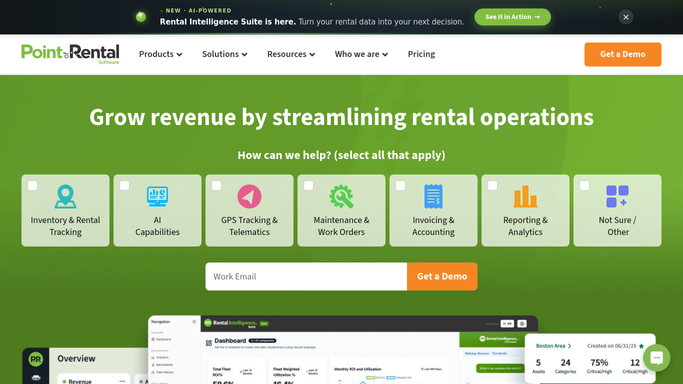
WebRun opens Point of Rental to compare booking pace by category. - Open Point of Rental and pull this year's bookings and turned down requests by equipment category
- Compare booking pace against the same week last season for each category
- Flag categories with a rising turn-down rate or a utilization rate above 85 percent
Done when Every category trending toward a shortage is identified with its booking and turn-down pace.
-
2
QuickBooks - draft a purchase request
- Draft a purchase request for additional units in each flagged category
- Estimate the unit count from the turn-down rate and the season's remaining weeks
- Save the request as a draft, do not send it to a vendor
Done when A drafted purchase request exists for every category flagged for a shortage.
-
3
Slack - alert the fleet manager to approve
slack.com How to Automate Slack

WebRun opens Slack to alert the fleet manager to approve. - Post the restock recommendation to the fleet manager's channel with the category, turn-down rate, and drafted request
- Rank by turn-down rate, highest first
- Leave the purchase decision and vendor selection to the fleet manager
Done when The fleet manager has this week's restock recommendation and drafted requests in Slack.
How is each run configured?
Secure by default
Connect once, stays signed in
WebRun signs in once and keeps each session in a persistent environment, so every run picks up right where it left off.
Every action is checked against this policy before it runs.
Questions, answered
Will it order equipment without approval?
No. WebRun only drafts a purchase request in QuickBooks and leaves it unsent. Your fleet manager reviews and approves every request before anything is ordered from a vendor.
How does it decide a category needs restocking?
It compares this year's booking pace and turn-down rate against the same week last season, and flags a category once turn-downs rise or utilization passes 85 percent.
Does it account for one off spikes, like a single large job?
It compares full week trends against last season rather than a single day, so a one time large booking is less likely to trigger a restock flag on its own.
Related templates
Put this on autopilot.
Turn it on in minutes - or have our team set it up for you.