Draft split-billed farm-call invoices for you
Every morning, WebRun opens ThoroVet, reads yesterday's completed farm-call visits, splits each visit's charges across the horse owners and the trainer or boarding barn according to your billing rules, drafts a matching invoice per party in QuickBooks, and saves an email for each in Gmail for you to review and send.
- No credit card
- Under $0.01 per run
- Cancel anytime
What does WebRun do on every run?
The exact actions WebRun takes, in order - in plain language, so you can adjust anything.
-
WebRun signs in and gets to work
Opens
app.thorovet.comin a real browser with your saved login - no setup, no API keys. -
1
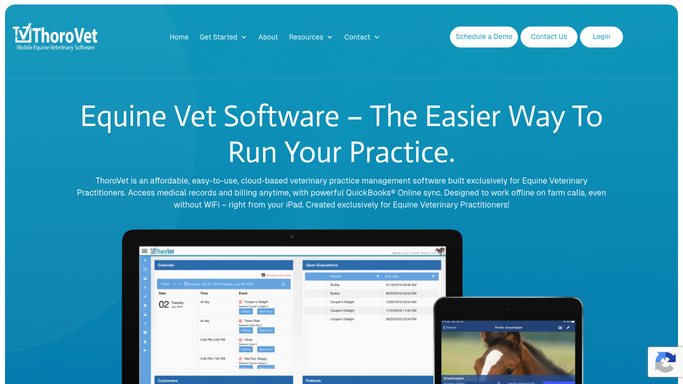
ThoroVet - read completed visits and their charges
thorovet.com How to Automate ThoroVet

WebRun opens ThoroVet to read completed visits and their charges. - Open ThoroVet and list farm-call visits completed yesterday
- For each visit, read the chargeable items, the horse, and the responsible parties on file
- Apply your split rules, for example owner pays the exam and the barn pays shared supplies
- Compute each party's portion of the visit total
Done when Every completed visit has its charges divided among the correct parties.
-
2
QuickBooks - draft a split invoice per party
- Open QuickBooks and match each party to their customer record
- Draft an invoice for each party with only their share of the line items
- Reference the horse and visit date on every invoice so clients can reconcile it
- Leave every invoice in draft status. Do not finalize, send, or charge anything
Done when A draft invoice exists in QuickBooks for each party, none of them sent.
-
3
Gmail - queue each invoice email for approval
gmail.com How to Automate Gmail
WebRun opens Gmail to queue each invoice email for approval. - Draft a short, polite cover email for each invoice addressed to that party
- Attach or link the matching QuickBooks invoice
- Save every email unsent in Gmail for your review
- Do not send any invoice or email automatically
Done when A Gmail draft is waiting for every split invoice, ready for you to approve and send.

How do I automatically split-bill farm-call visits across owners and barns?
WebRun reads each completed ThoroVet farm-call visit every morning, splits the charges across owners and the trainer or barn by your rules, and drafts a matching invoice per party in QuickBooks. It then queues a cover email in Gmail for each, so every split bill waits for your review before it is ever sent.
- Multi-party farm-call bills are drafted in minutes, not hand-tallied
- Every invoice waits for your approval before it is sent
- Owners and barns each get a clean invoice for only their share
Built for equine veterinarians · ambulatory vet practices · practice managers · veterinary billing staff
How is each run configured?
Secure by default
Connect once, stays signed in
WebRun signs in once and keeps each session in a persistent environment, so every run picks up right where it left off.
Every action is checked against this policy before it runs.
Questions, answered
Will it send invoices or charge clients on its own?
No. Every split invoice is left in draft in QuickBooks and every email waits unsent in Gmail. You review the split, adjust anything, and send. WebRun never finalizes an invoice or charges a card.
How does it know how to split each bill?
It follows the split rules you set, such as owner pays the exam and the barn pays shared supplies. You can set rules per client or per barn, and WebRun applies them to each visit's line items.
What if the responsible parties are not clear on a visit?
If a visit lacks a clear split or a party has no customer record, WebRun leaves that one unbilled and notes it in the run summary so you can resolve it before anything goes out.
Related templates
Put this on autopilot.
Turn it on in minutes - or have our team set it up for you.